How to Track Focus Time and App Usage on Windows
Focus data is most useful when it helps you change the next session. This guide explains how to run a focused work block, review app usage and avoid treating a single score as a complete measure of productivity.
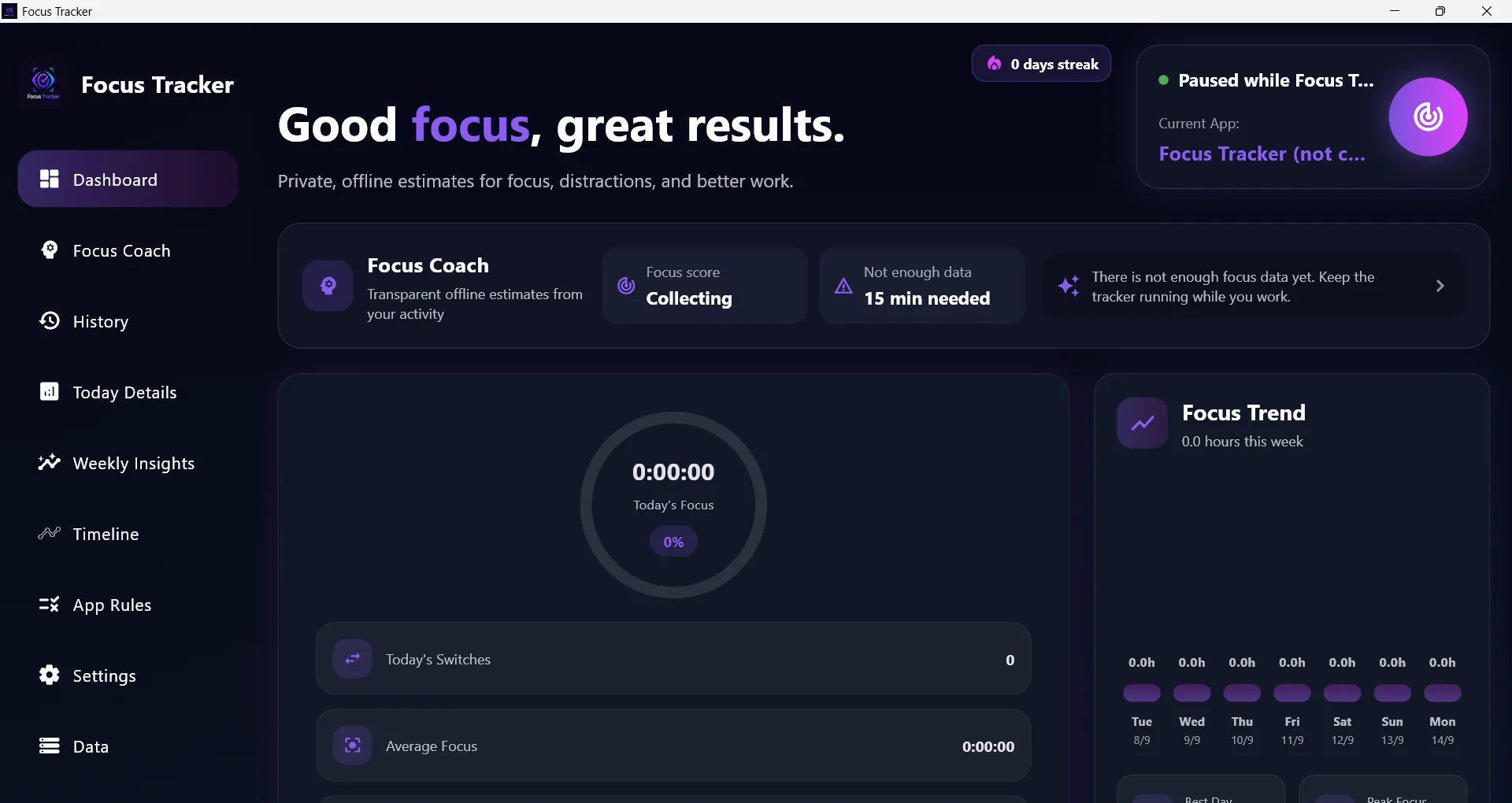
What Focus Tracker is designed to show
Focus Tracker combines a session timer with app-usage history and daily analytics. The aim is to reveal which applications interrupt focused work and whether a routine is becoming more consistent.
Before you begin
- Choose one task and a realistic session duration
- Close apps that are unrelated to the task
- Decide which work apps should count as expected activity
- Use the one-day trial to test the complete workflow before purchasing
Run the first focus session
- Open the dashboard and start a focus session.
- Work normally on the selected task.
- End or complete the session.
- Open the session history and app breakdown.
- Write down one change for the next session.
Understand the key features
| Feature | How to use it |
|---|---|
| Focus timer | Define a work block with a clear start and finish. |
| Usage history | Review which apps were active during previous sessions. |
| Today analytics | Compare focused time, switching and daily patterns. |
| Productivity scoring | Use the score as a trend signal rather than a judgment. |
Turn activity data into a better routine
- Compare the intended task with the apps used.
- Identify one avoidable interruption.
- Adjust notifications, workspace setup or session length.
- Run another comparable session.
- Review the trend across several sessions.
Practical tips
- Compare similar tasks instead of unrelated days
- Keep sessions long enough to be meaningful but short enough to finish
- Use app switching as a prompt for investigation
- Pair activity data with notes about the actual outcome
Important limitations
An active application does not prove useful work, and a low switching count does not prove concentration. Background apps, breaks and unusual tasks can change the numbers.
Final recommendations
Test one routine during the trial, review several comparable sessions and keep only the measurements that help you make a practical change.
Explore the supported product workflow
Review verified features, real interface screenshots and official Store links.

Focus Tracker
Understand your focus time with a one-day free trial before purchase.
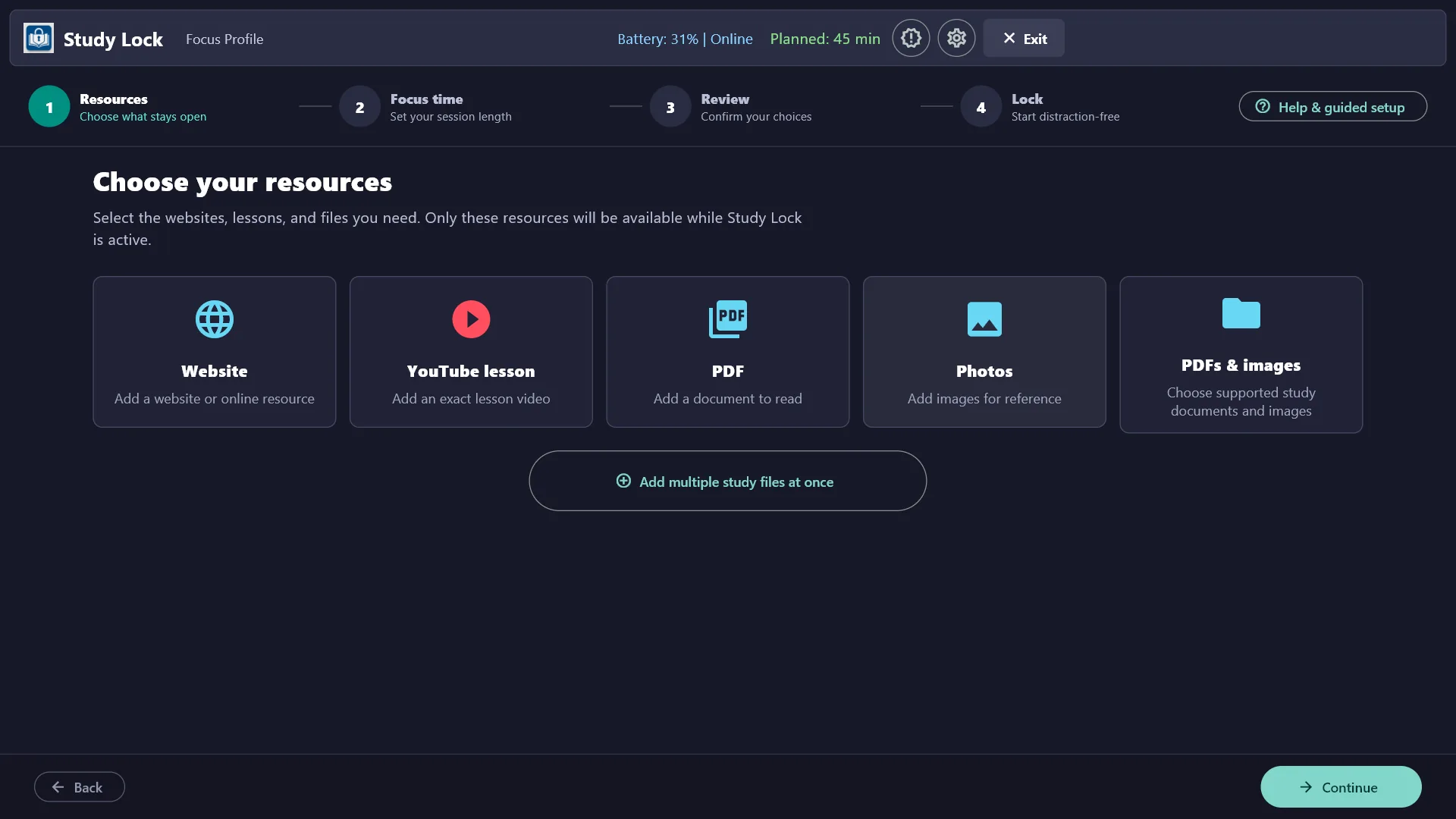
How to Block Distractions While Studying on a PC
Blocking everything is rarely a useful study plan. A stronger approach is to prepare the resources you need, reduce predictable interruptions and decide how the session can end before the timer starts.
Read article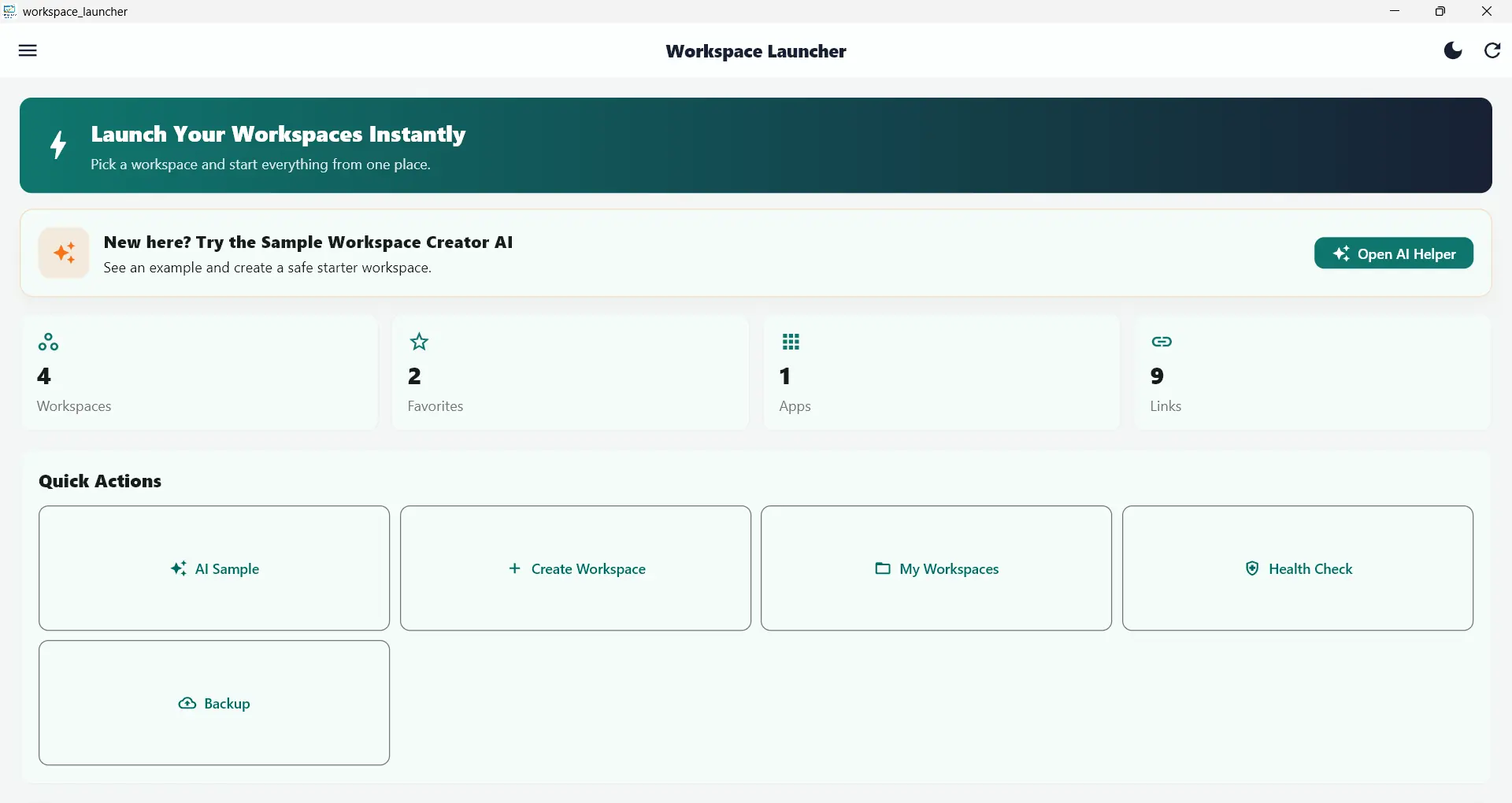
How to Launch Multiple Apps and Websites at Once on Windows
Repeatedly opening the same tools wastes time and makes it easier to forget a file or reference page. A reusable workspace turns that setup into one named routine.
Read article