A practical reason to use Focus Tracker
People who want evidence about where their computer time goes instead of relying on guesswork. A one-day free trial lets new users test the workflow before buying.
Understand your focus time with a one-day free trial before purchase.
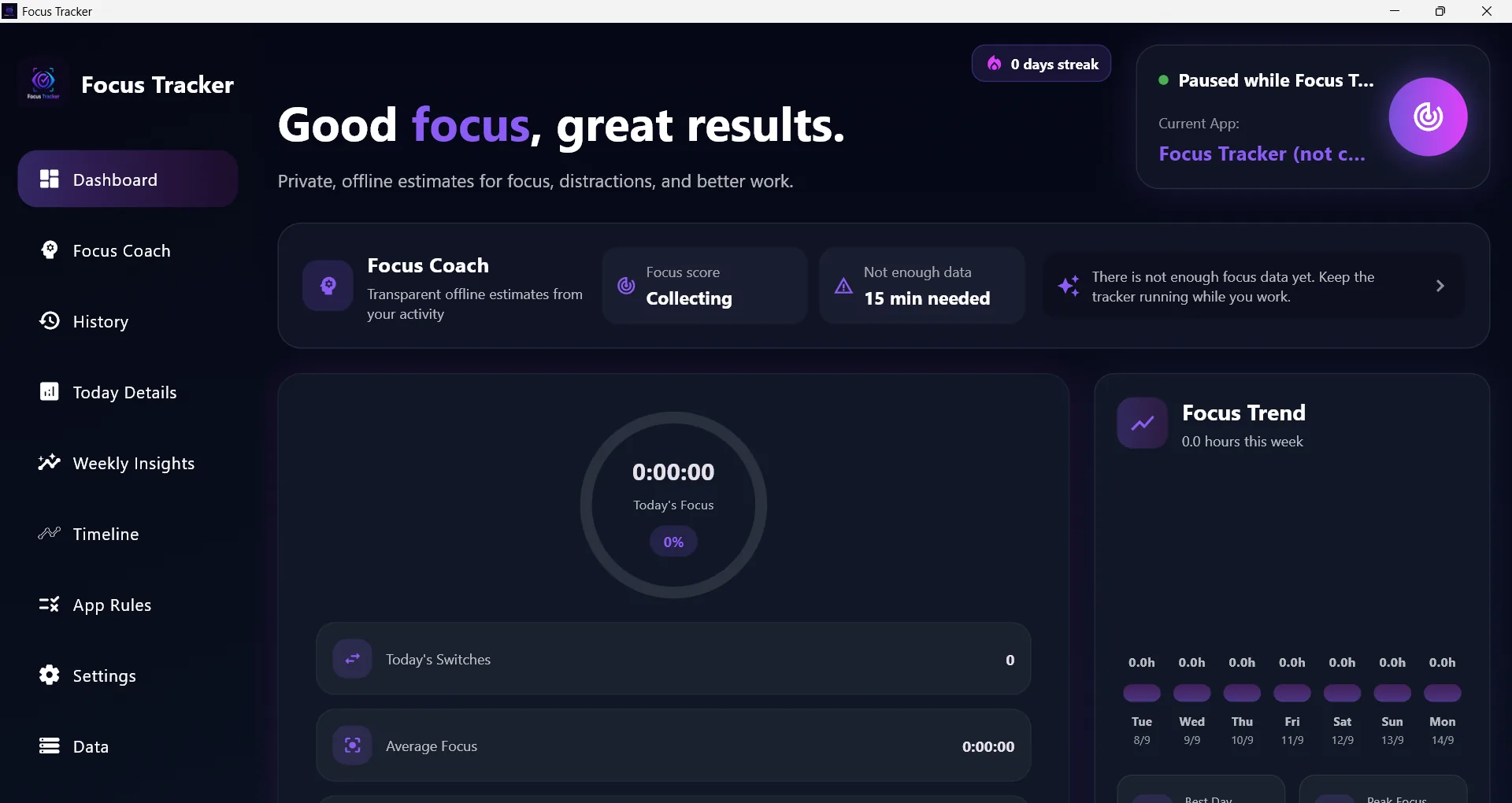
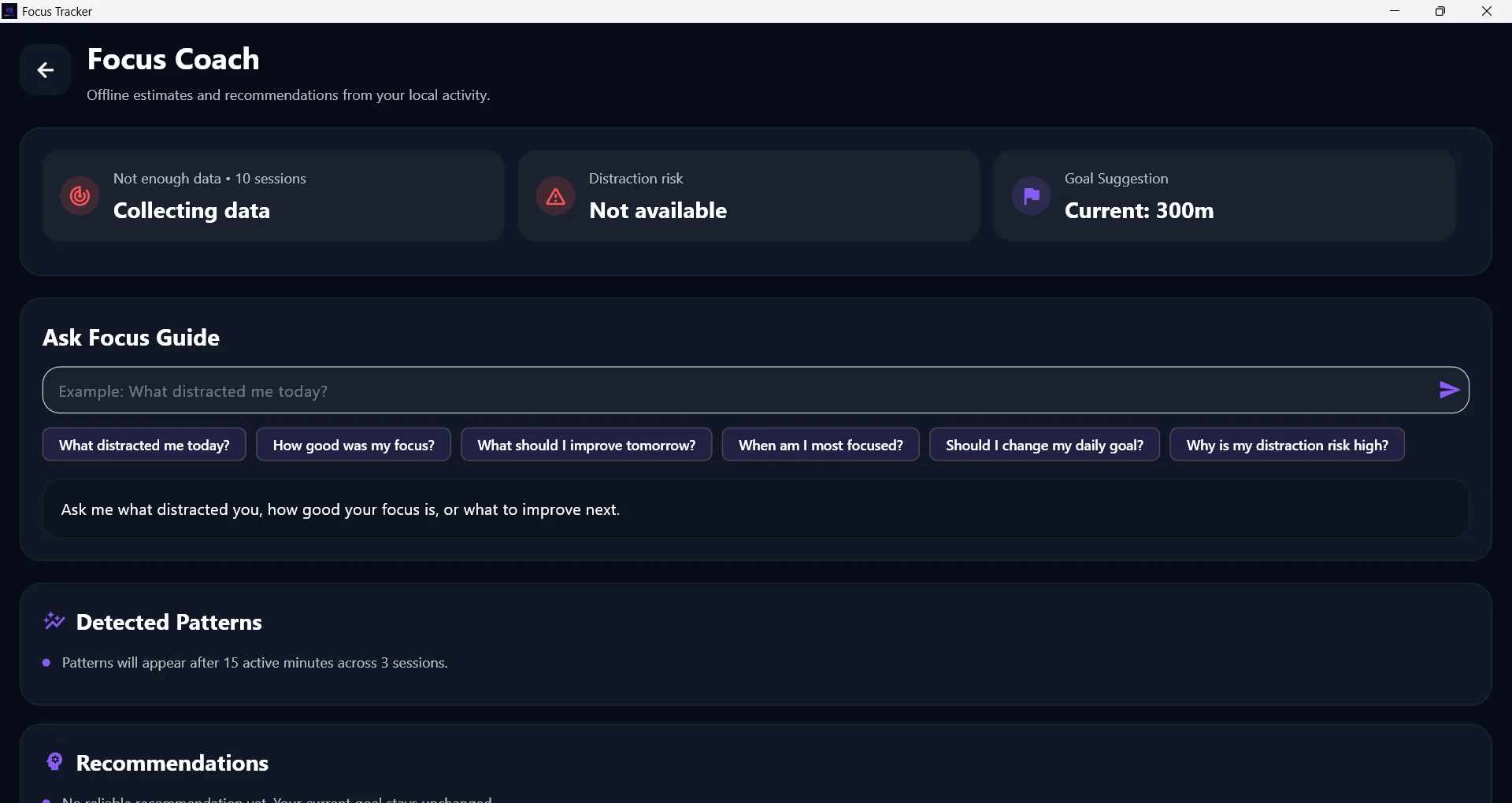
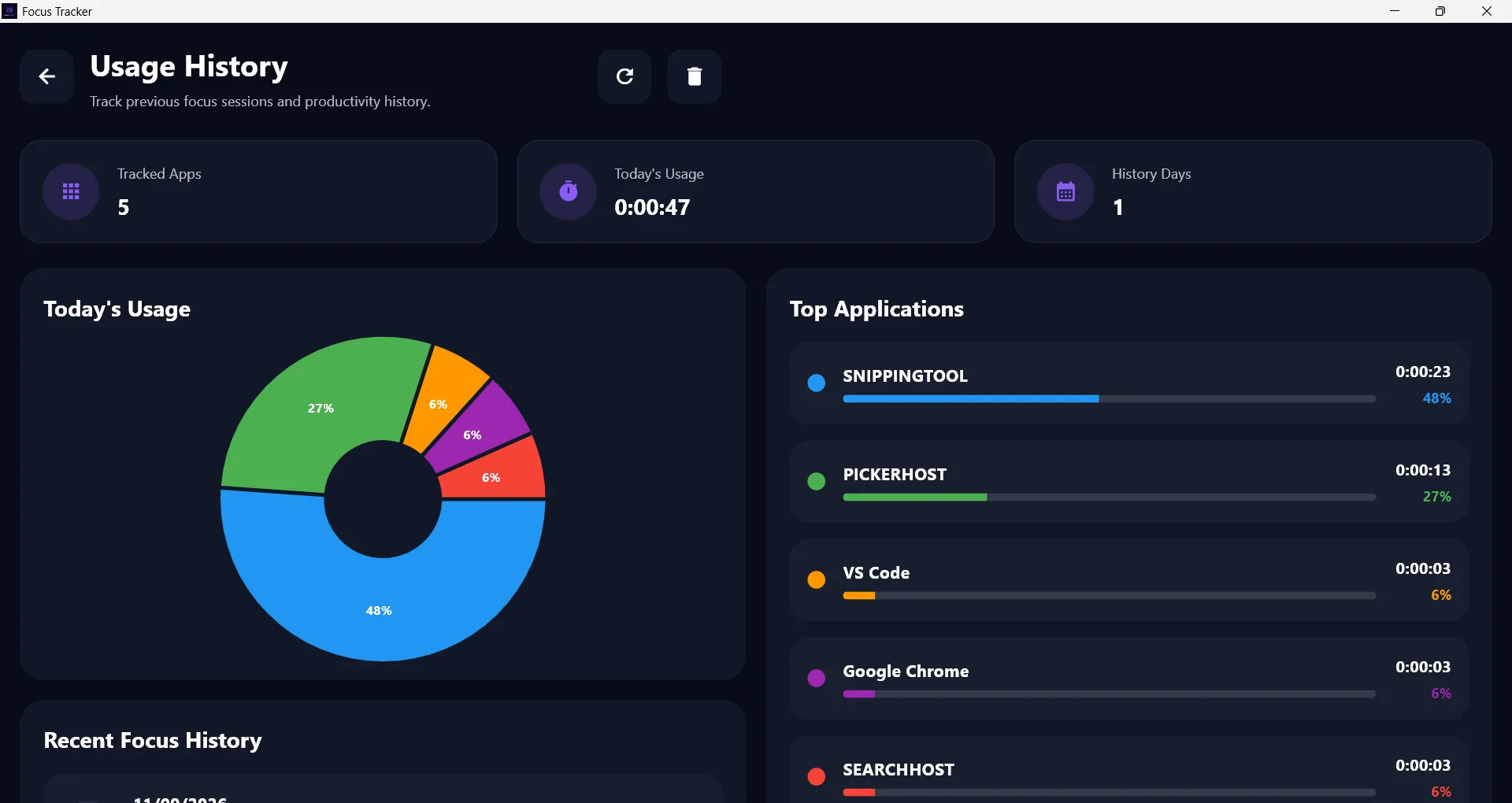
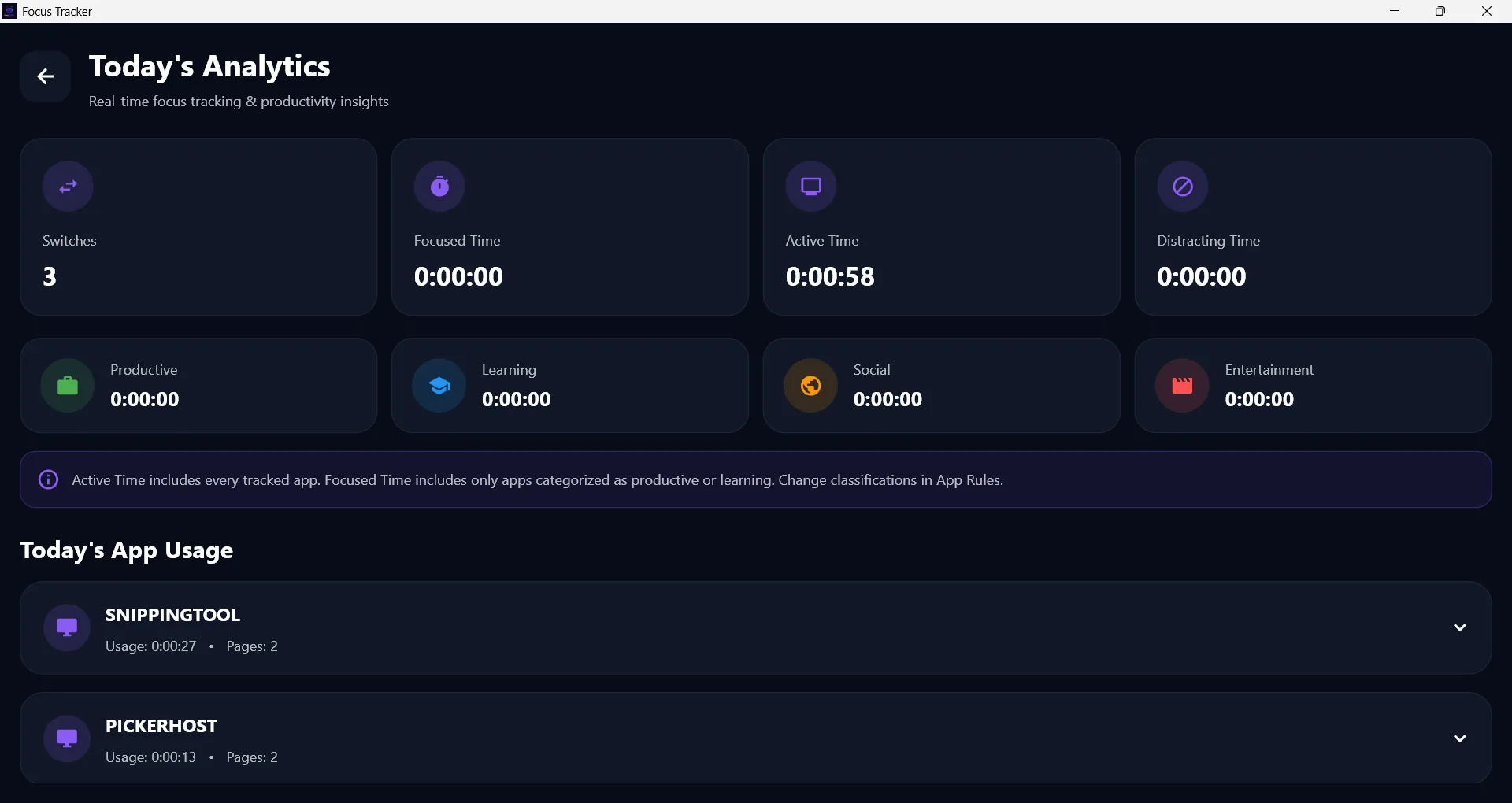
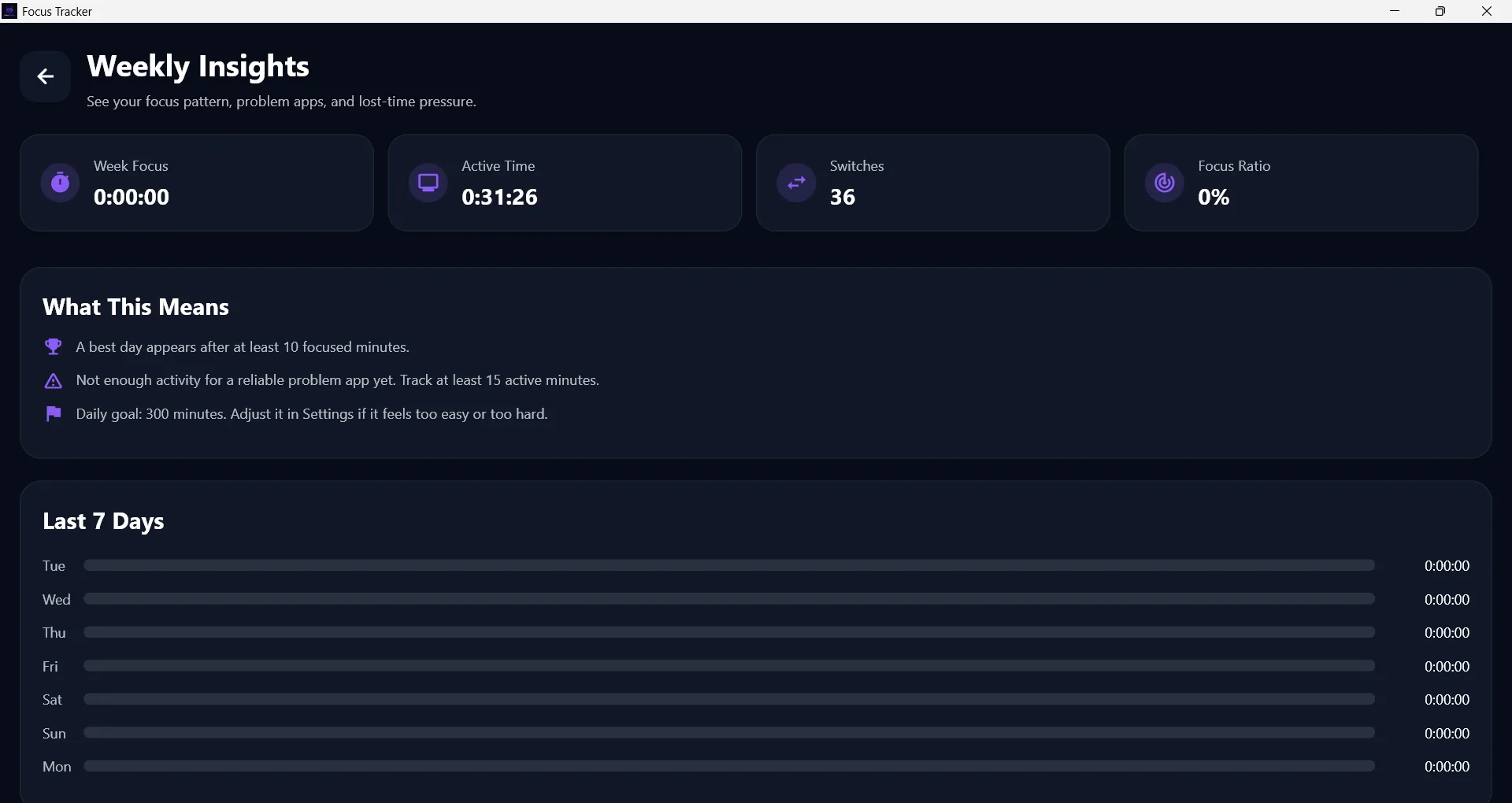
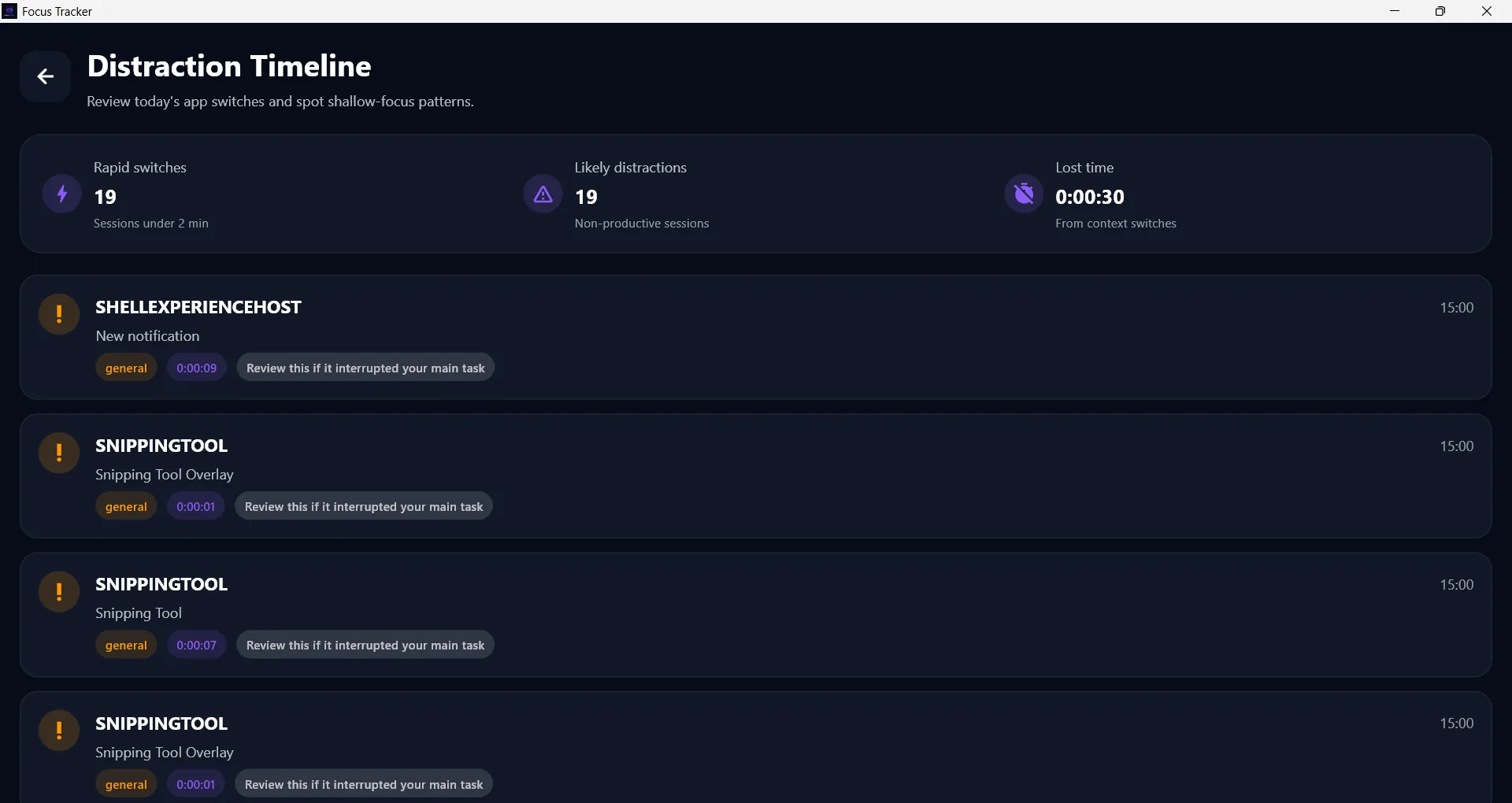
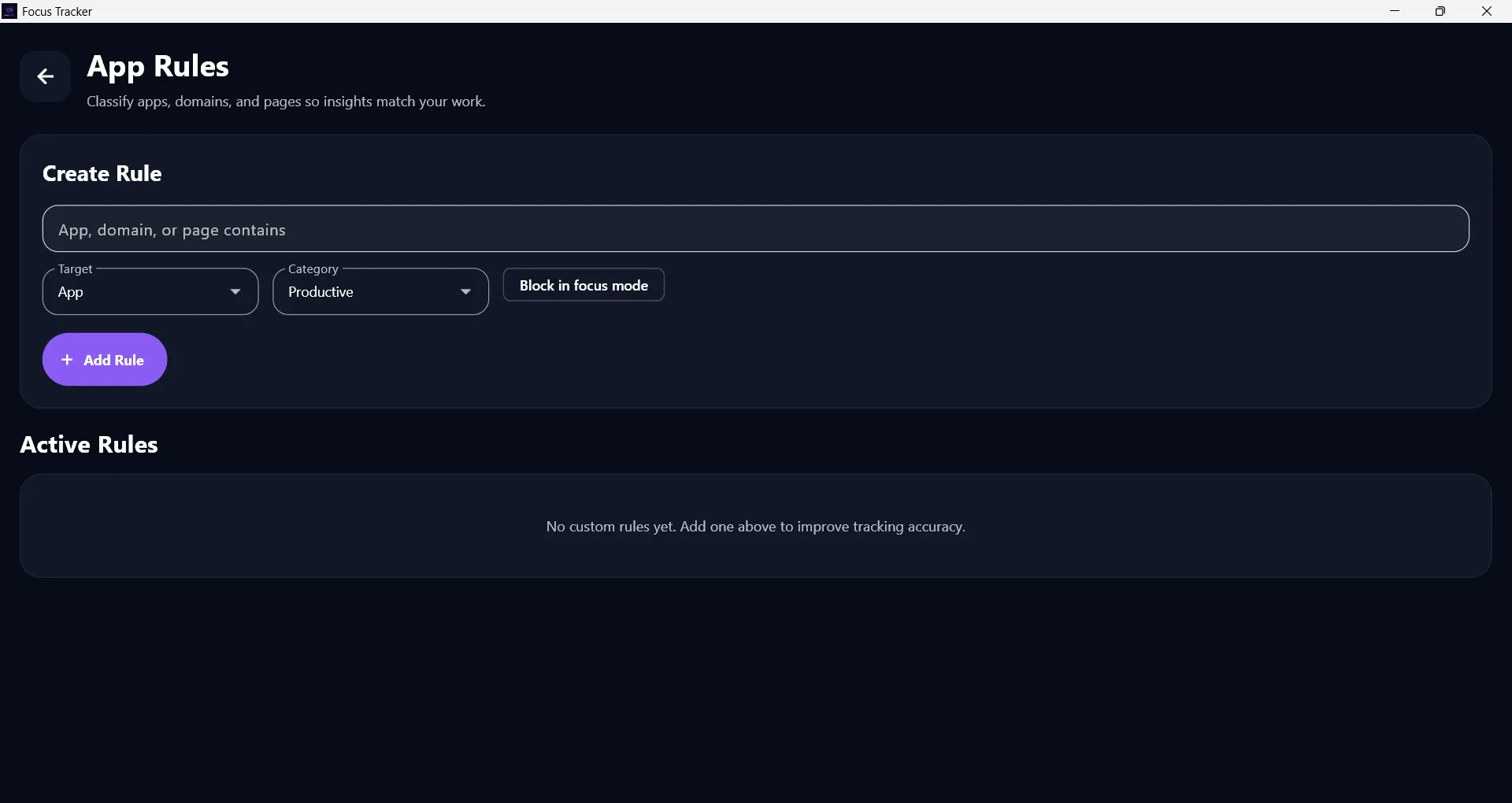
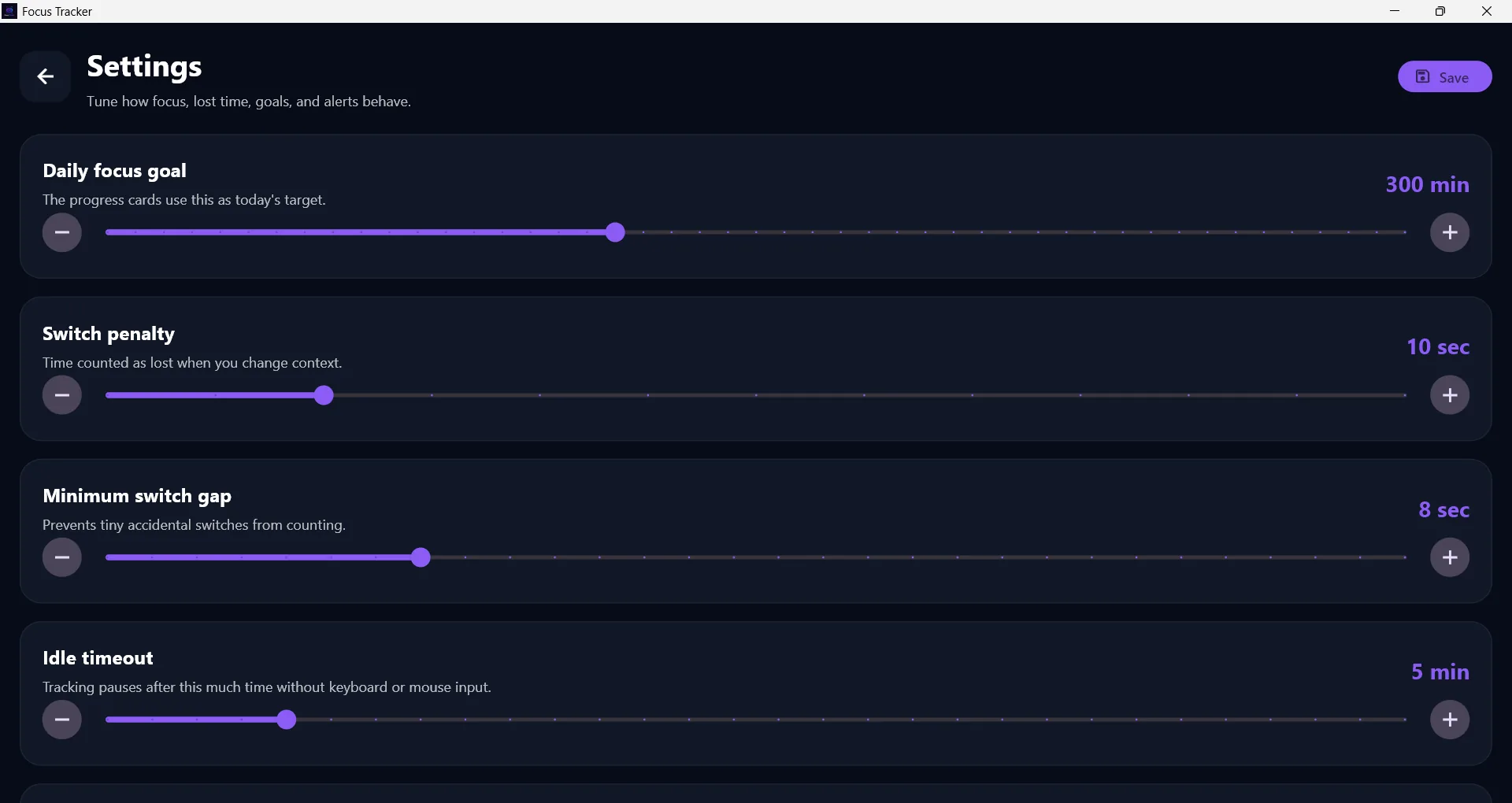
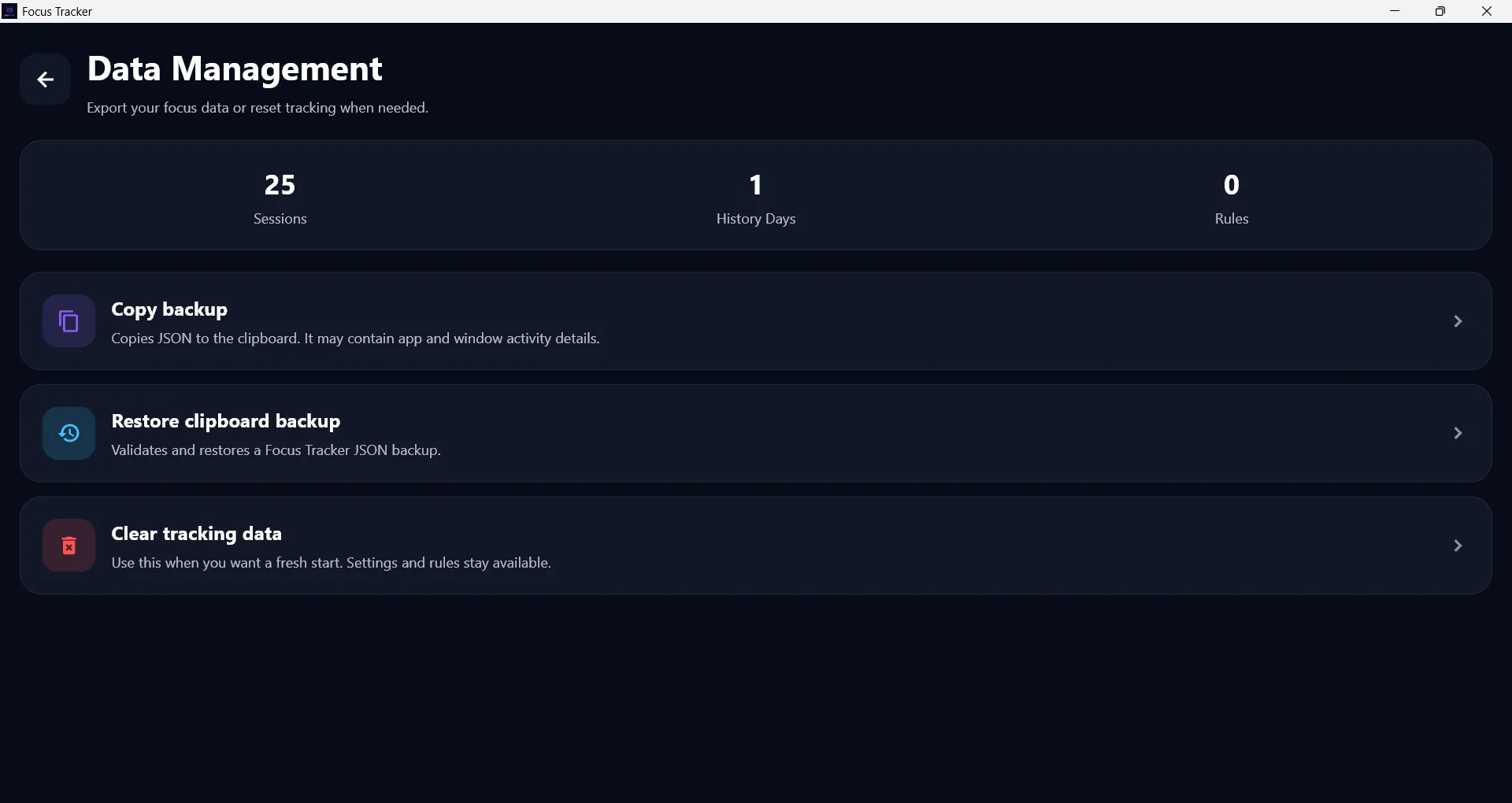
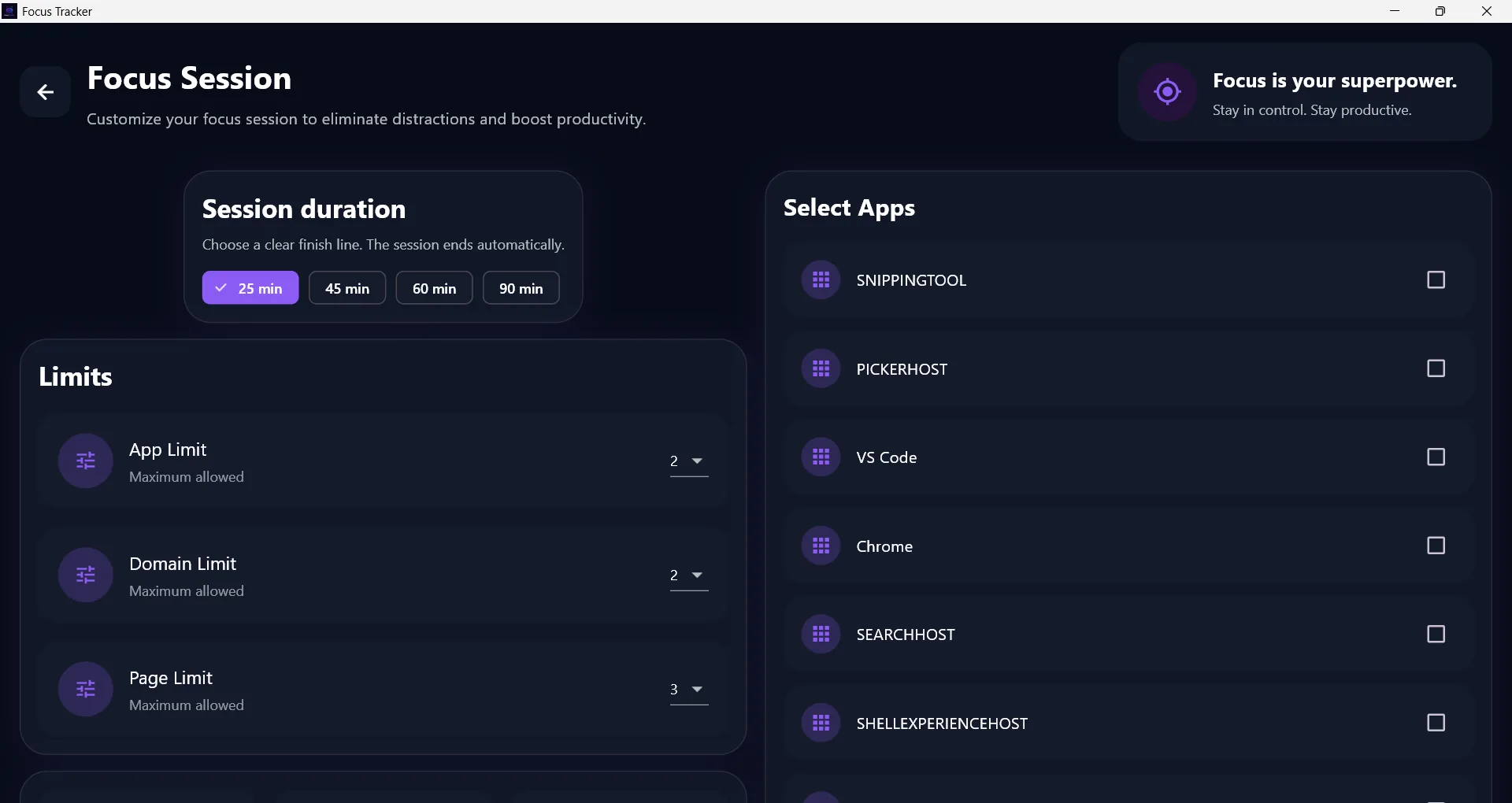
Explore the Focus Tracker interface before you install. Preview its screens alongside the features and setup steps below.
Focus Tracker is a Windows productivity app for tracking focus sessions and understanding how you spend time on your computer. Use the focus timer, review app usage history and explore daily analytics to spot distractions and build better work habits. Eligible users can test the app through a one-day free trial before buying.
People who want evidence about where their computer time goes instead of relying on guesswork. A one-day free trial lets new users test the workflow before buying.
A student starts a 50-minute revision session, completes the work, then reviews which apps interrupted the session and adjusts the next study block.
These are practical compatibility guidelines. The Microsoft Store listing is the final source for the exact supported Windows version, architecture and device availability.
Answers covering compatibility, pricing, downloads and support.
Focus Tracker is a Windows productivity app for tracking focus sessions and understanding how you spend time on your computer. Use the focus timer, review app usage history and explore daily analytics to spot distractions and build better work habits. Eligible users can test the app through a one-day free trial before buying.
People who want evidence about where their computer time goes instead of relying on guesswork. A one-day free trial lets new users test the workflow before buying.
Yes. Focus Tracker is offered as a Windows app. Check the current Microsoft Store listing before installing because device, region and Windows-version availability can change.
Focus Tracker is listed here at $5 USD. Microsoft Store pricing, taxes and regional availability may differ, so confirm the final amount in the Store.
Yes. Focus Tracker includes a 1-day free trial so you can test the app before deciding whether to purchase it. The trial is limited to one trial period per eligible user or Store account, subject to Microsoft Store availability.
Use the official Microsoft Store button on this page. Avoid unofficial copies, and confirm that the listing name and publisher match the details shown here.
Open the product guide or submit the VCR Technology support form with the app name, Windows version, device details and a clear description of what happened.
Product pages now include real app screenshots, clearer functionality sections, workflow steps and complete Microsoft Store links for all listed products.
View all release notesCheck the features and screenshots to see whether Focus Tracker fits your workflow. For installation help or compatibility questions, visit our app support page.
Focus Tracker includes a 1-day free trial so eligible users can test the app before buying. The price shown here is provided by VCR Technology. Check the Microsoft Store listing before purchasing because regional pricing, taxes, trial eligibility or Store availability may differ.
Follow the product guide for workflow steps, common questions and the information to include when requesting support.
Open product guide