How to Launch Multiple Apps and Websites at Once on Windows
Repeatedly opening the same tools wastes time and makes it easier to forget a file or reference page. A reusable workspace turns that setup into one named routine.
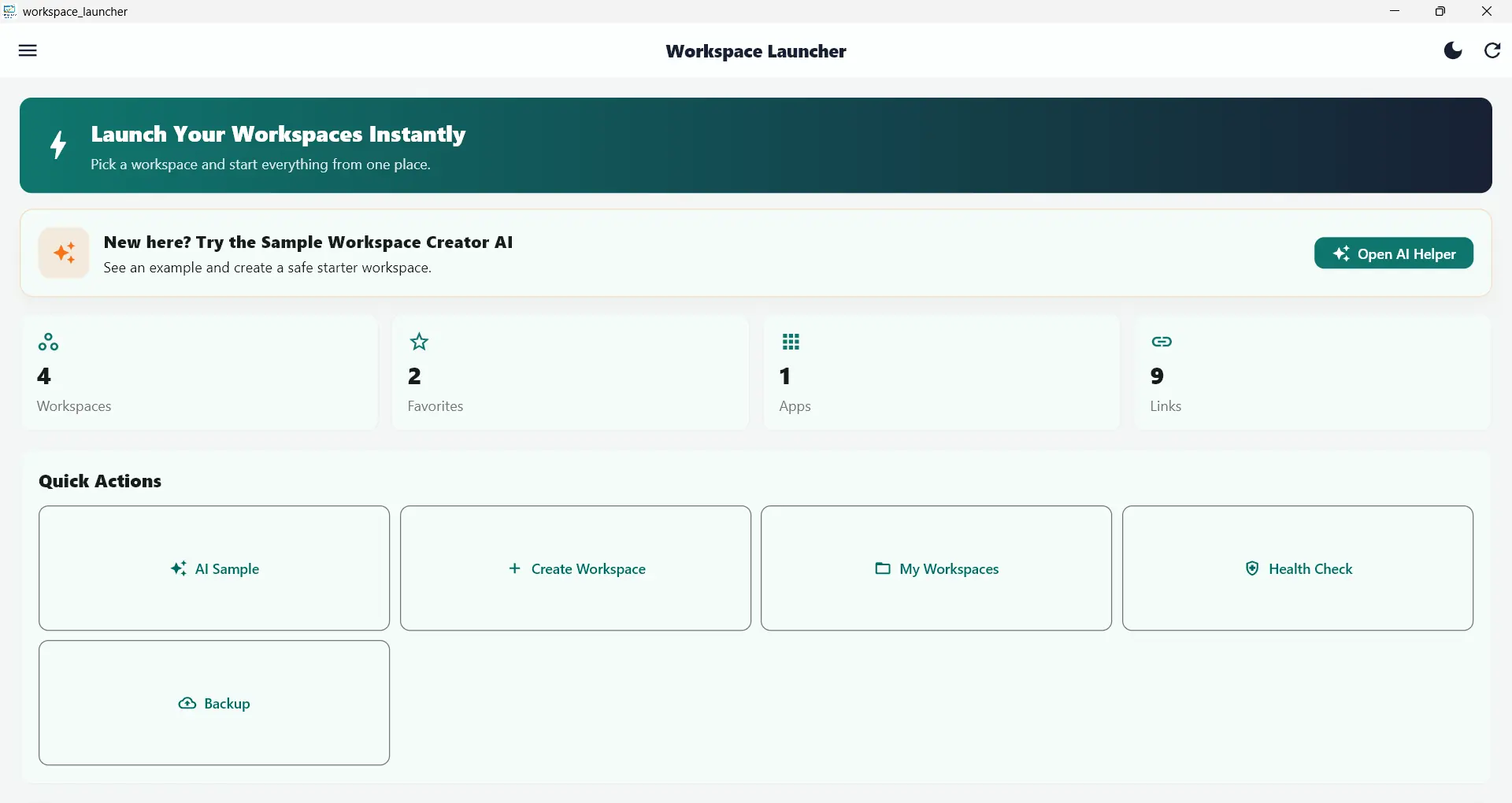
Choose a routine worth saving
One Click Workspace creates profiles containing the apps, files, folders and websites needed for a repeated activity. Good candidates include a coding project, study course, office report or creative setup.
Before you begin
- Confirm every file and shortcut still opens
- Use direct URLs for the exact pages you need
- Avoid adding unrelated apps just because they are used occasionally
- Choose a short profile name that describes the outcome
Create a workspace profile
- Open One Click Workspace and create a profile.
- Add the required applications.
- Attach the relevant files and folders.
- Add trusted websites used by the routine.
- Save the profile and test the complete launch.
Understand the key features
| Feature | How to use it |
|---|---|
| Workspace profiles | Keep separate setups for work, study and projects. |
| Resource groups | Combine apps, files, folders and websites. |
| Quick launch | Open a saved environment from the dashboard. |
| Profile management | Update a routine when paths or tools change. |
Maintain a reliable workspace
- Launch the profile before the task.
- Confirm every resource opened correctly.
- Remove obsolete paths and duplicate tabs.
- Update the profile when a project moves.
- Keep a manual shortcut for critical work.
Practical tips
- Create several focused profiles instead of one oversized profile
- Use a dedicated browser page for each routine
- Retest after moving folders
- Keep sensitive documents out of profiles used by other people
Important limitations
A launcher depends on the saved paths, installed apps and website availability. Moved files, renamed folders, browser changes or missing permissions can interrupt the launch.
Final recommendations
Start with one routine you perform several times each week, keep the profile small and update it whenever the underlying resources change.
Explore the supported product workflow
Review verified features, real interface screenshots and official Store links.
One Click Workspace
Launch your complete work setup instantly.
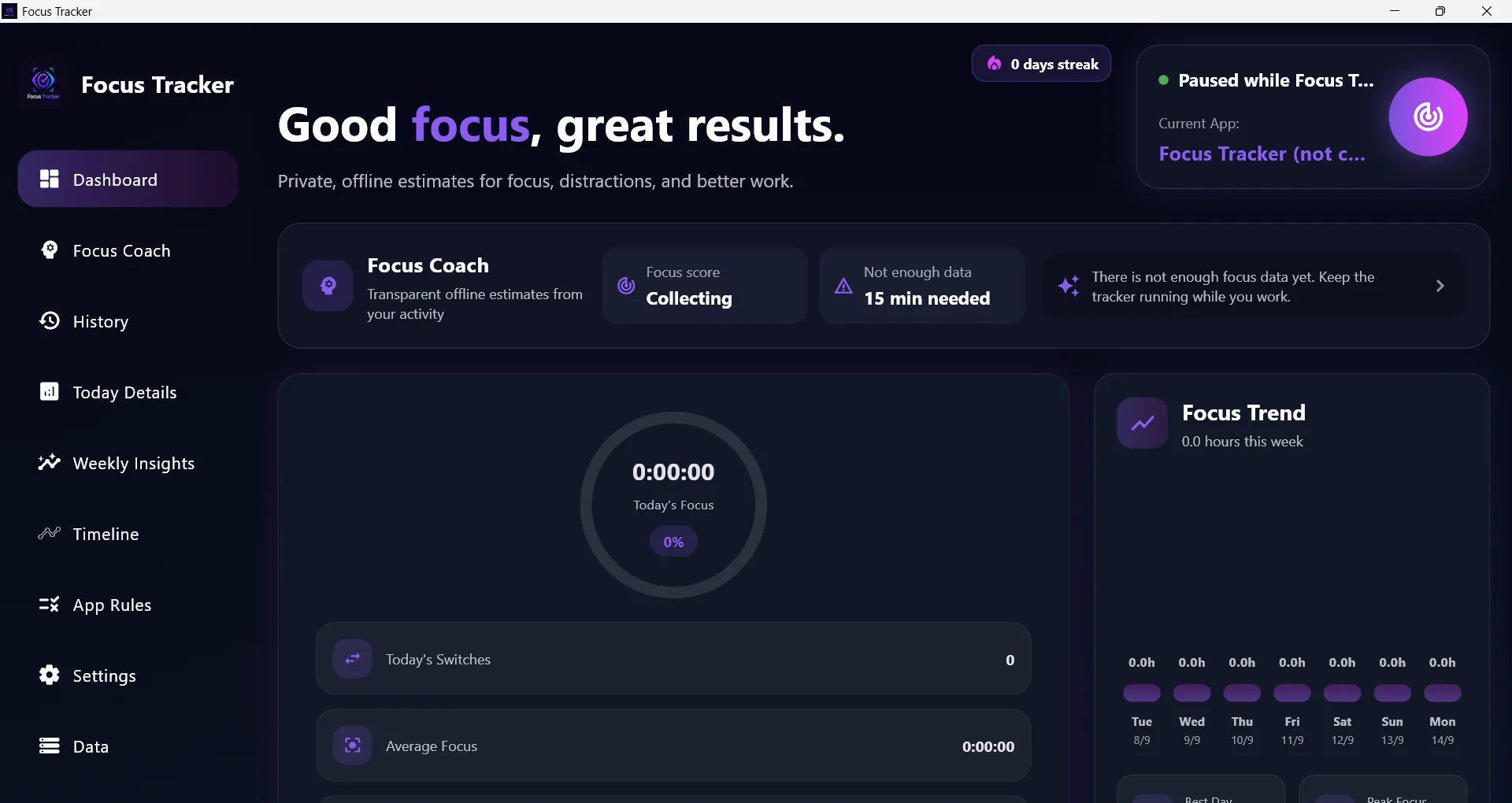
How to Track Focus Time and App Usage on Windows
Focus data is most useful when it helps you change the next session. This guide explains how to run a focused work block, review app usage and avoid treating a single score as a complete measure of productivity.
Read article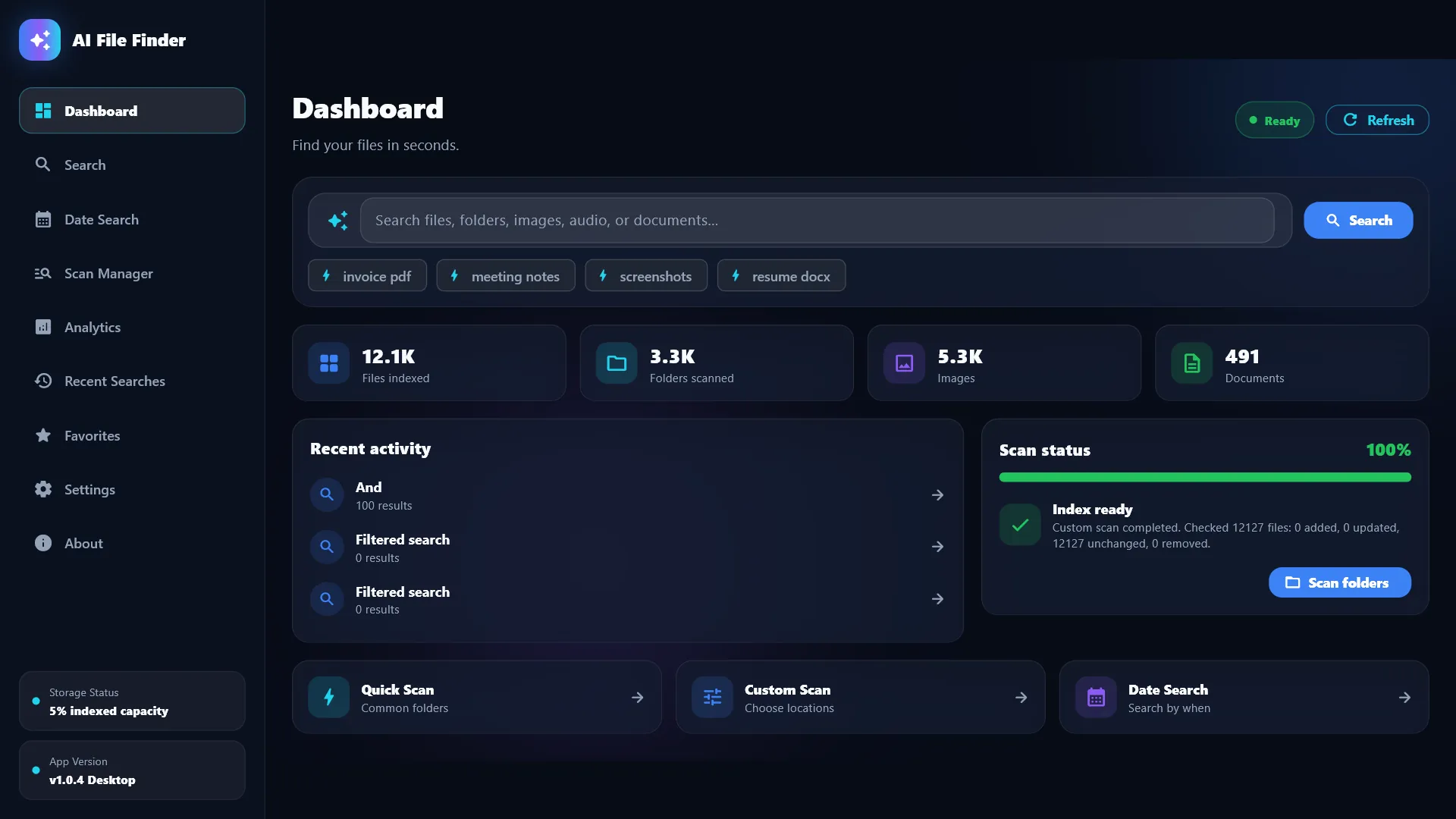
How to Find Files Faster on Windows 11
When a file name is forgotten, the fastest solution is usually to narrow the location, use the detail you still remember and check whether Windows has indexed the folder. These methods work without installing another app.
Read article