
Available
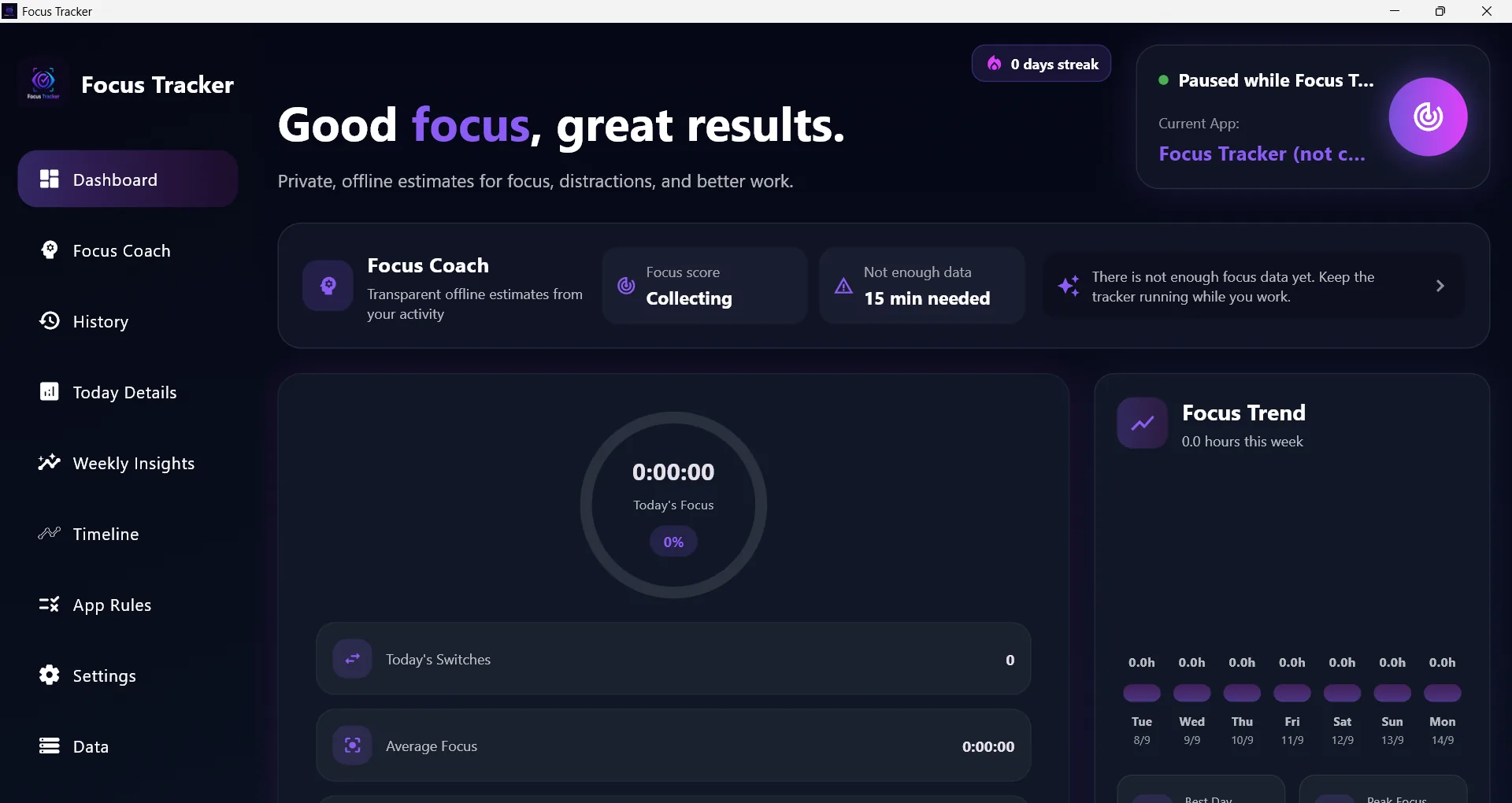
Focus Tracker
$5 USD1-day free trial before purchaseTrack focus time, monitor app usage and test the complete productivity workflow with a one-day free trial.
Deep work sessionsStudy planning

Discover Windows productivity apps for focus tracking, workspace automation and AI file search. Explore Jarvix Personal AI and connect your Android phone with the Jarvix Mobile companion.
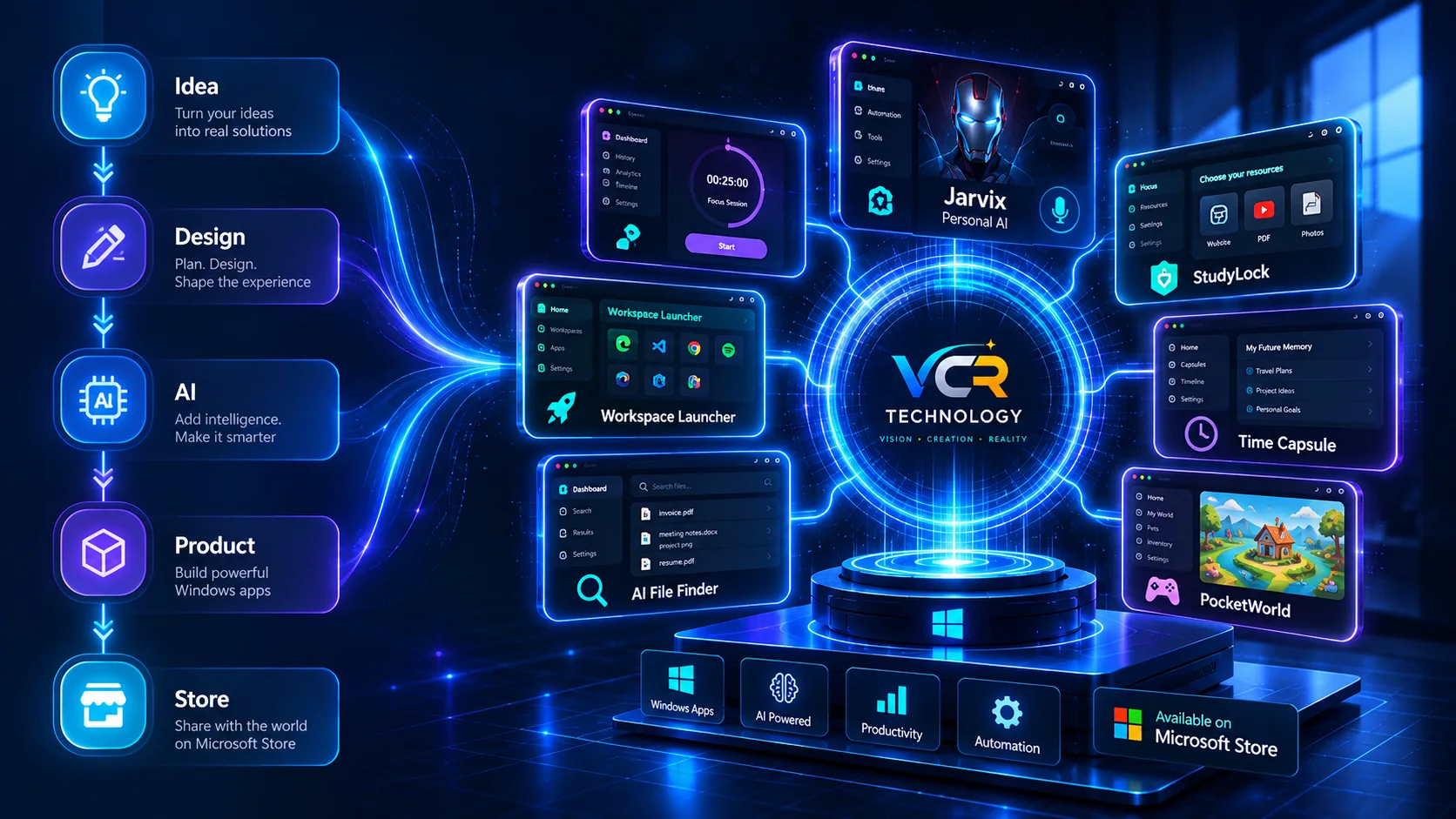
Four real product previews. One quick tour of what you can build into your day.
Ask, search and move through supported tasks in one Windows workspace.
Explore Jarvix Personal AI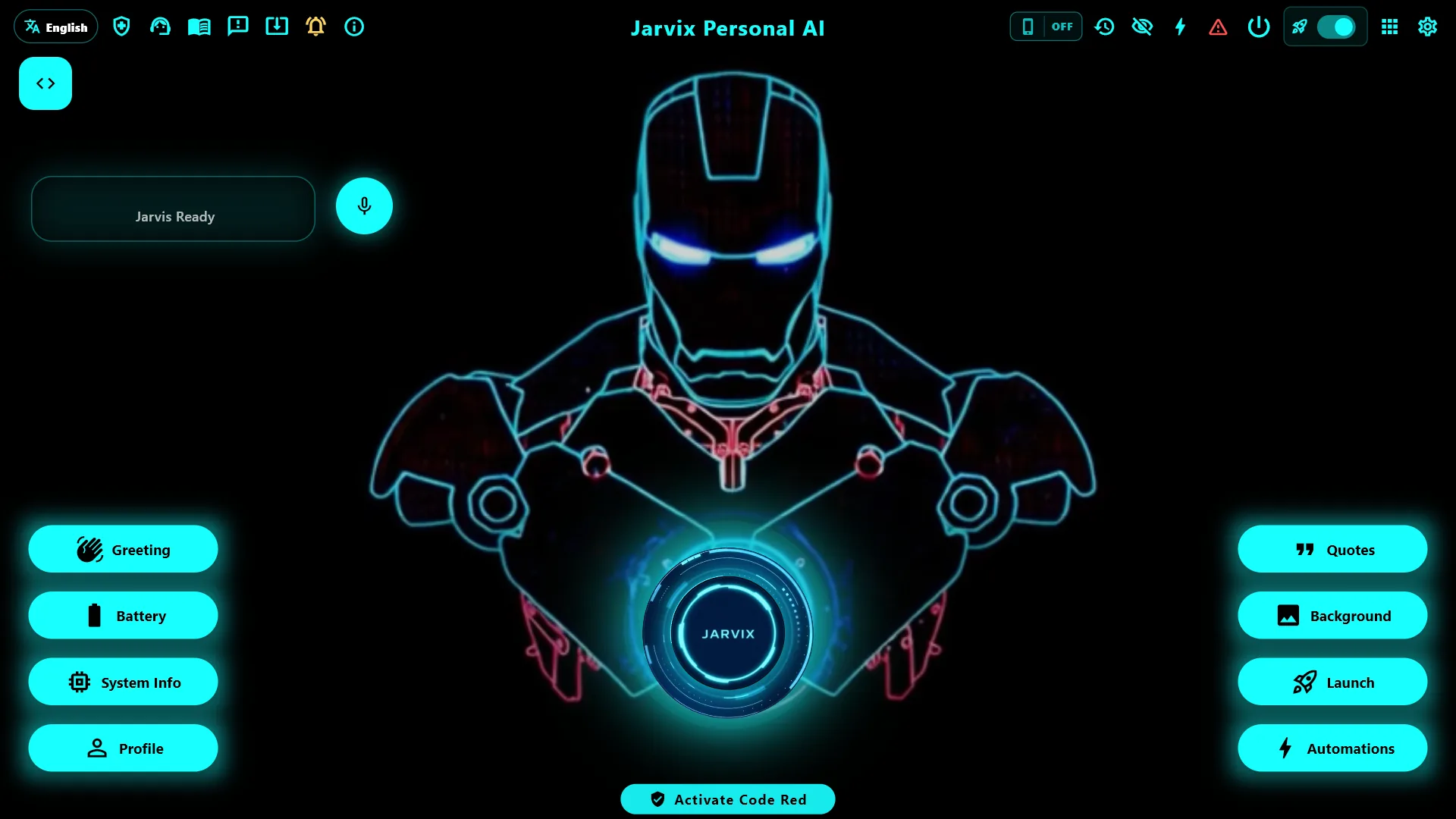
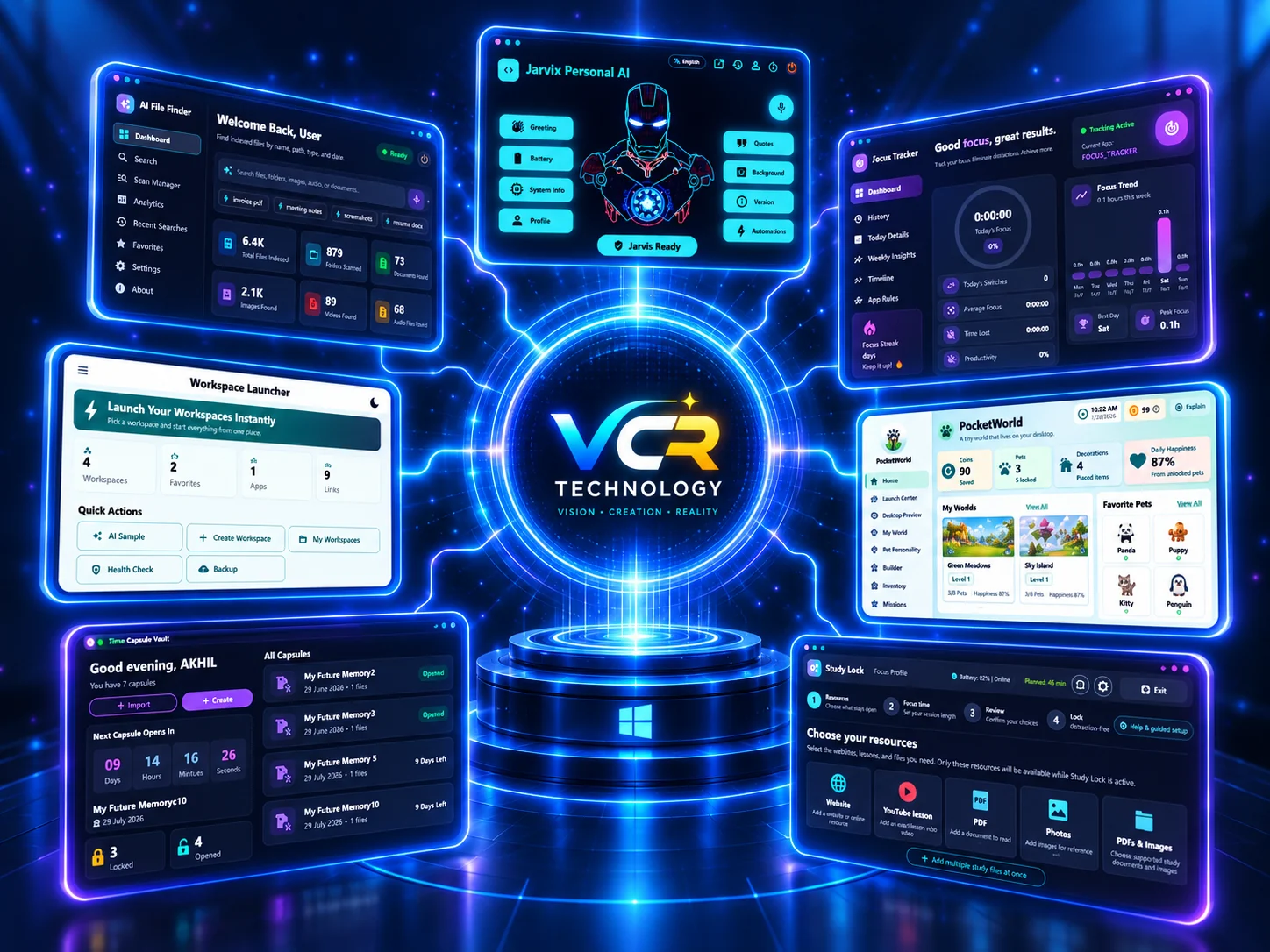
We are an independent software studio focused on practical digital products: productivity tools, AI assistants, learning apps, and automation systems that make everyday work easier.
Every product is shaped with modern engineering, clear design, reliable performance and a strong sense of ownership from concept to launch.
Turning practical ideas into focused apps with real-world value.
Using intelligent workflows to improve speed, discovery and automation.
Designing, shipping and improving products with end-to-end ownership.
We combine technology, creativity and AI to turn useful ideas into software people can trust every day.
Our vision is to create a portfolio of polished software products that help people work smarter, learn faster and automate repetitive digital tasks with confidence.
Our mission is to design reliable applications that solve clear problems, use intelligent workflows responsibly, and deliver a premium experience from first click to daily use.
A growing collection of polished software products for productivity, automation, AI assistance, learning, creative effects and everyday digital experiences.
Track focus time, monitor app usage and test the complete productivity workflow with a one-day free trial.
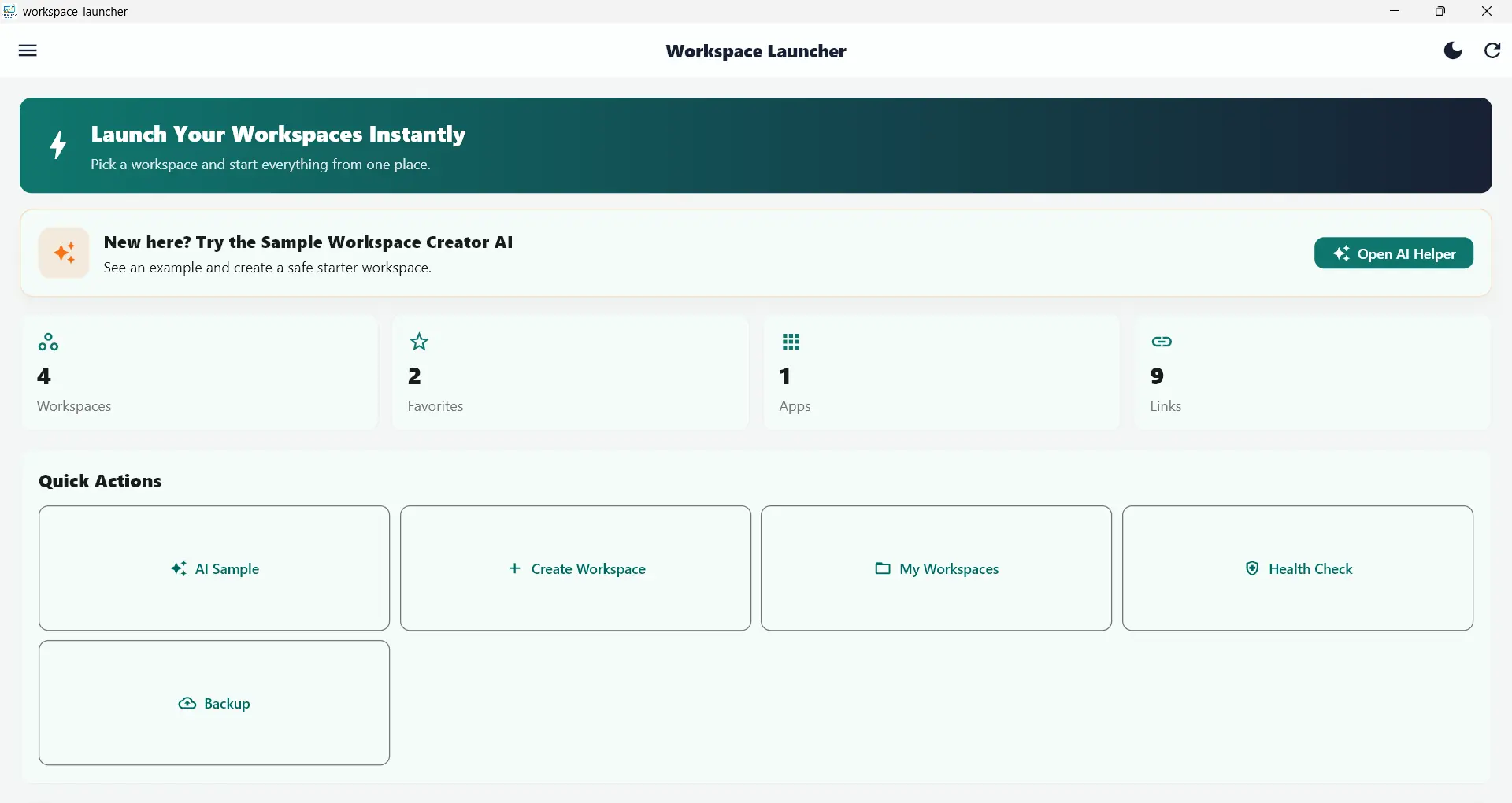
Launch complete work environments instantly with apps, files, folders and websites ready to go.

Use Jarvix Brain, multilingual assistance, App Connect, Jarvix Orb search and supported automation workflows from one Windows workspace.

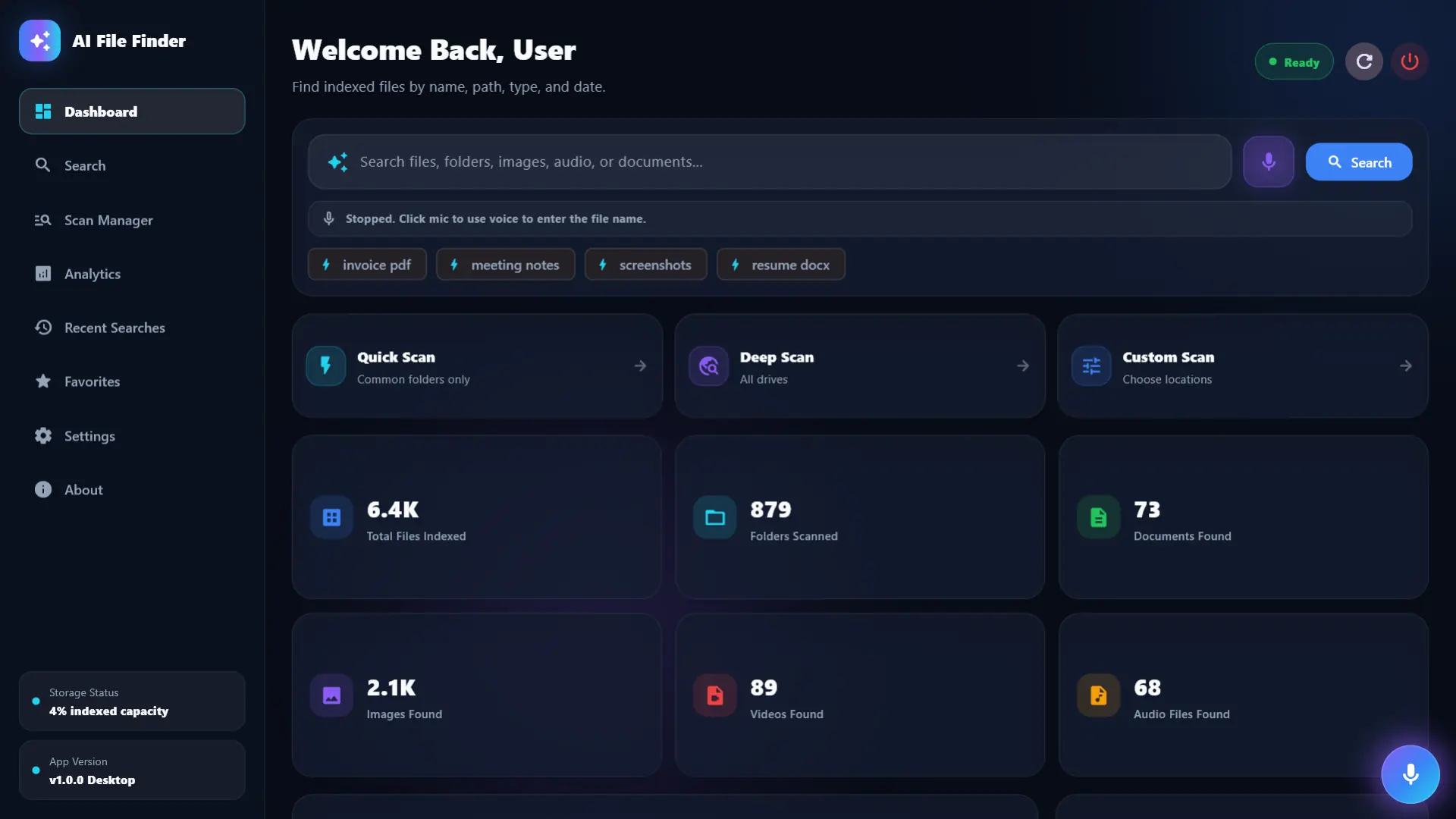
Find files faster with AI-assisted search, smarter matching and a clean discovery experience.
Preserve important memories, files and personal records inside a simple digital vault.

Solve clues, follow riddles and enjoy quick treasure-hunt challenges built for curious players.

Explore a compact digital world made for quick interactions, discovery and everyday fun.

Stay focused during study sessions with distraction control and habit-building tools.

Apply dramatic themed power effects and stylized camera scenes for fun visual transformations.
A polished guide for choosing between productivity tools, AI assistants, study support, storage utilities, games and creative camera experiences.
Compare each app by outcome, ideal user, category and Store status before opening the full product page.
Focus Tracker and One Click Workspace help users start faster, stay focused and review what happened.
Jarvix Personal AI and AI File Finder cover planning, automation and smarter search.
StudyLock 2.0 and Time Capsule Vault support learning discipline, preservation and personal record keeping.
Super Power Camera, Pocket World and Treasure Hunt Riddles add visual fun, discovery and game-style interaction.
| Product | Category | Best For | Key Value | Strength | Store |
|---|---|---|---|---|---|
| Focus TrackerUnderstand your focus time with a one-day free trial before purchase. | Productivity | Deep work, study sessions and daily focus review | Turns work time into clear usage insights and productivity patterns. | Focus analytics | Store |
| One Click WorkspaceLaunch your complete work setup instantly. | Workspace Setup | Developers, students and office routines | Opens apps, files, folders and websites as one repeatable workspace. | One-click launch | Store |
| Jarvix Personal AIA multilingual personal AI assistant with Jarvix Brain, connected apps and faster search. | AI Assistant | Planning, writing, automation and personal productivity | Brings assistant-style AI workflows into everyday task handling. | AI workflows | Store |
| AI File FinderFind files faster with smarter search support. | Smart Search | Finding documents, downloads and project files faster | Uses smarter scanning and discovery flows to reduce file-search friction. | File discovery | Store |
| Time Capsule VaultA simple vault for memories, files and important records. | Storage | Memories, records, keepsakes and personal archives | Provides a clean vault-style flow for preserving important files. | Digital vault | Store |
| Treasure Hunt RiddlesA riddle-based game for curious, playful thinking. | Games | Puzzle play, riddles and casual adventure challenges | Makes riddle solving feel like a guided adventure experience. | Puzzle quests | Store |
| Pocket WorldA compact digital world for discovery and light interaction. | Lifestyle | Light interaction, discovery and playful digital spaces | Offers a compact world dashboard for casual exploration and modules. | Interactive world | Store |
| StudyLock 2.0Stay focused while studying and reduce digital distractions with a one-day free trial. | Study | Exam preparation, online courses and focused learning | Creates a controlled study environment for reducing distractions. | Study control | Store |
| Super Power CameraA creative camera experience with cinematic power effects. | Creative Camera | Visual effects, themed previews and social content ideas | Adds cinematic power effects and stylized camera transformations. | Camera effects | Store |
A professional software presence needs trust, clarity and proof. VCR Technology brings product thinking, Microsoft Store distribution and a focused AI-first direction together.
Published products with direct Store links, clear availability and simple installation paths.
Tools are designed around practical workflows, focused interfaces and everyday reliability.
The portfolio keeps growing with AI, automation, productivity, study and utility apps.
We choose practical, modern tools that help products feel quick, stable, maintainable and ready for real users.
Fast component-driven web interfaces with reusable product systems.
Cross-platform desktop and mobile experiences from one expressive stack.
Automation, data processing, AI workflows and backend services.
High-performance APIs for reliable product backends and integrations.
Authentication, cloud data and real-time product infrastructure.
AI-powered assistants, search, productivity flows and automation.
Predictive systems and intelligent data handling for smarter apps.
Professional Windows apps designed for Microsoft Store distribution.
Clear answers for users, customers and collaborators who want to understand the apps and support process.
Most products are available through Microsoft Store. Use the Microsoft Store button on each product card or product page. Apps without a link are marked clearly until the Store URL is added.
Yes. Product pages now use screenshots from the local screenshots folder so visitors can see the actual interface and functionality.
Use the support page or email buildwithvcr@gmail.com with the product name, device details and a short description of the issue.
Yes. Feature suggestions are welcome, especially when they describe the real workflow or problem you want improved.
Focus Tracker combines focus sessions, app usage history and daily productivity analytics in a Windows app.
One Click Workspace lets you save reusable workspace profiles containing apps, files, folders and websites, then launch the setup from one dashboard.
AI File Finder scans selected folders, builds an index and provides AI-assisted search with filters and file actions.
Yes. Jarvix Mobile is the Android companion for Jarvix Personal AI on Windows. It connects supported phone actions such as opening apps, starting calls and controlling music.
Have an app idea, collaboration request or product question? Send a message and we will turn the next step into something clear.
buildwithvcr@gmail.com
Product help, bug reports and feature requests
Hyderabad, Telangana, India