Does Jarvix Mobile work on iPhone or iPad?
No. Jarvix Mobile is currently designed only for Android. Apple’s iOS platform applies different restrictions to app launching, calling and background device control, so this APK cannot be installed or used on an iPhone or iPad.
Can I use Jarvix Mobile without Jarvix Personal AI on Windows?
No. It is a companion, not a replacement for the Windows app. Install Jarvix Personal AI on your PC first, then pair the Android companion.
What can I control from my Windows computer?
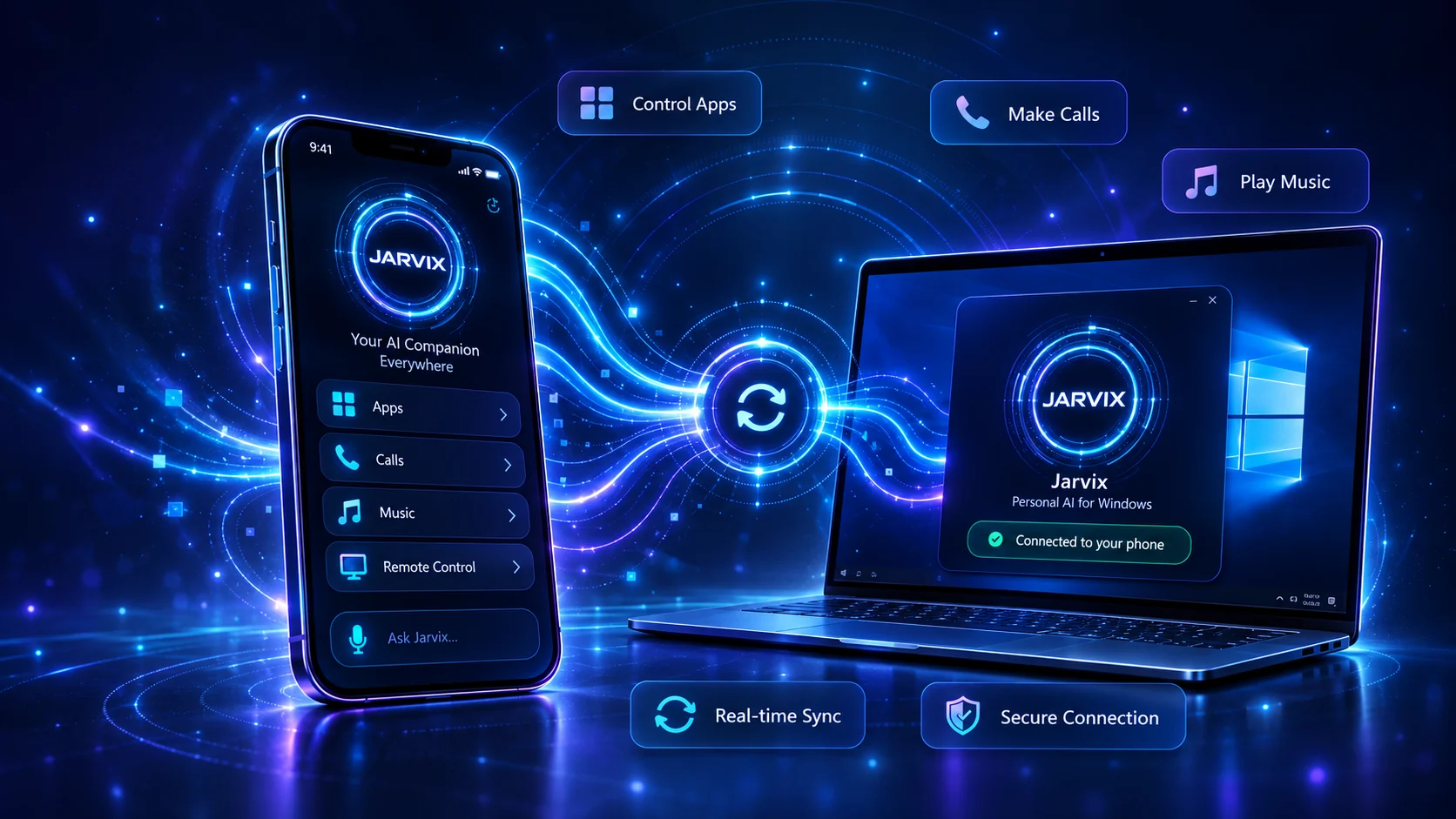
The companion is designed for supported actions such as opening Android apps, starting calls and controlling music. Availability can depend on your phone, Android version, installed apps and granted permissions.
Why does Android ask me to allow installation from this source?
The APK is downloaded directly from VCR Technology instead of Google Play. Android therefore asks you to approve installation through the browser or file manager you used. Enable it only for this installation and only on a device you control.
Why are permissions required?
Each permission supports a specific requested feature, such as finding a contact for a call, opening an installed app or maintaining the paired connection. Android settings let you review or revoke permissions later.
What should I do if pairing or a command does not work?
Confirm both apps are installed, both devices have network access and the requested Android permission is enabled. If the problem continues, use the support form and include your phone model, Android version and Windows version.