Best AI Apps for Windows 11: A Practical Guide
The best Windows AI app depends on the job, the data it can access and whether processing happens locally or through an online provider. This guide compares useful categories instead of claiming one tool is best for everyone.

Start with the job you need to complete
Writing assistance, desktop control, model comparison and file discovery are different tasks. A focused tool is usually easier to evaluate than an app described only as an all-purpose AI solution.
- Choose an assistant for commands and connected workflows
- Choose a model hub to compare responses
- Choose file discovery for indexed local search
- Choose conventional automation for fixed, repeatable steps
How to evaluate a Windows AI app
| Question | Why it matters |
|---|---|
| What data can it access? | Permissions define the practical privacy boundary. |
| Local or cloud processing? | This affects connectivity, provider access and performance. |
| Can actions be reviewed? | Confirmation reduces mistakes in messages and automation. |
| What works without AI? | Deterministic commands can be more reliable for routine tasks. |
| Is there a clear support path? | Desktop integrations can change when Windows or another service updates. |
Windows AI assistants
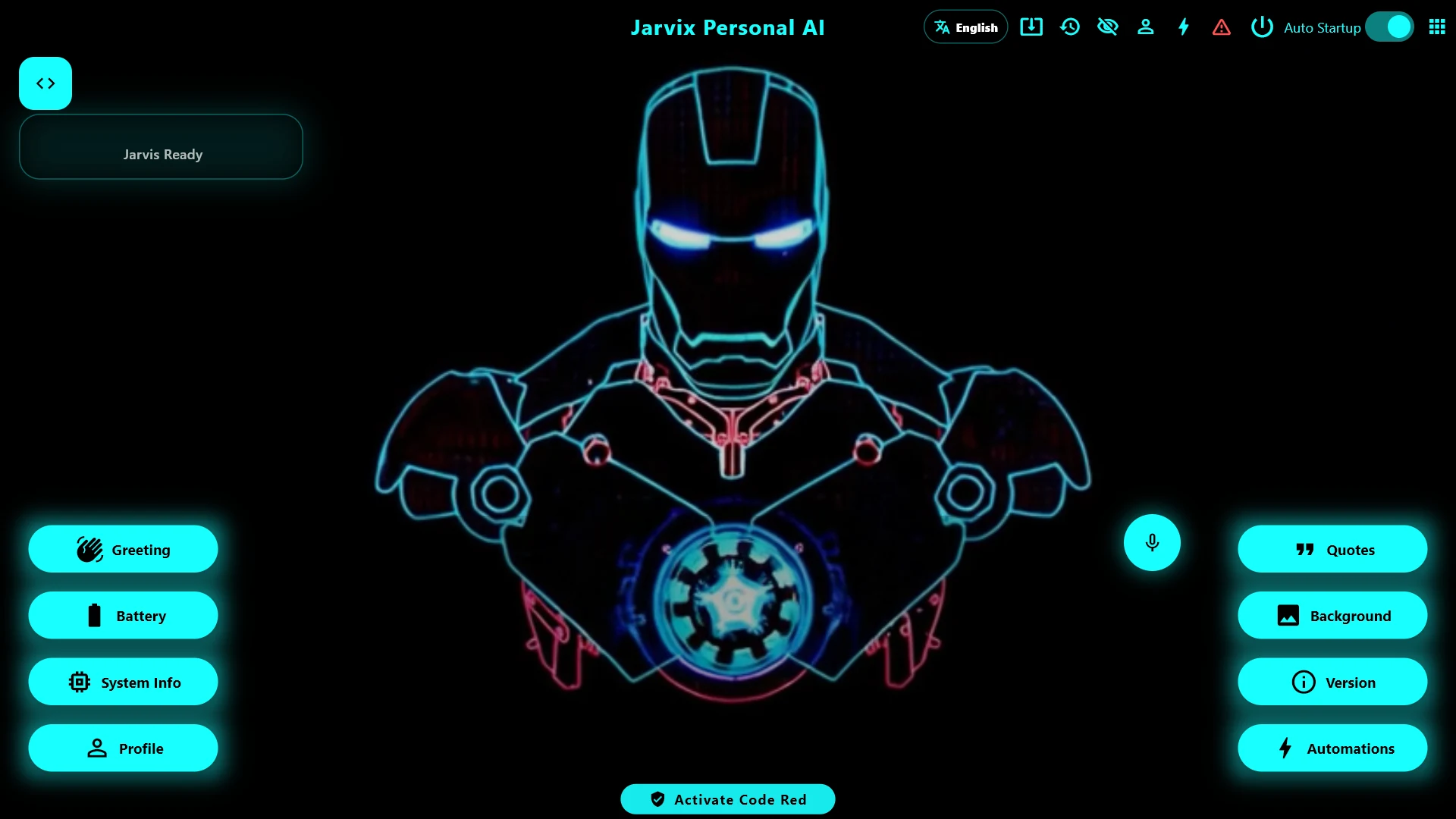
An assistant can combine voice or typed commands with supported Windows actions. Jarvix Personal AI v1.1.8 includes selectable voices, 11 supported languages, optional local Jarvix Brain assistance, connected app workflows, themes, storage analysis and Android companion features. Optional Face Unlock and camera gestures require a compatible camera and permission.
AI model comparison tools
A model comparison workspace helps when you already use several providers or a local runtime. AI Models Hub brings supported cloud and local model workflows into one Windows interface so responses can be reviewed side by side.
- Check which providers require your own account or key
- Avoid sending confidential material without understanding provider terms
- Save the prompt with the selected response when repeatability matters
AI-assisted file discovery
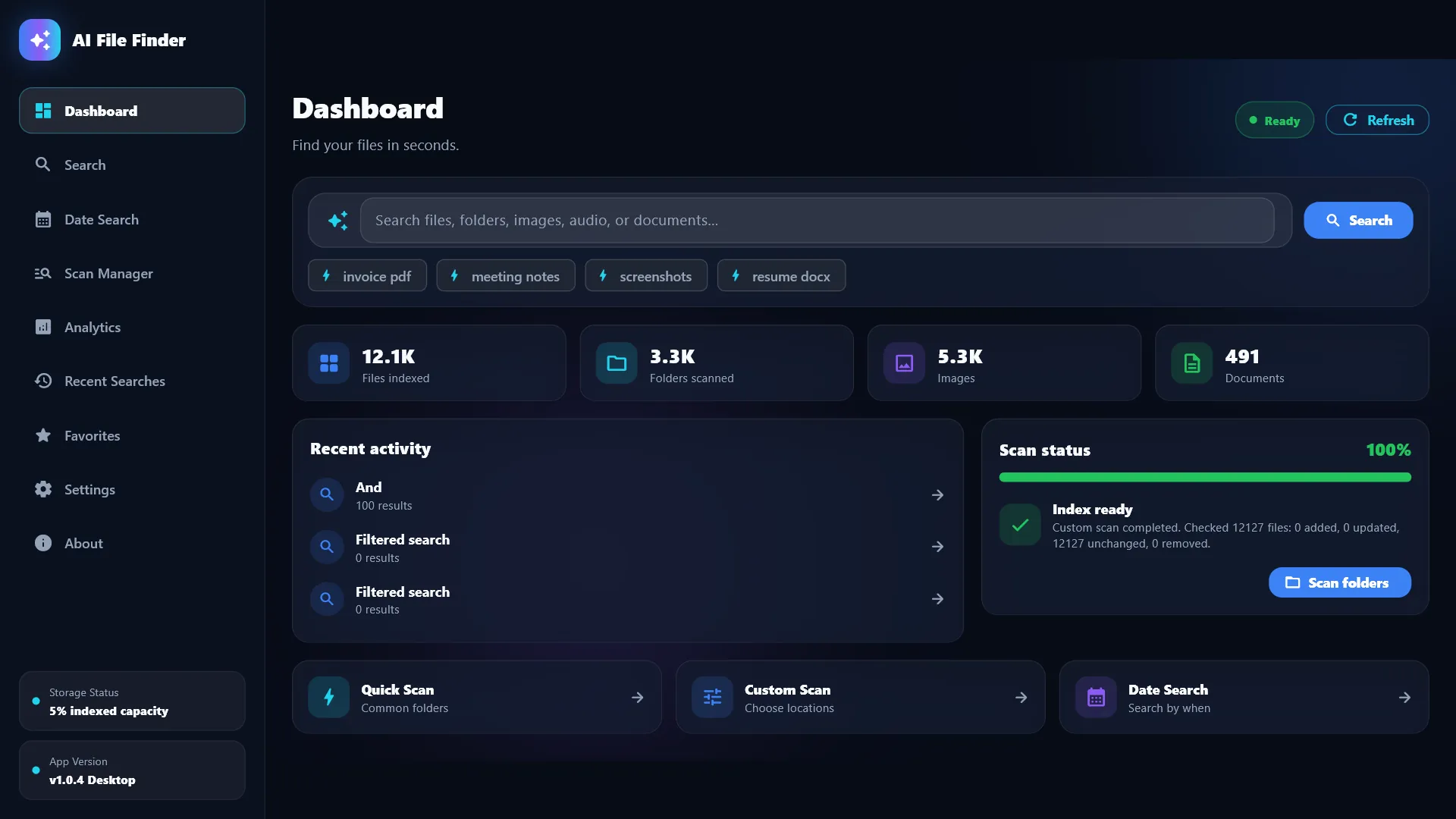
File discovery tools focus on finding local content rather than producing general answers. AI File Finder v1.0.4 provides local indexing, scan management and searches that combine date, file-type and location filters. Its usefulness depends on which folders have been included.
Local AI and cloud AI are different choices
Local processing can keep a supported workload on the device, but model downloads require storage and capable hardware. Cloud services can offer different models and convenience while sending requests to the selected provider. Read the app and provider information for the exact feature you plan to use.
A practical selection checklist
- Write down one task you want to improve.
- Identify the files, apps or accounts the tool would need.
- Check local and cloud processing details.
- Test with non-sensitive information.
- Confirm that actions and outputs can be reviewed.
- Measure whether the workflow is actually faster or clearer.
Final recommendations
Choose the smallest tool that solves the real problem. Prefer clear permissions, visible processing choices and reviewable actions. Keep a conventional workflow available for tasks where AI uncertainty would create unnecessary risk.
Explore the supported product workflow
Review verified features, real interface screenshots and official Store links.

Jarvix Personal AI
Control Windows with voice, optional local AI, connected apps, camera tools and Android workflows.
AI Models Hub
Chat with, compare and manage cloud and local AI models from one Windows workspace.

AI File Finder
Find indexed Windows files by name, type, location or activity date.
How to Control Your PC Using an AI Assistant
A Windows AI assistant can make supported PC tasks easier to request, but reliable control depends on clear commands, limited permissions and review steps for actions that affect files, accounts or other people.
Read articleHow to Find Files Faster on Windows 11
When a file name is forgotten, the fastest solution is usually to narrow the location, use the detail you still remember and check whether Windows has indexed the folder. These methods work without installing another app.
Read article