A practical reason to use Jarvix Personal AI
Windows users who want multilingual AI assistance, connected app access, faster search and a single place for supported automation workflows.
A multilingual personal AI assistant with Jarvix Brain, connected apps and faster search.
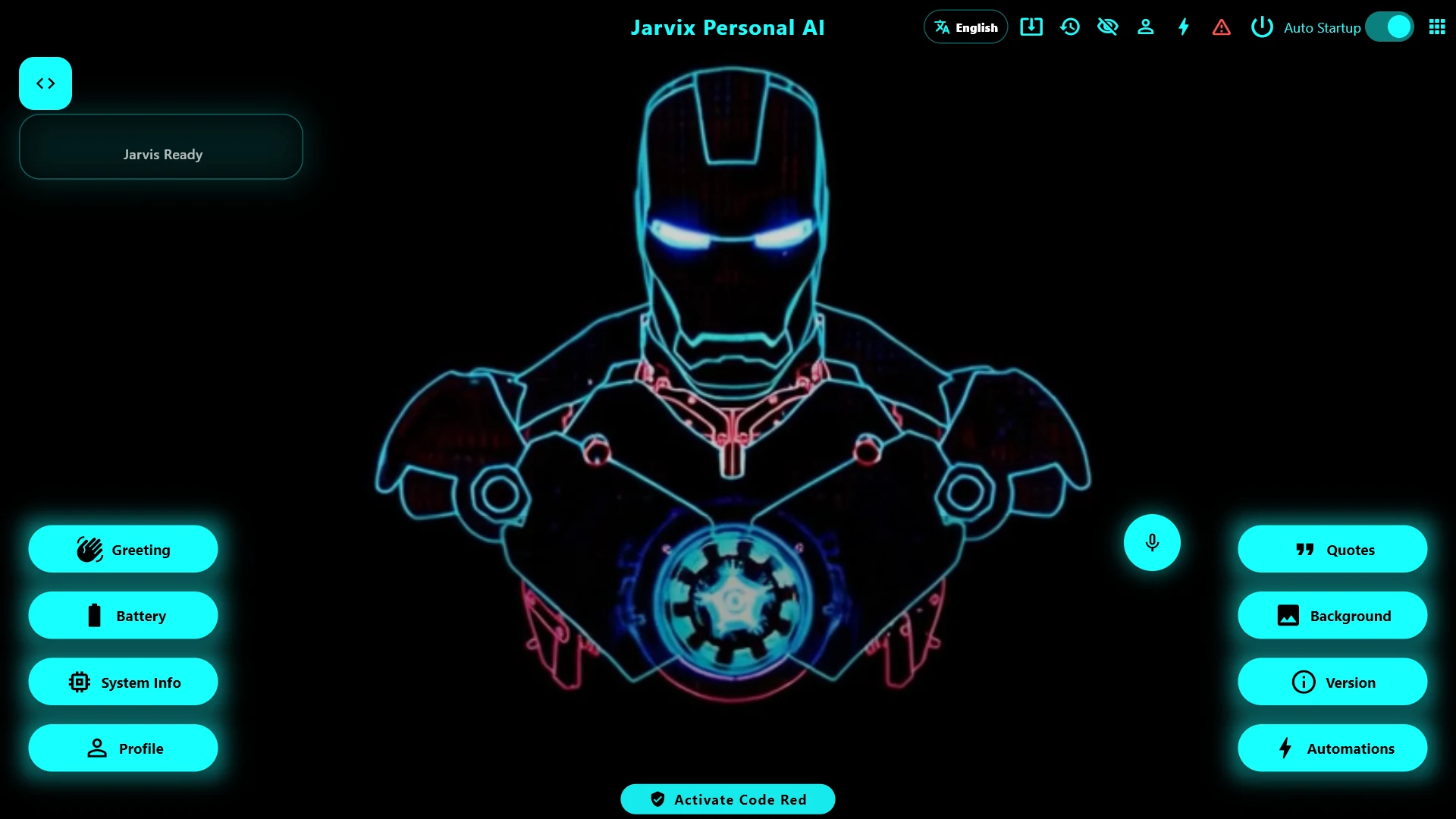
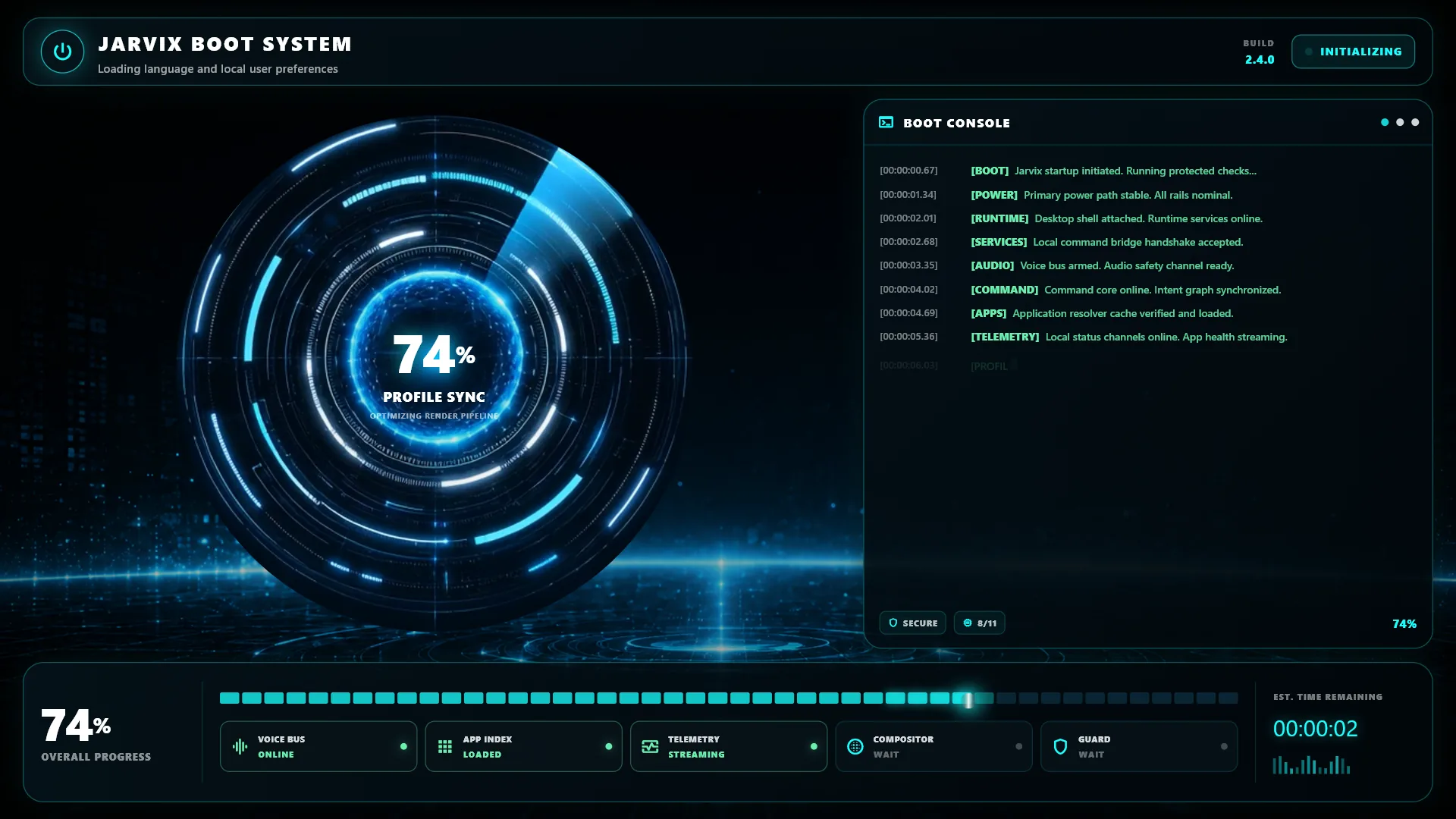
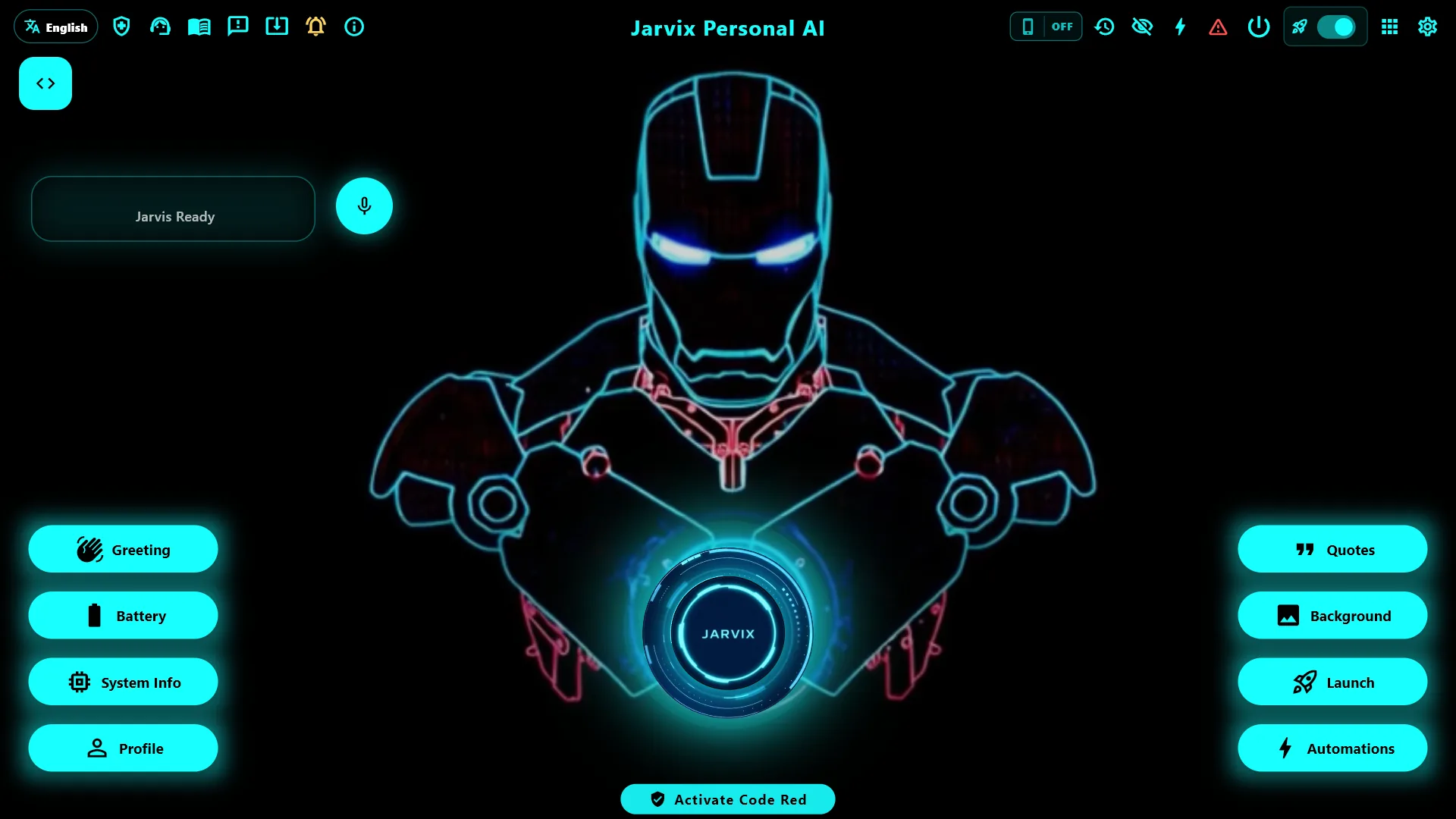
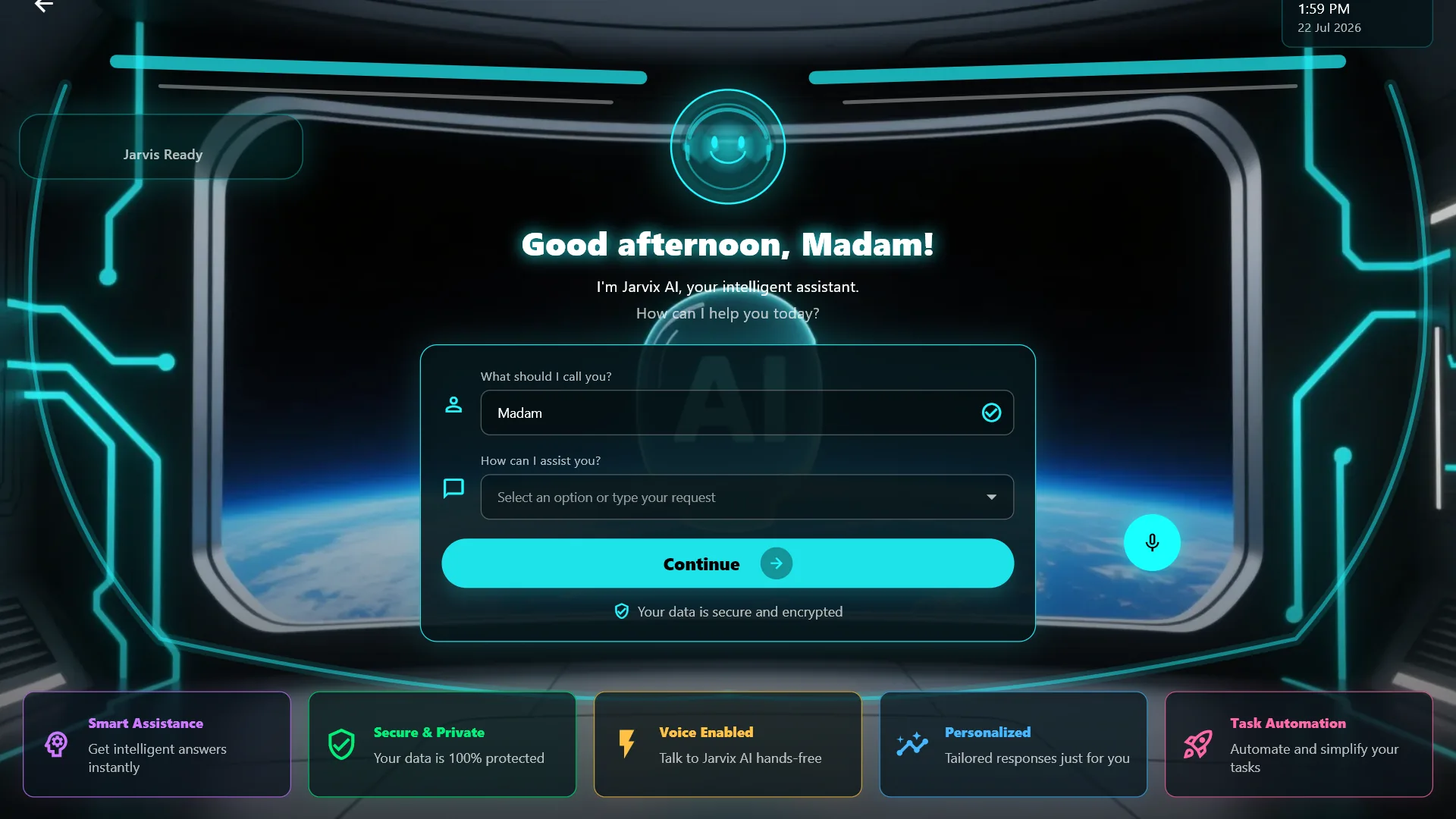
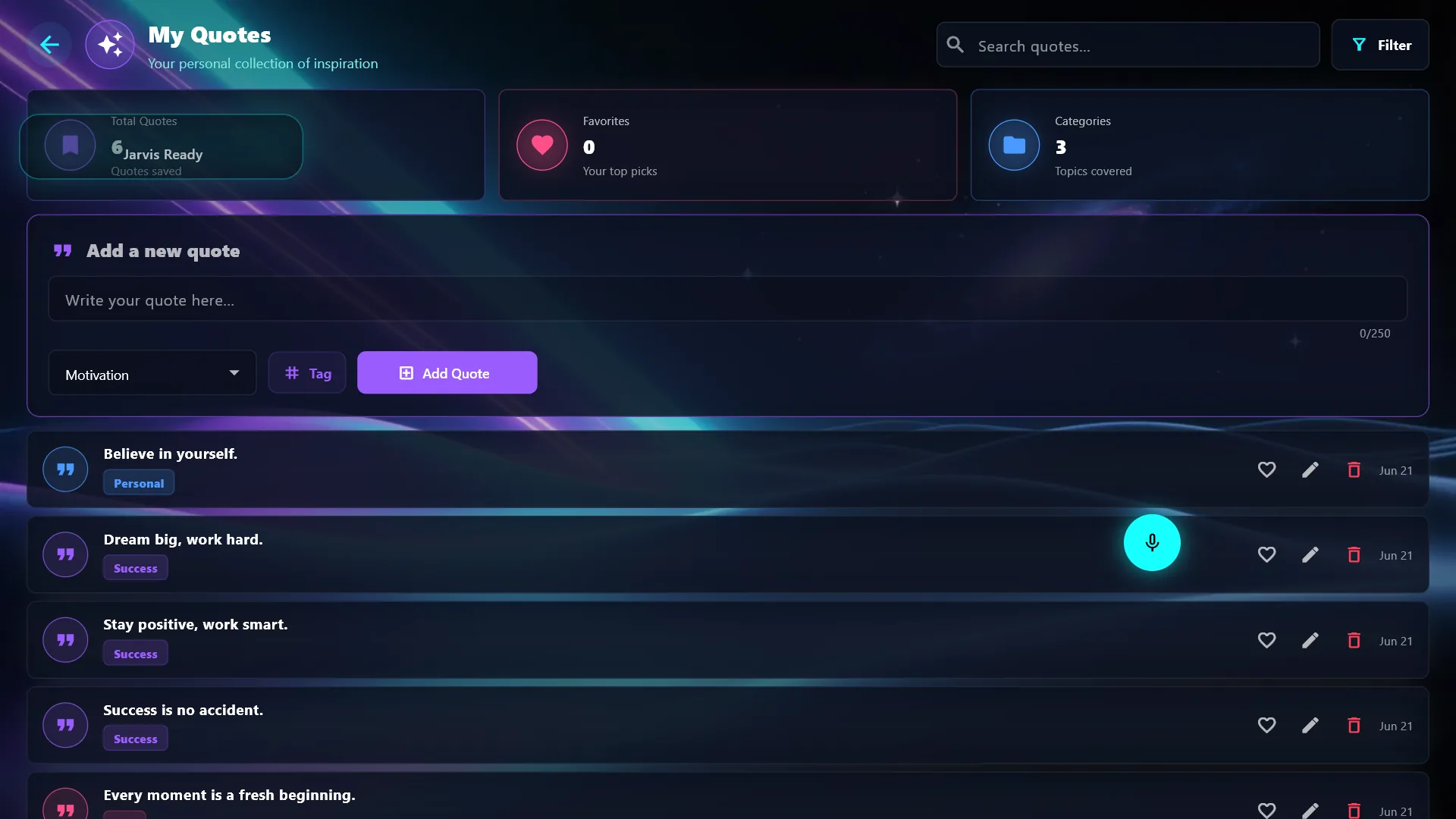
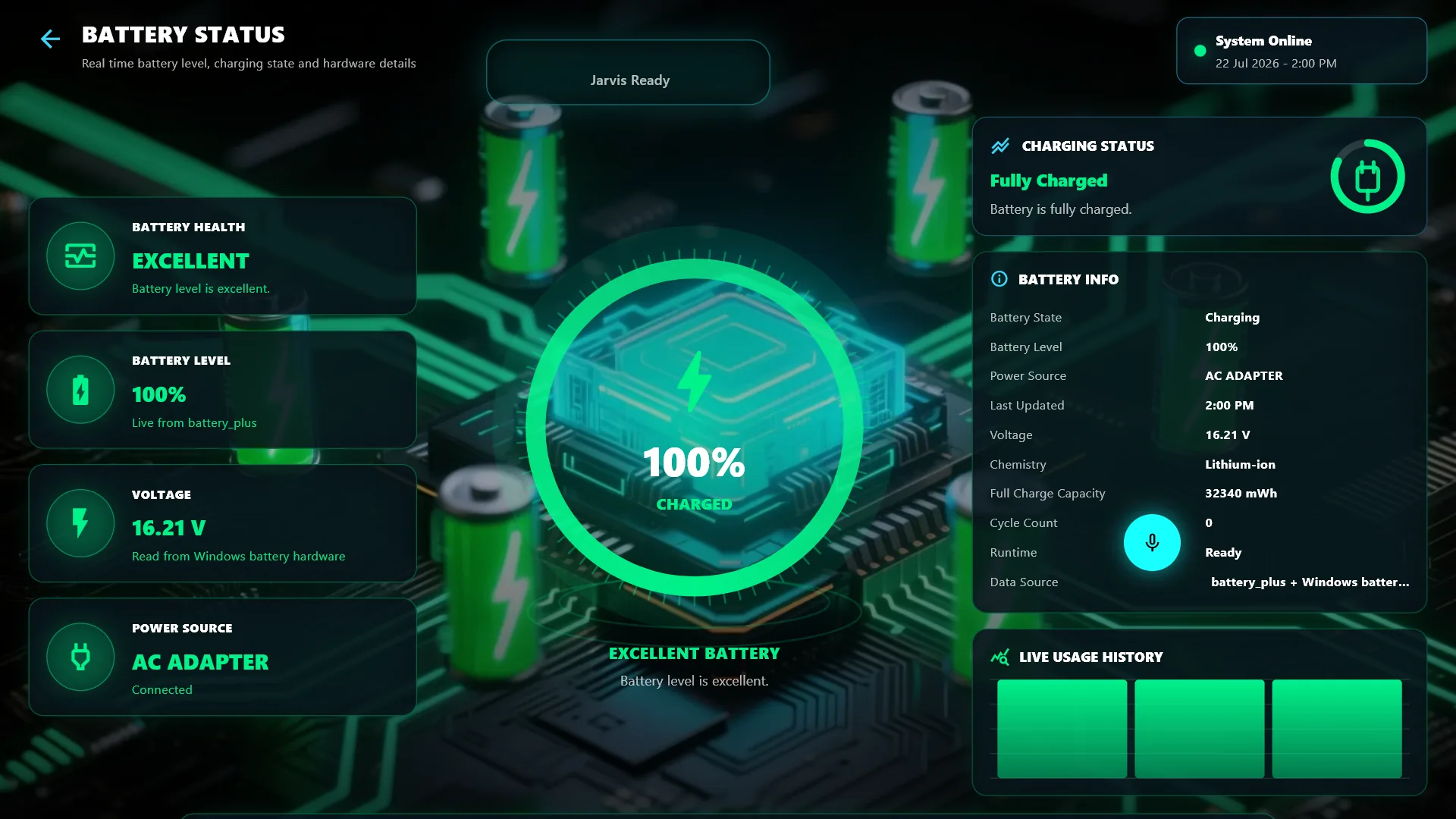
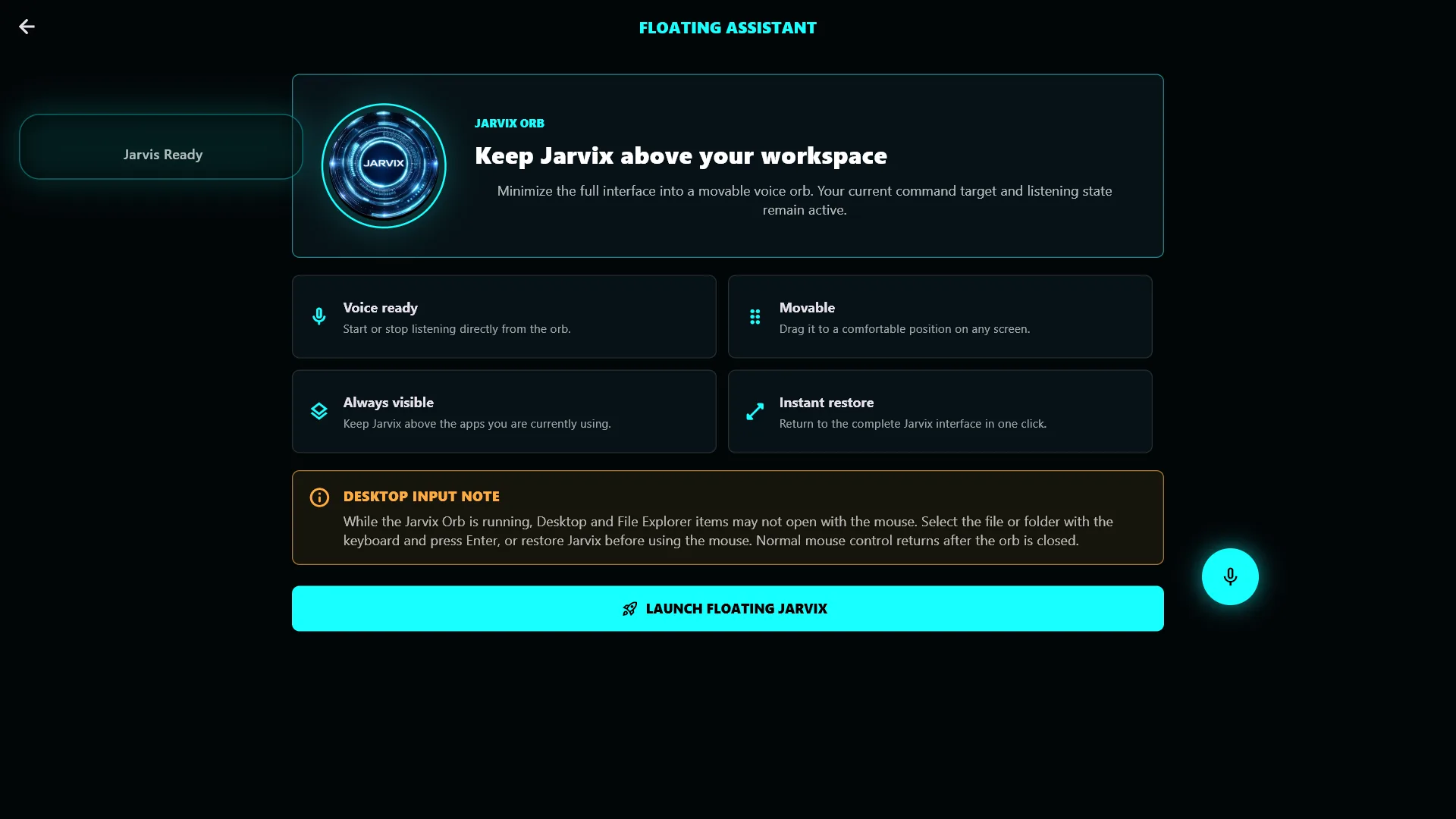
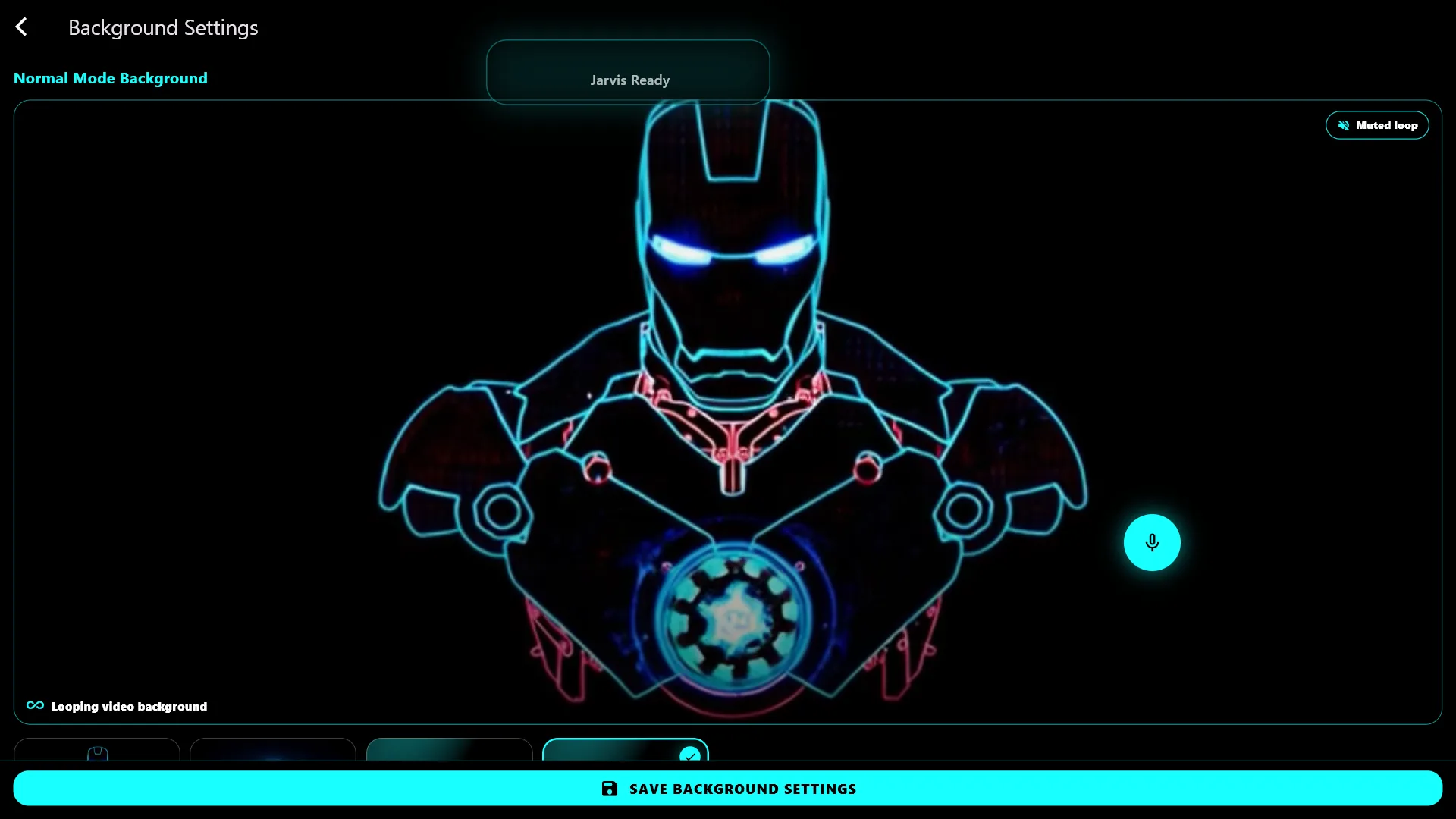
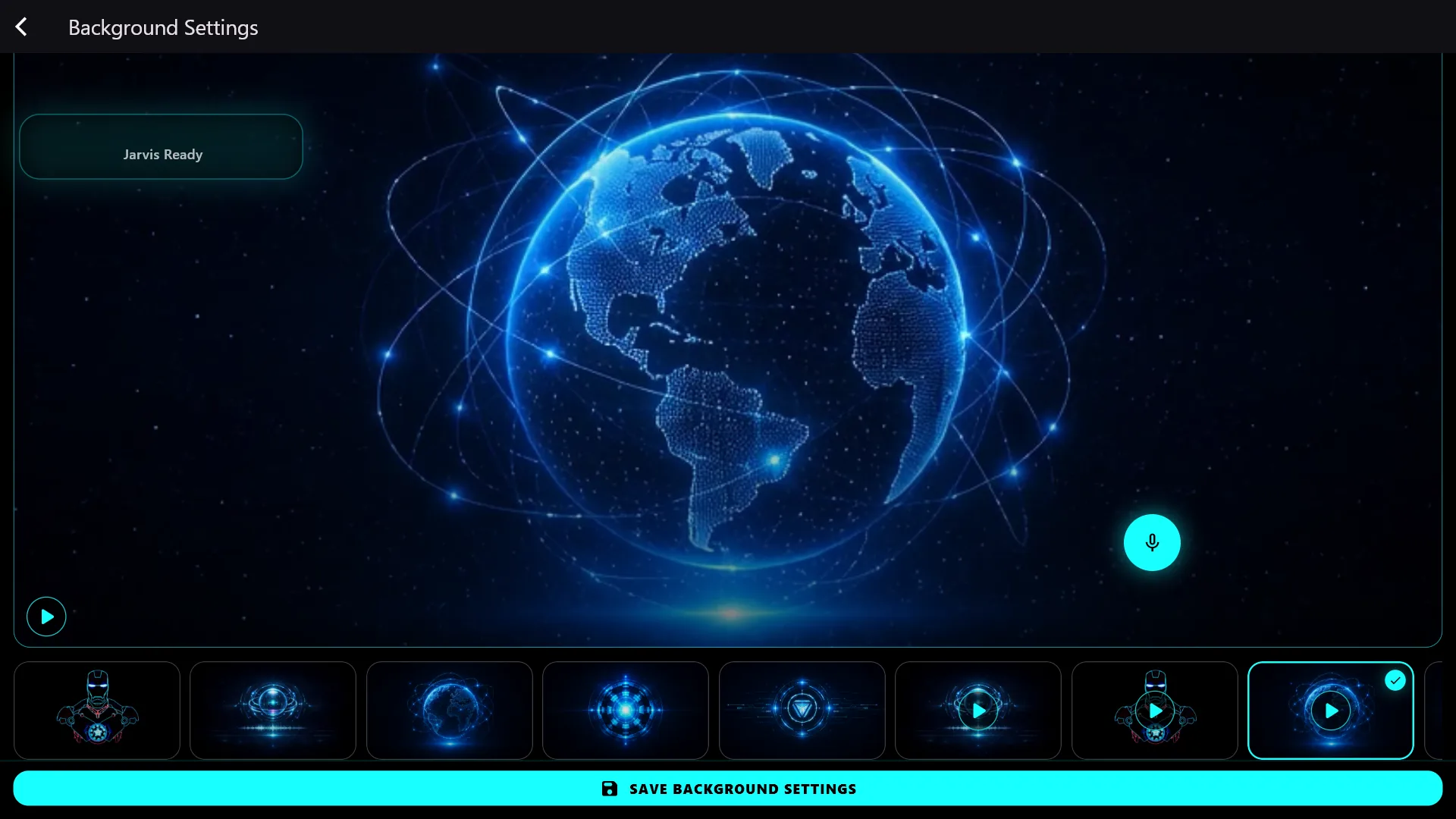
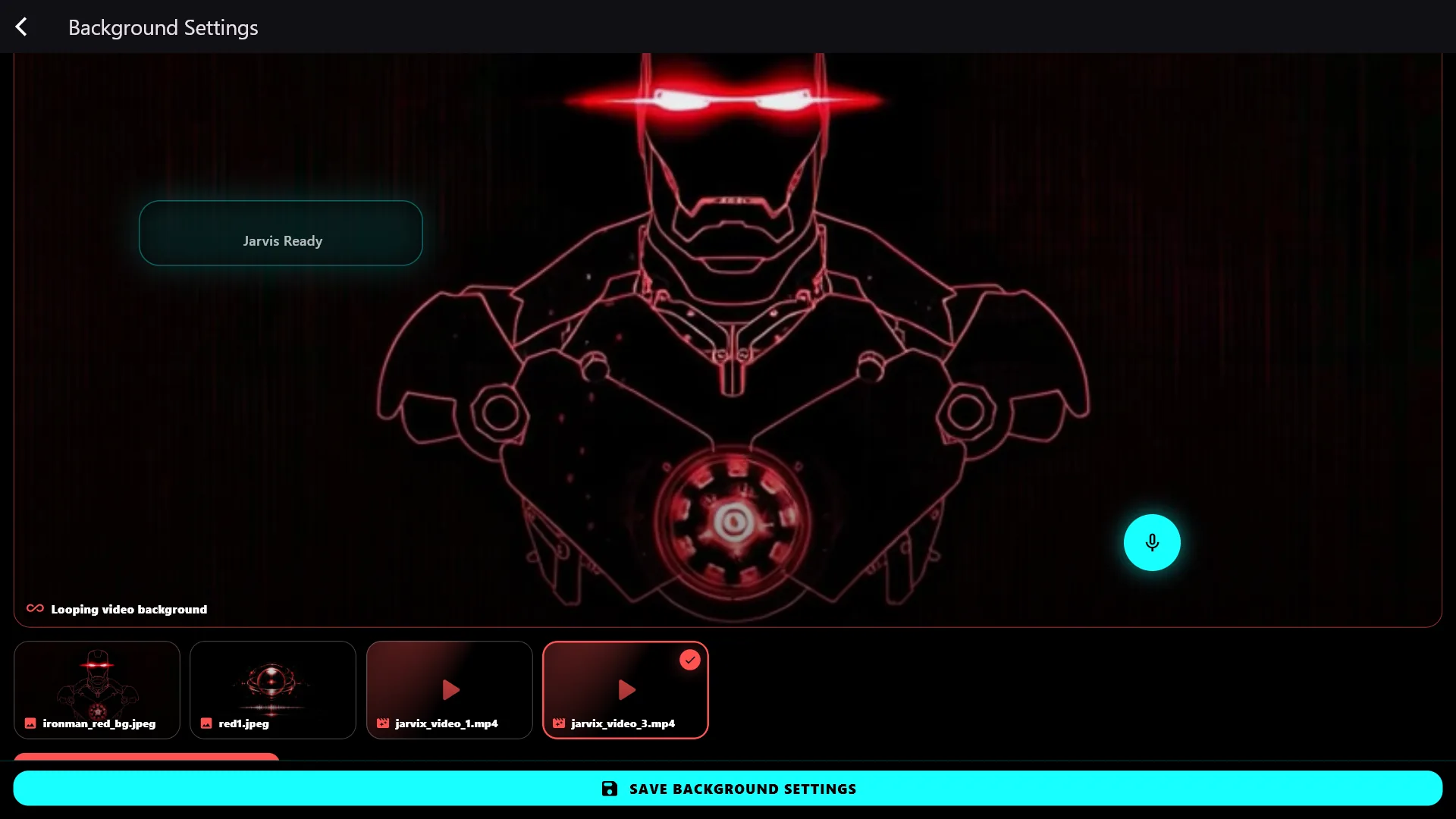
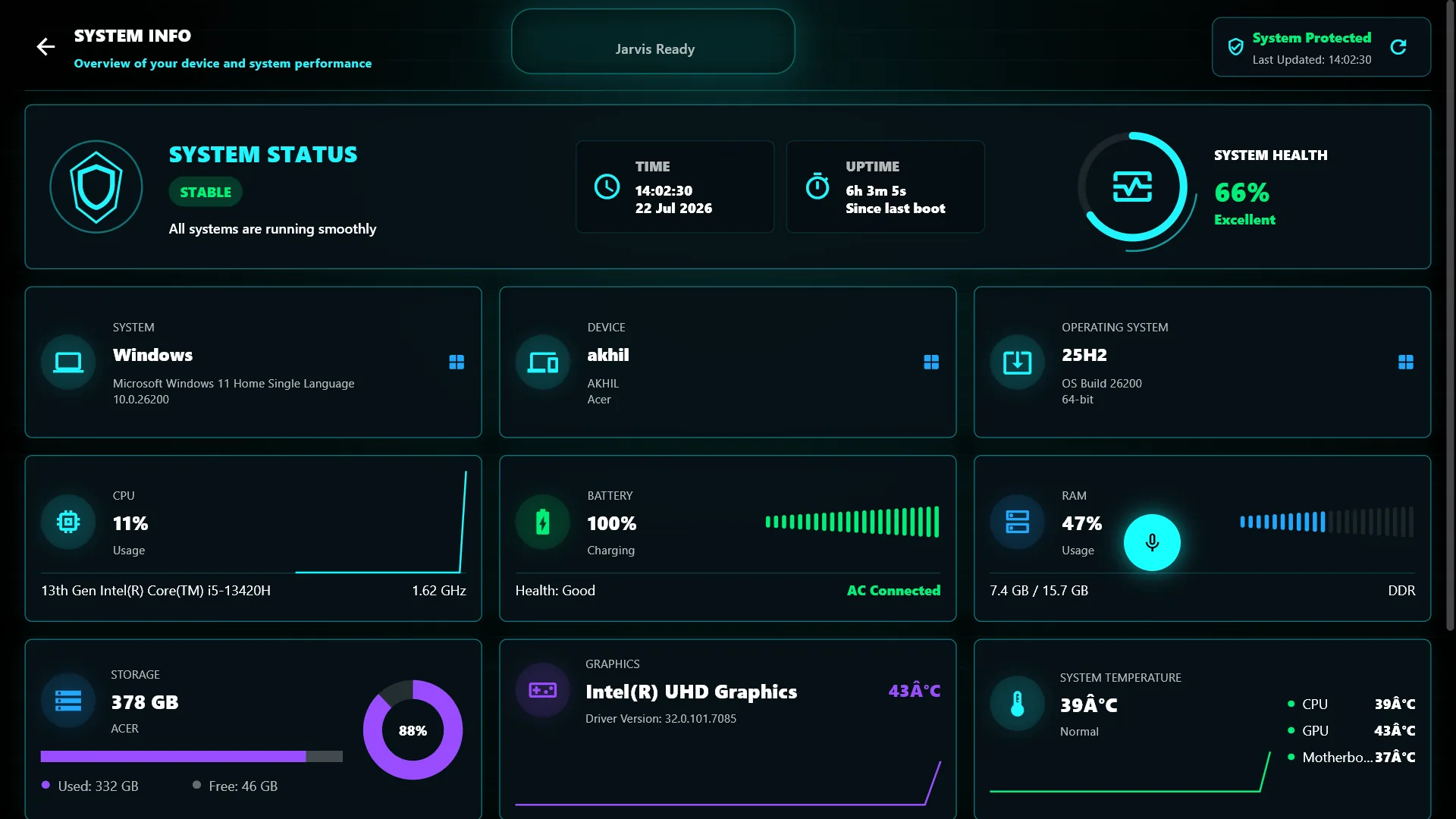
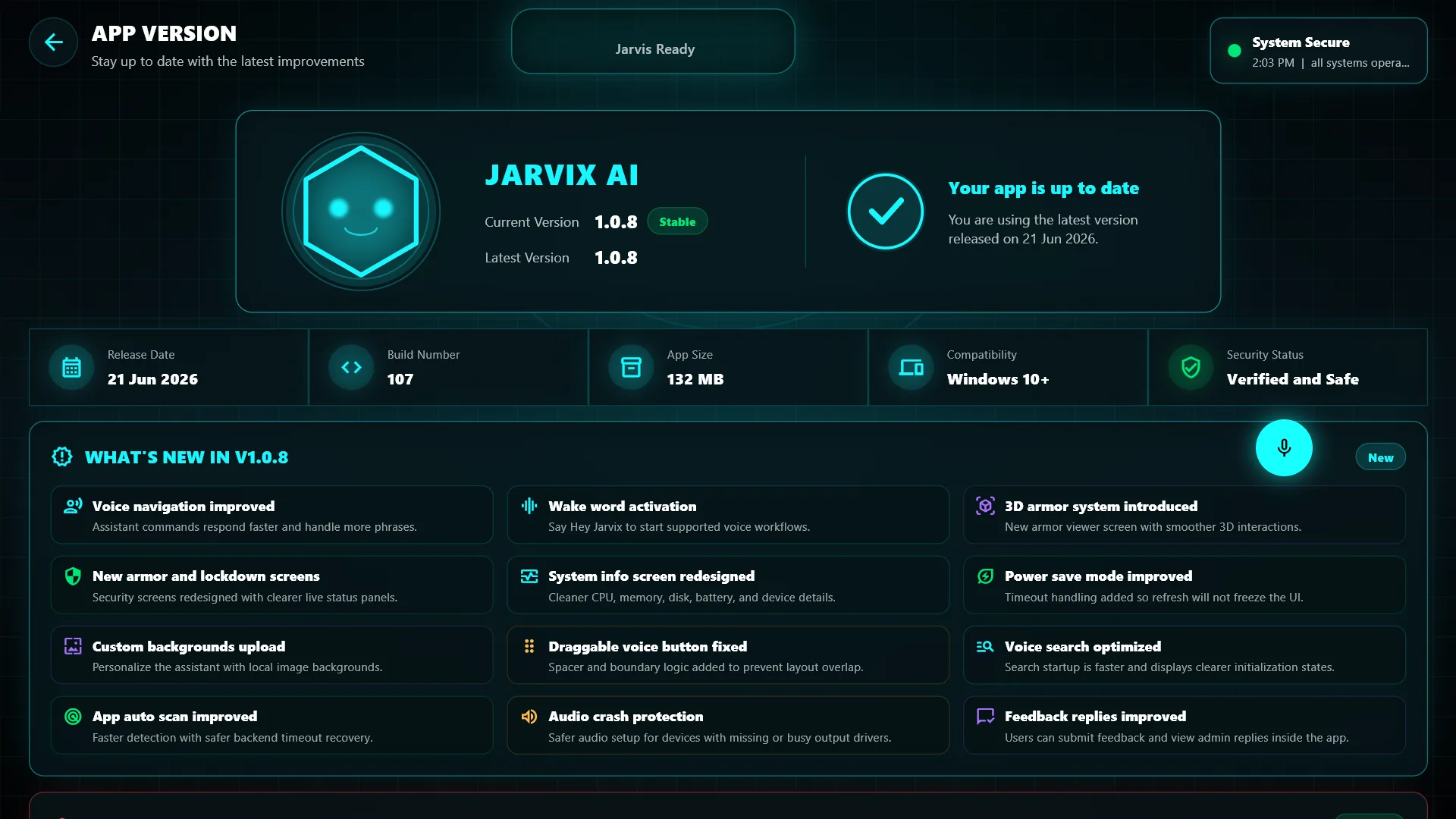
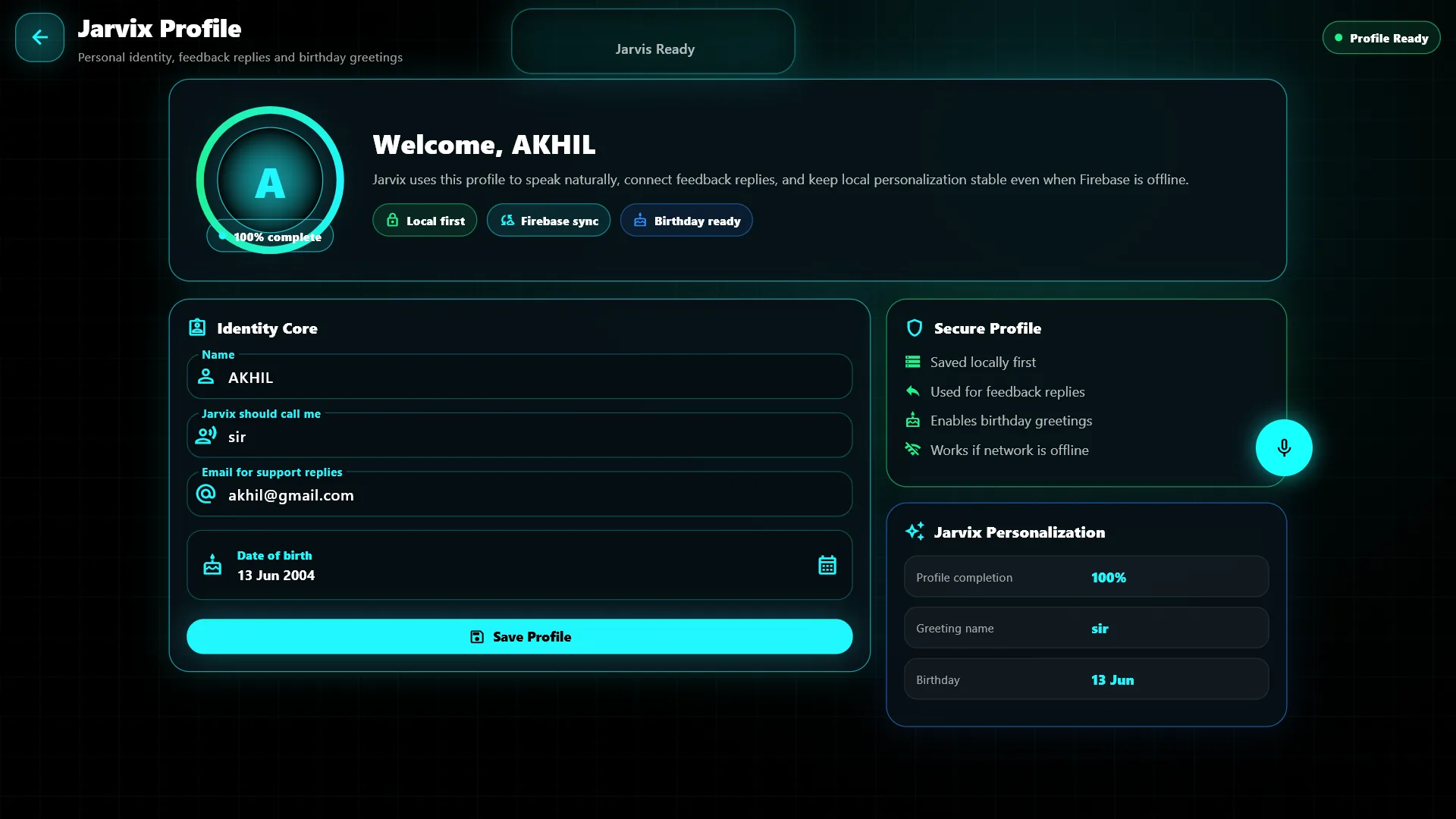
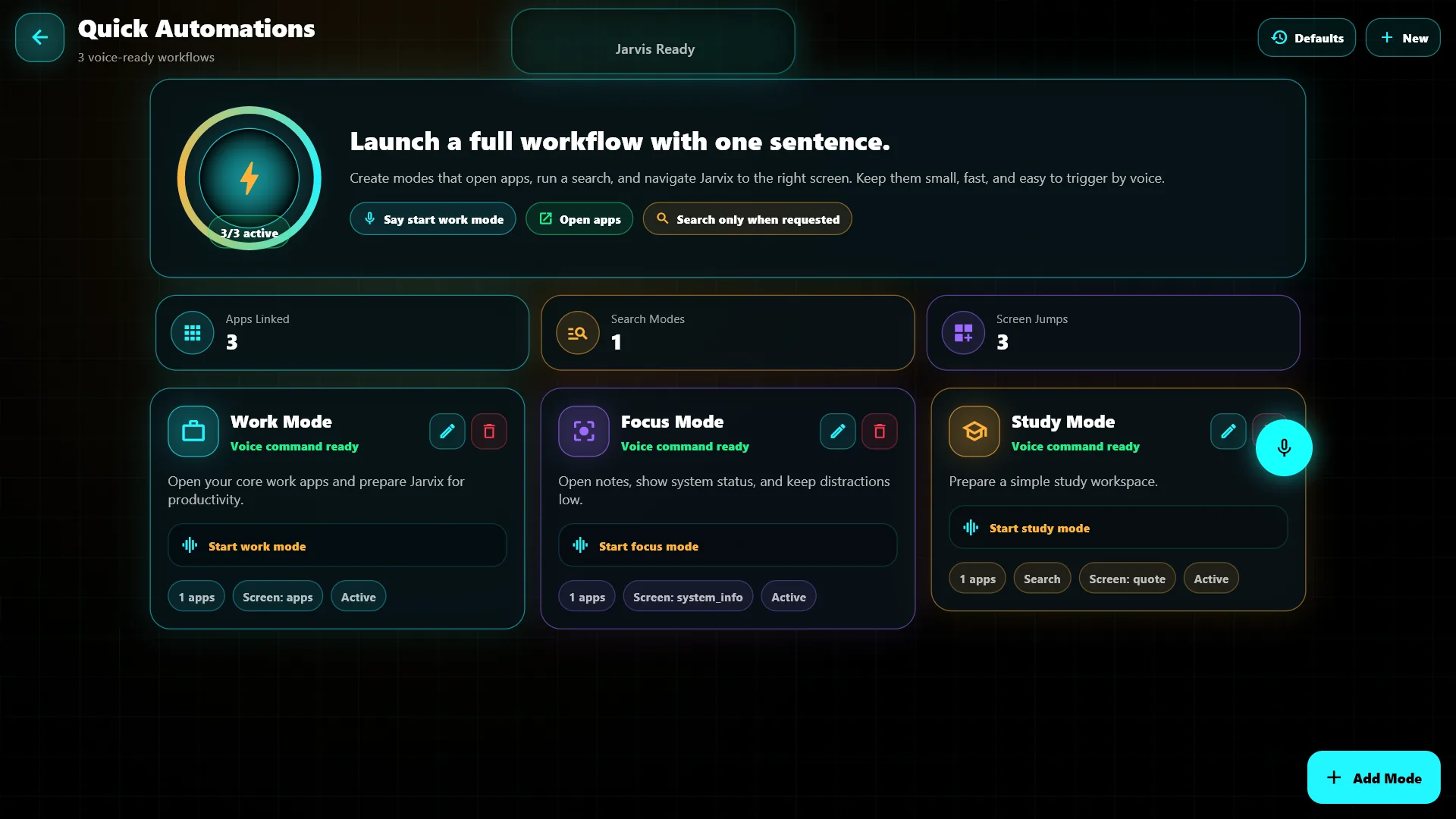
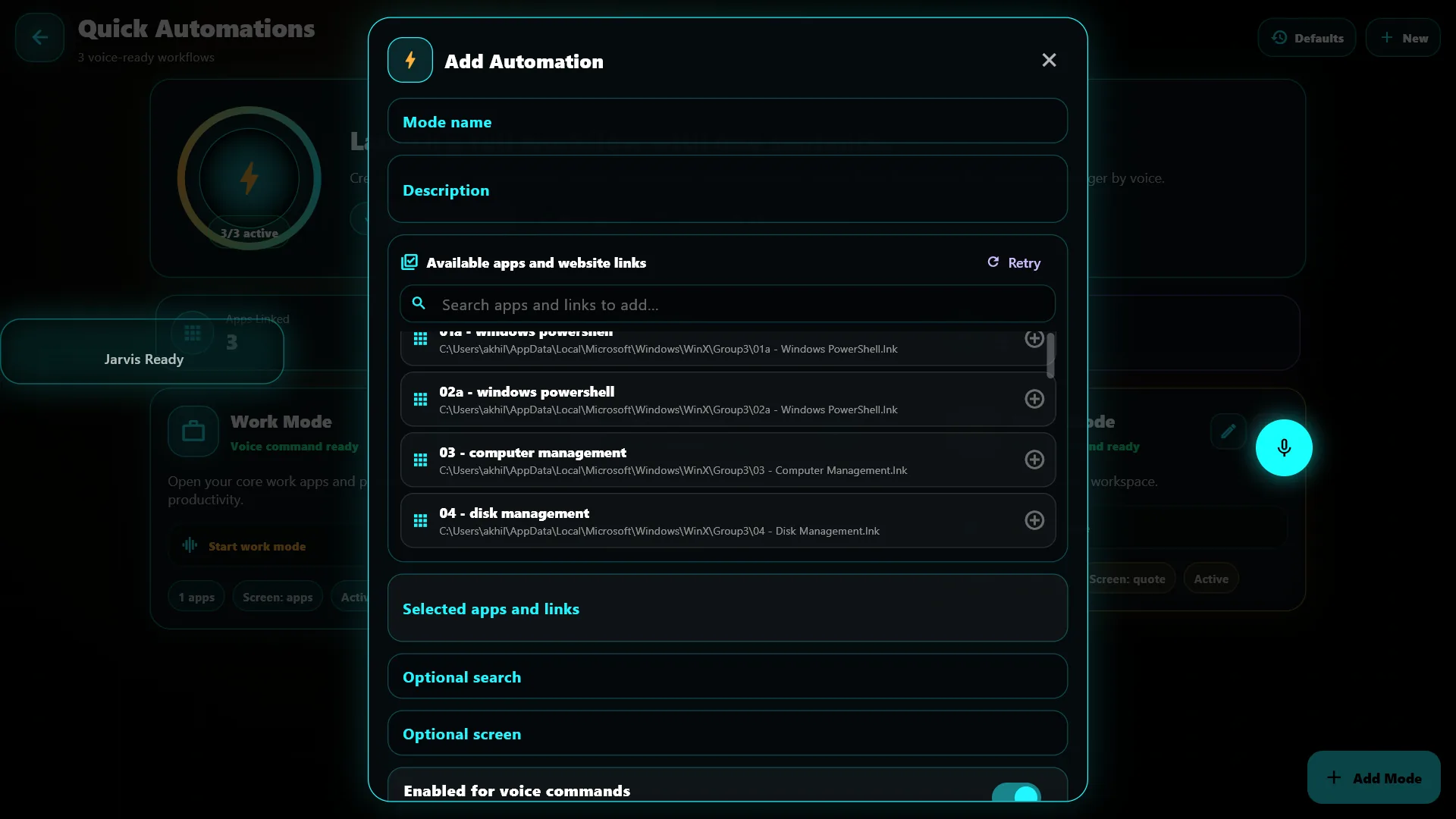
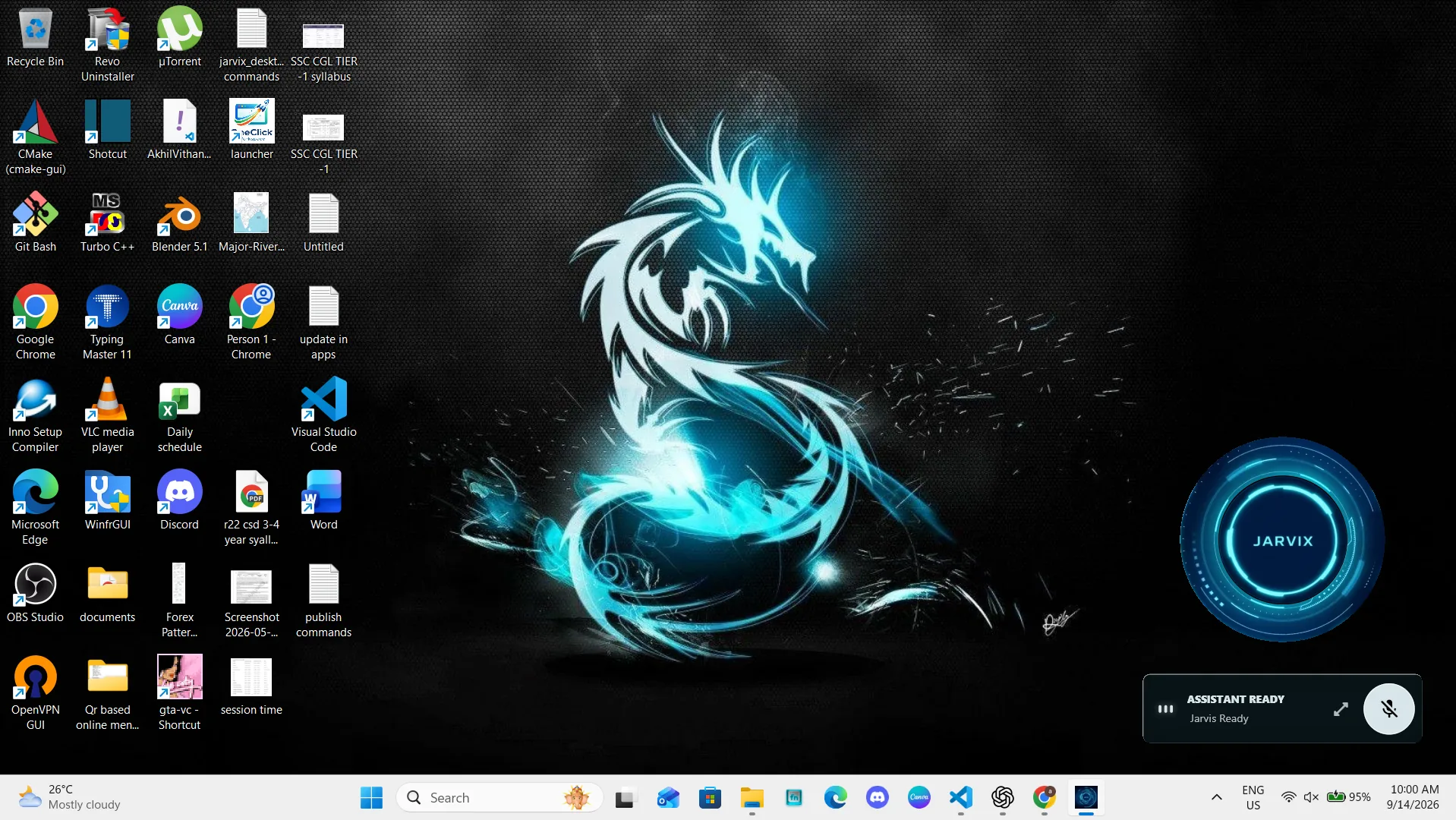
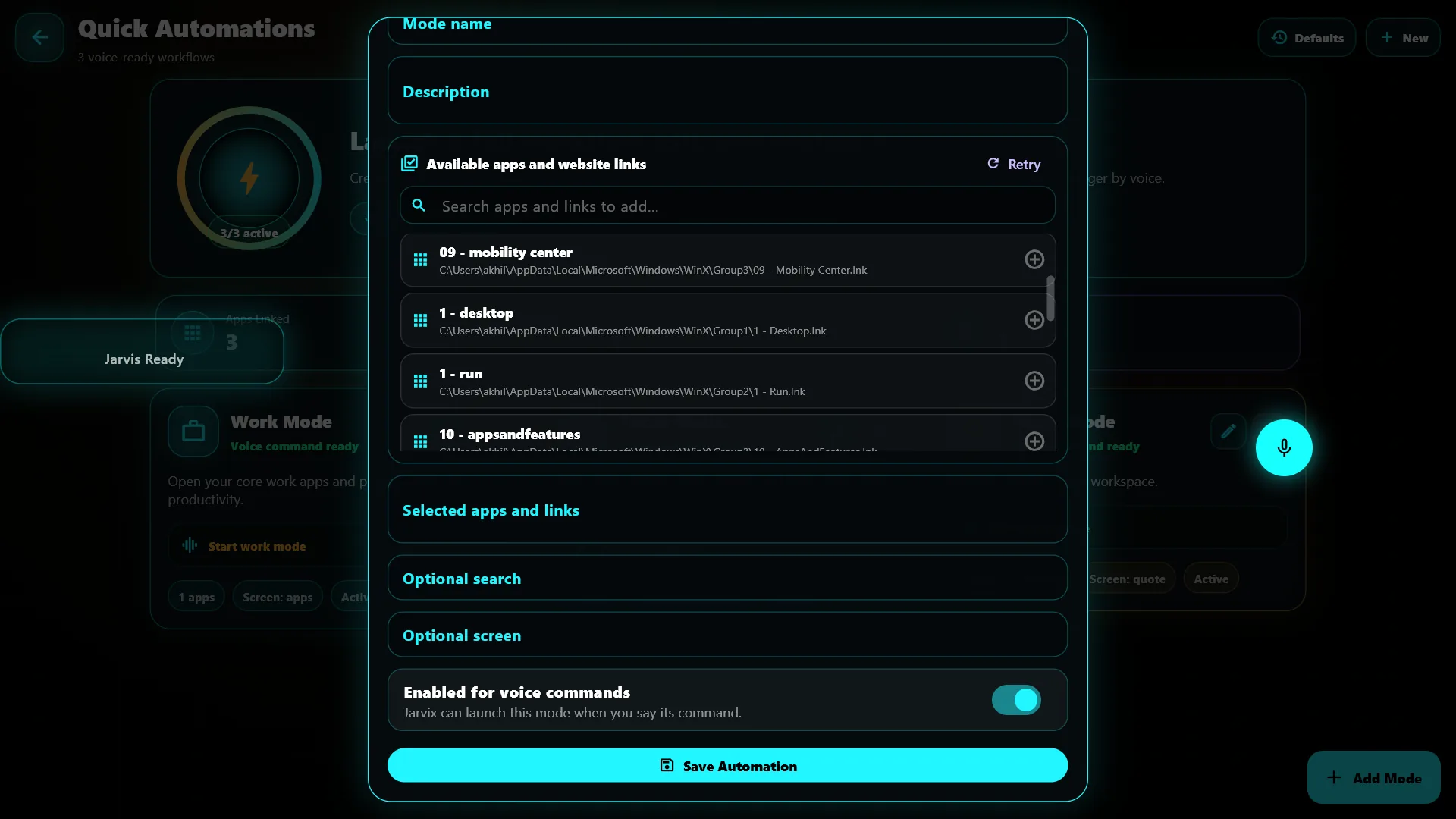
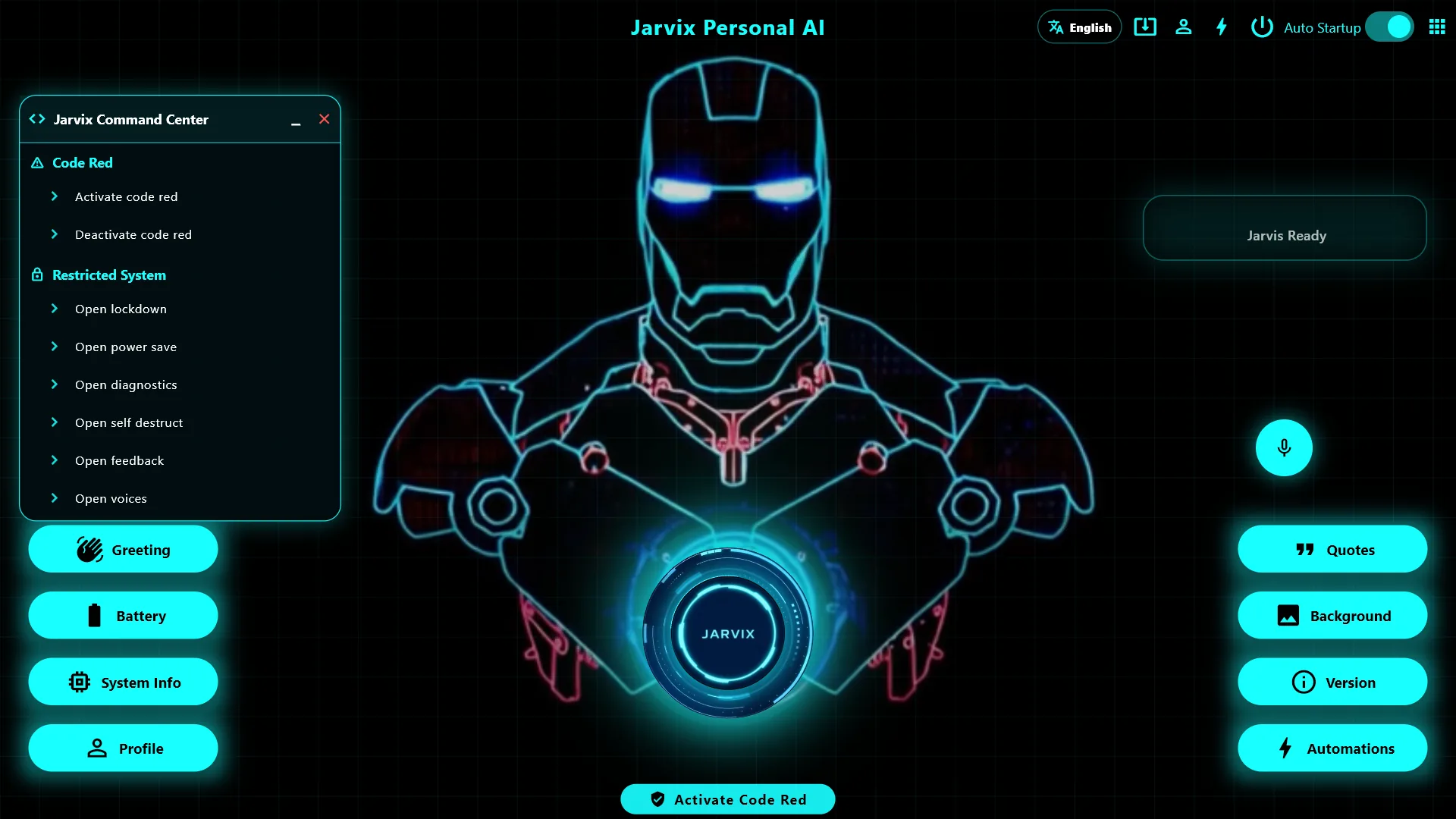
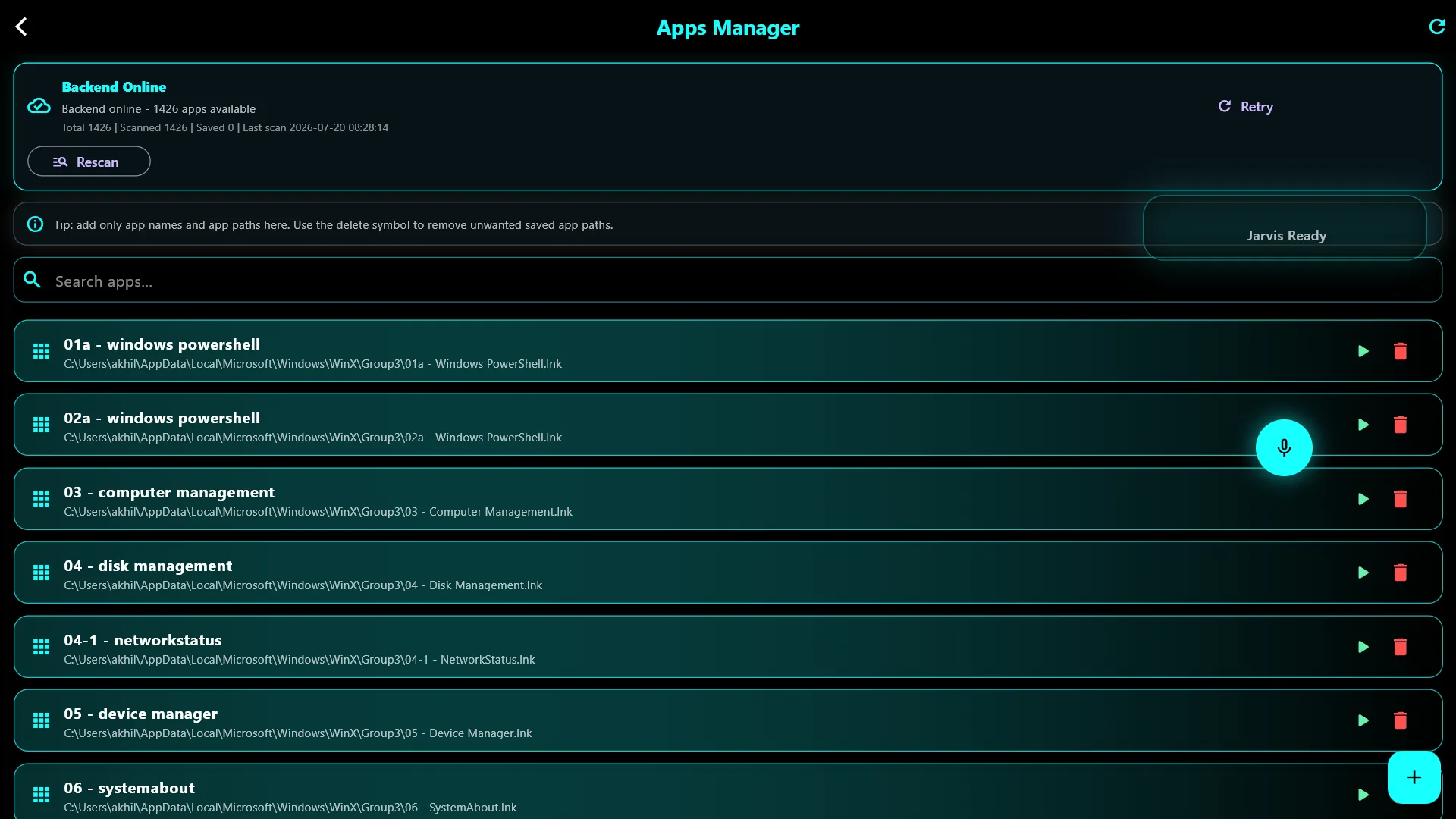
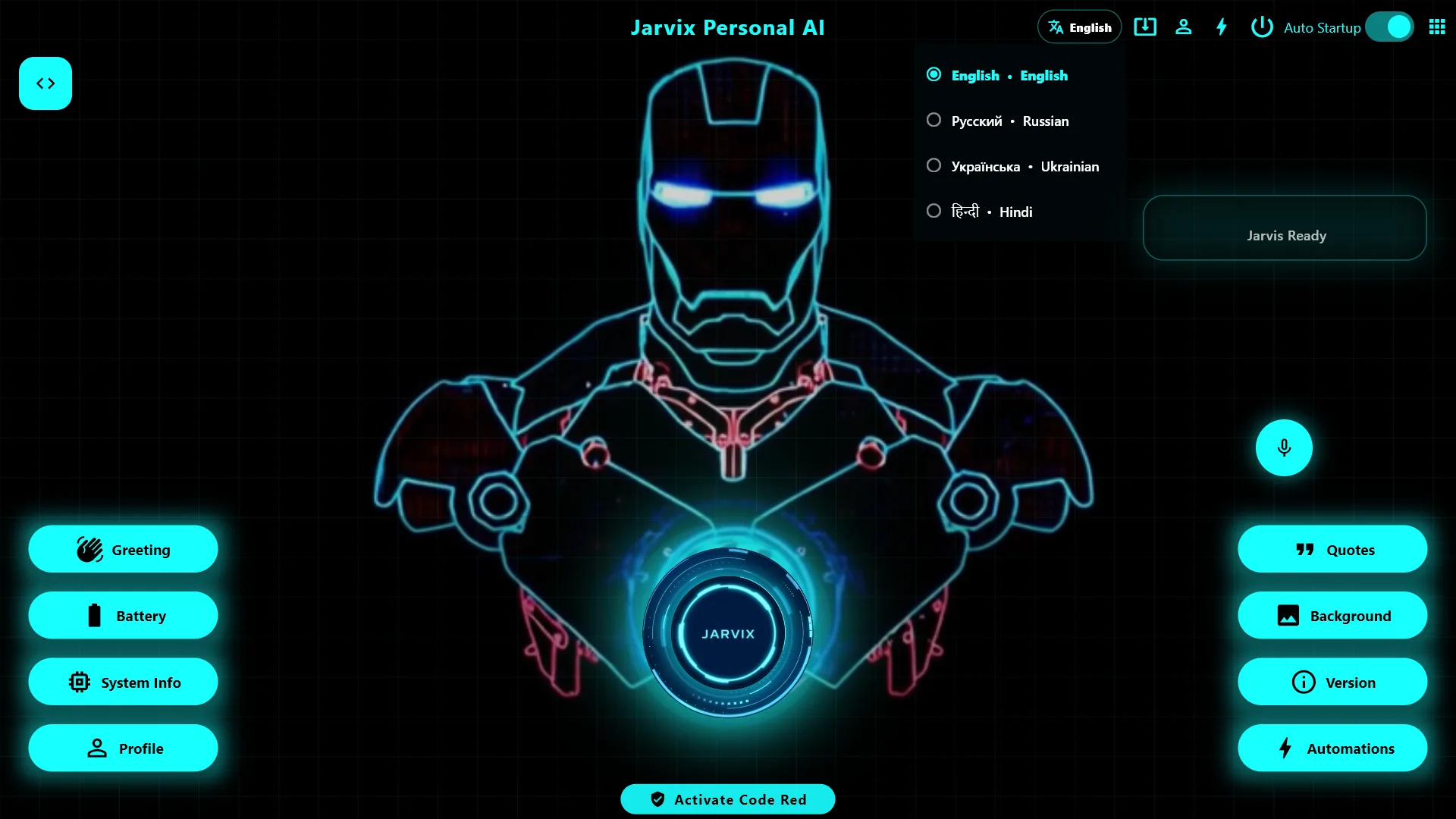
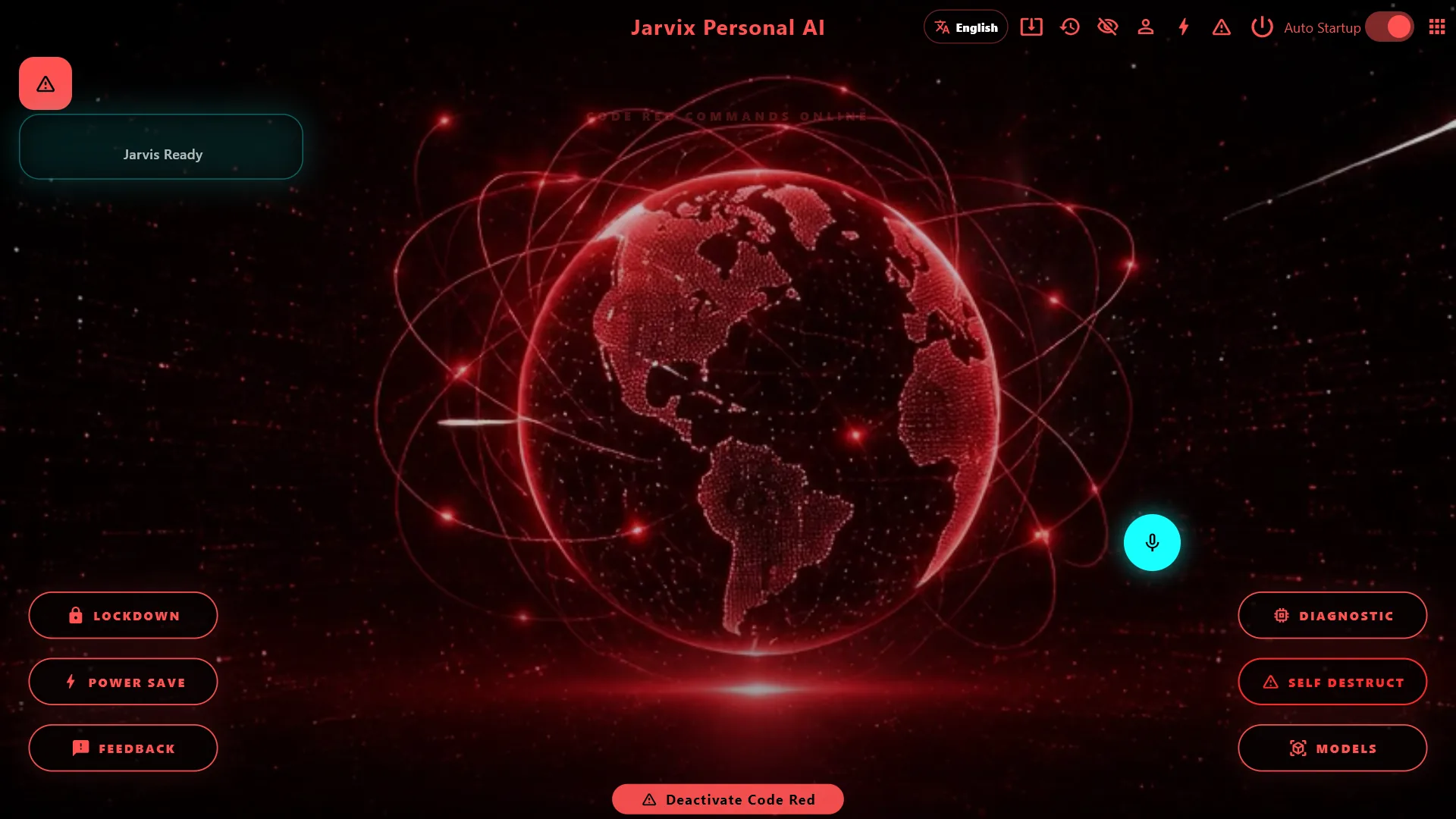
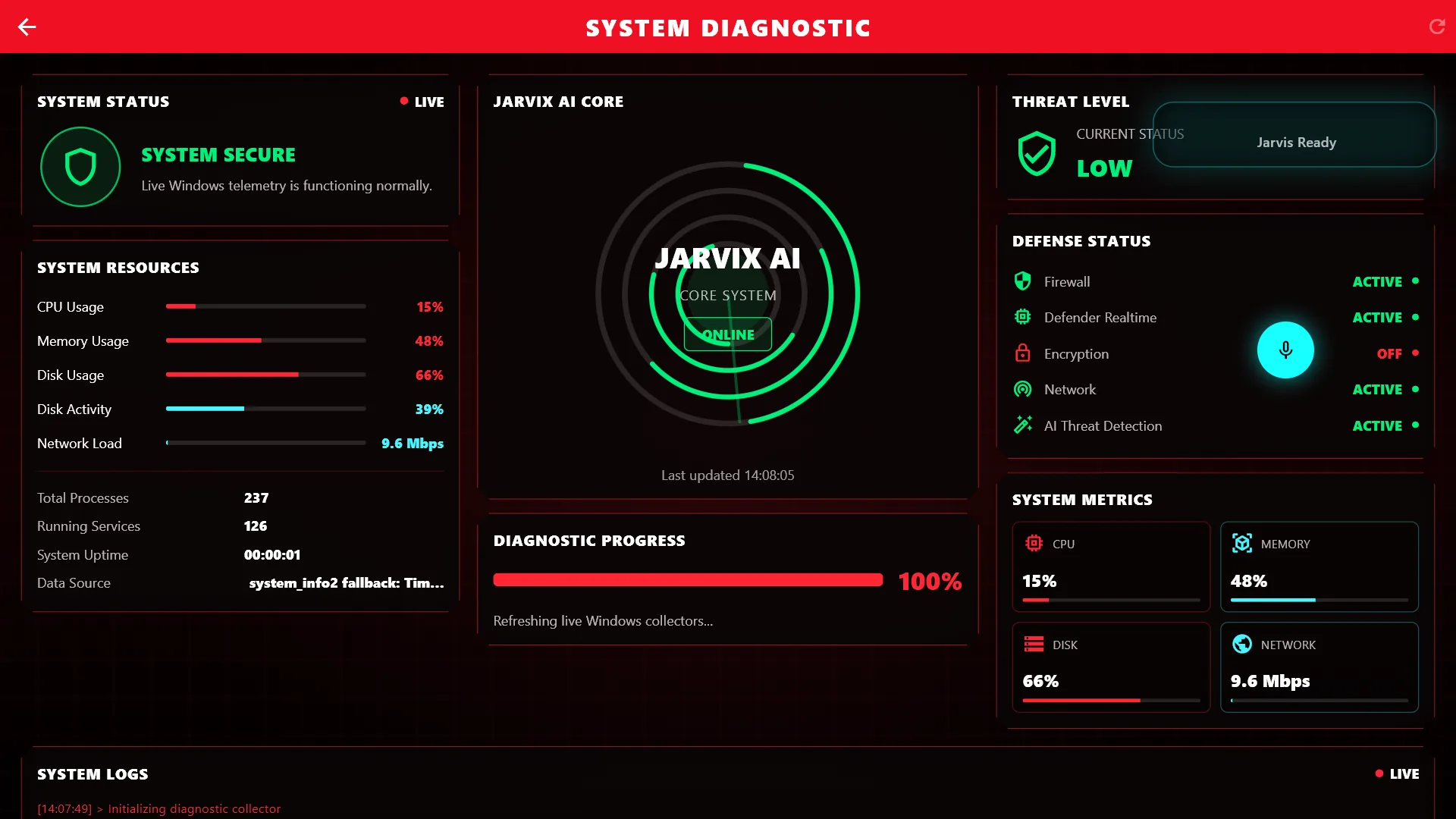
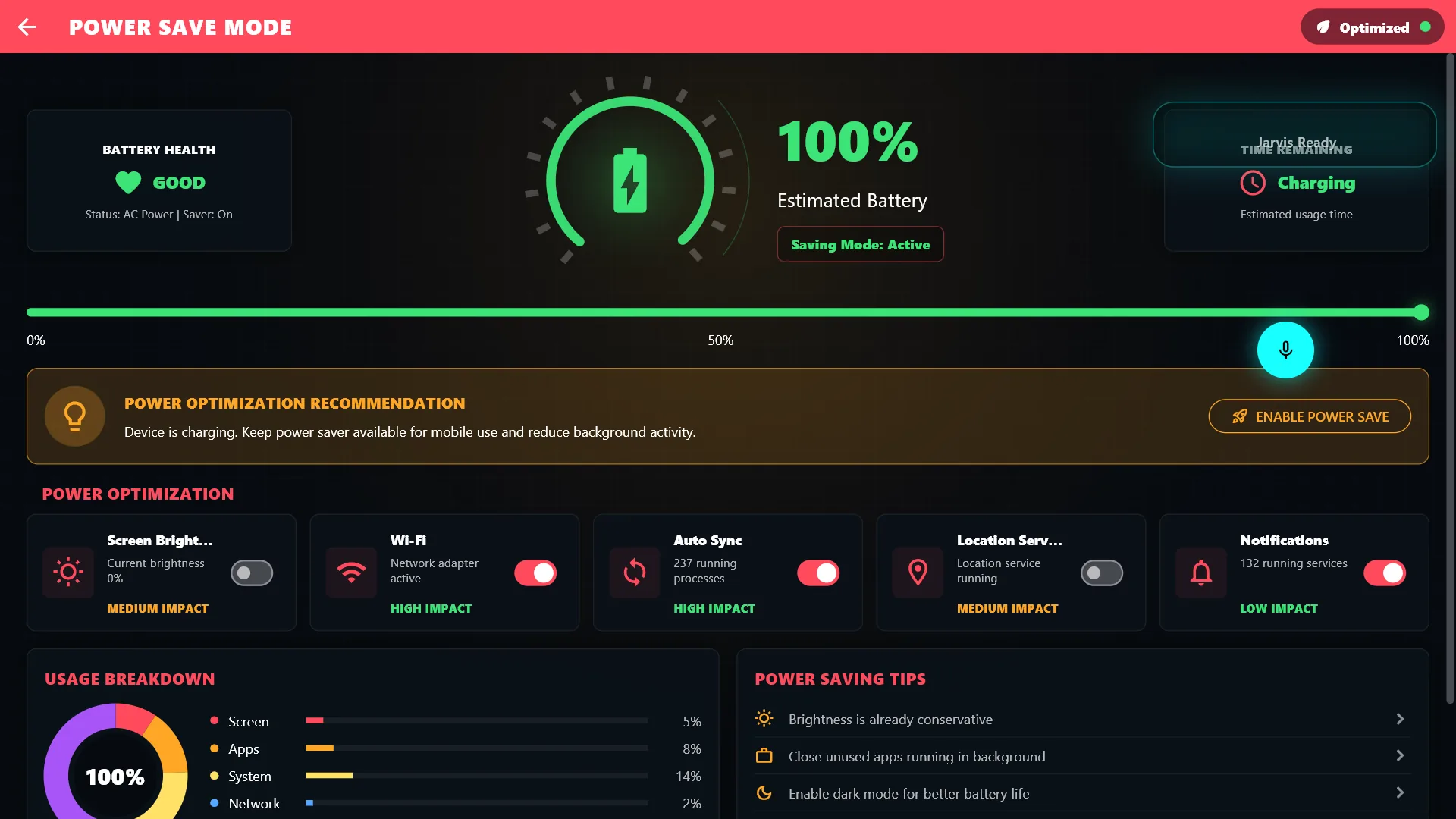
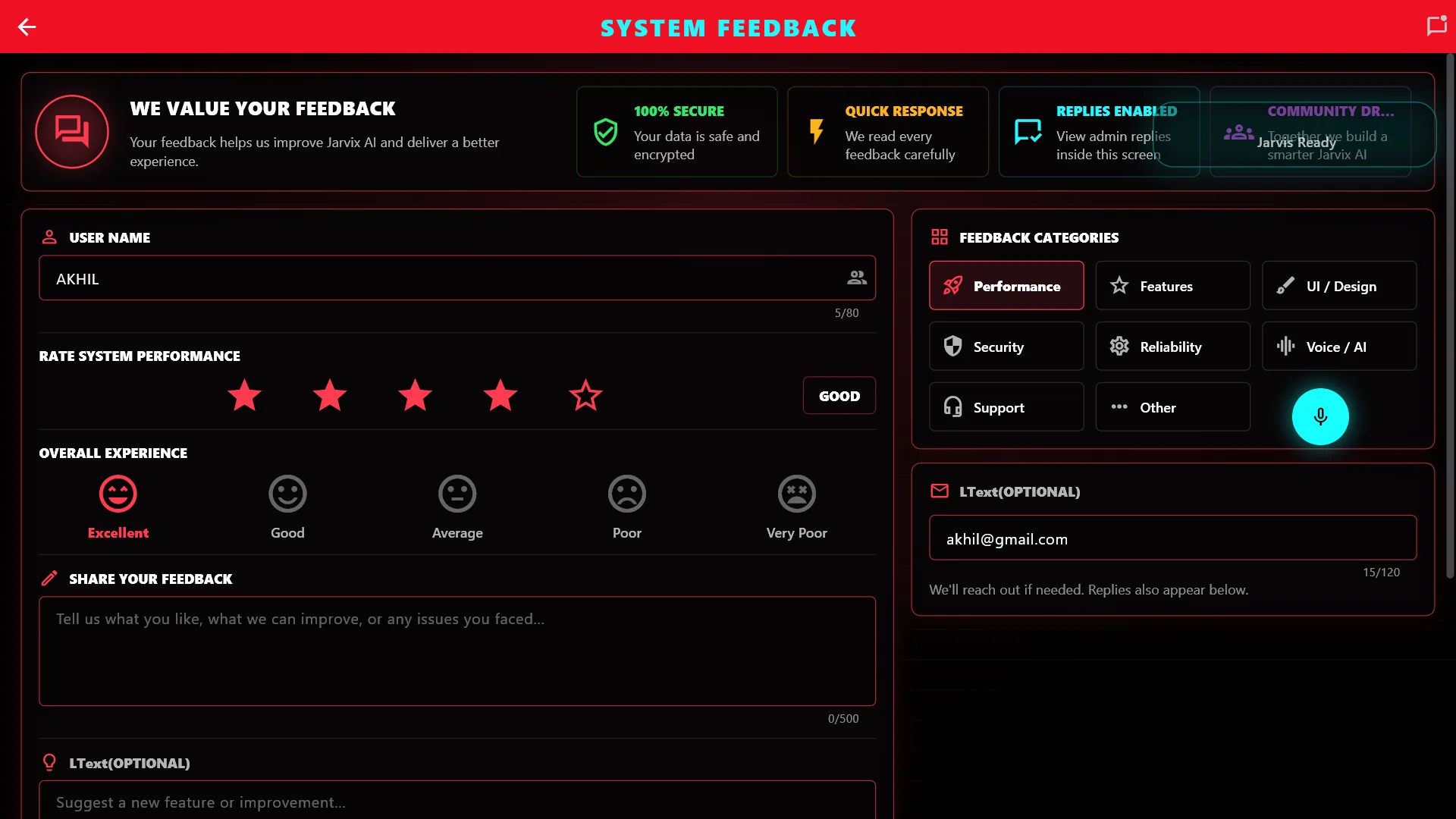
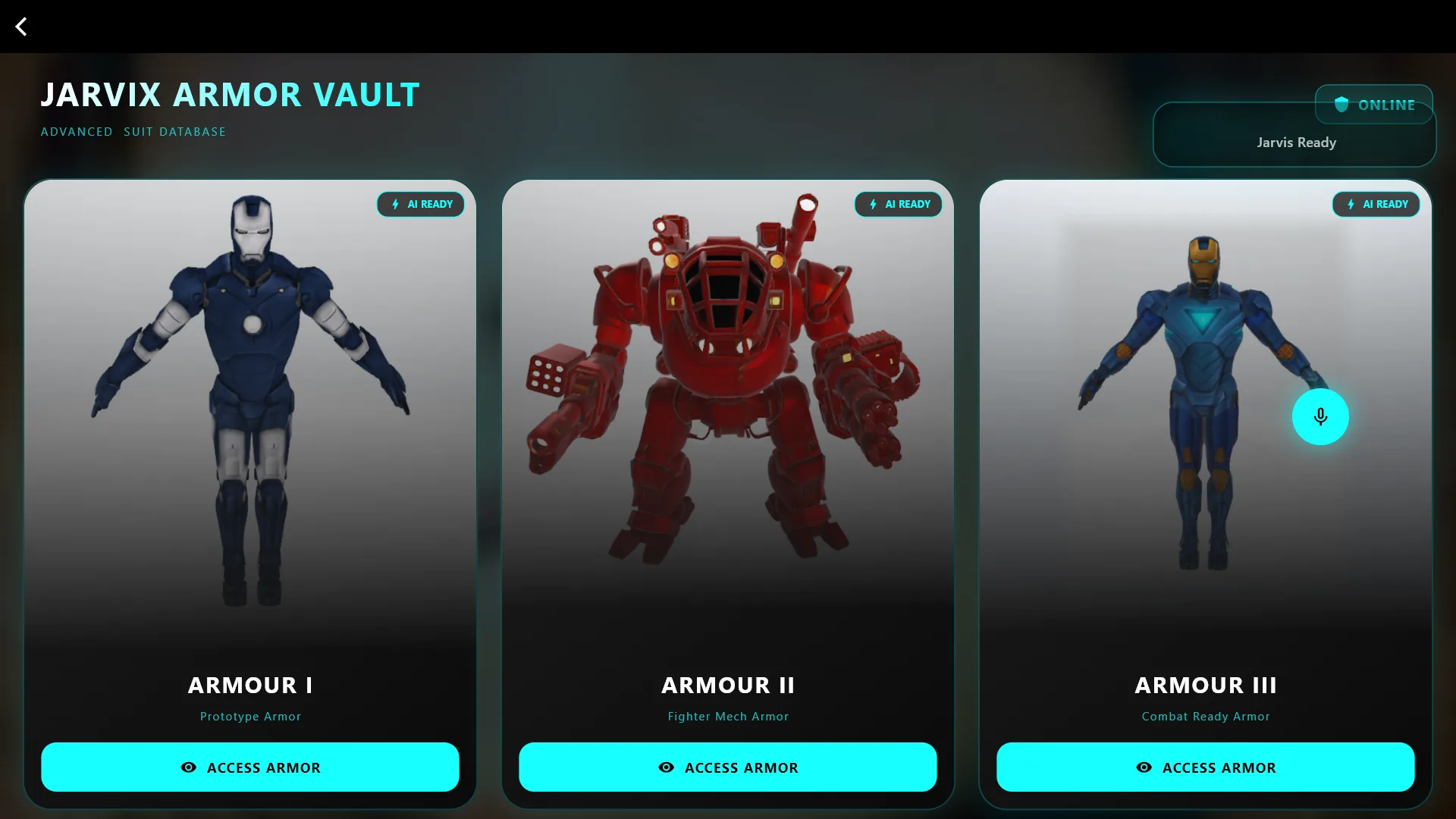
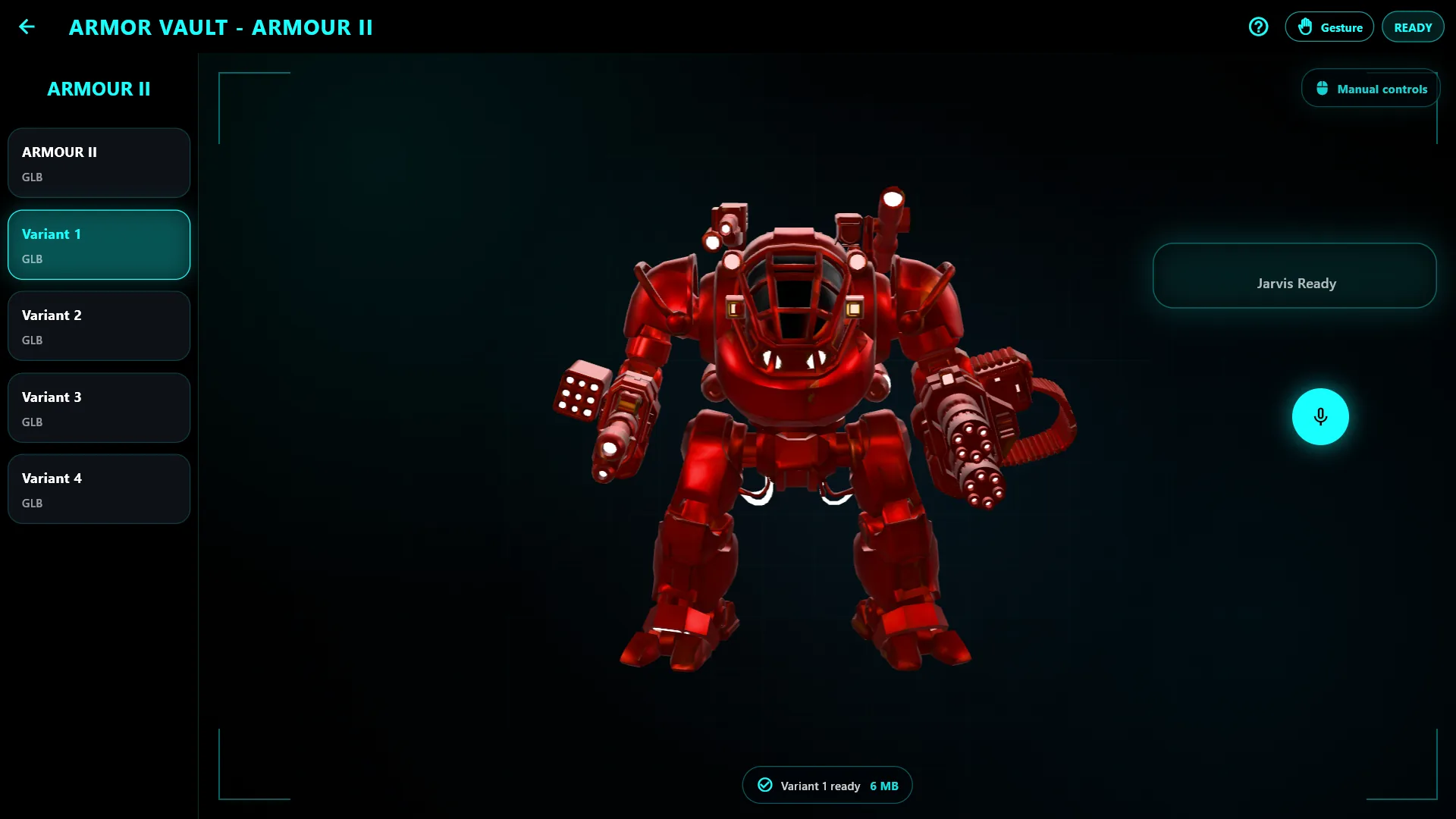
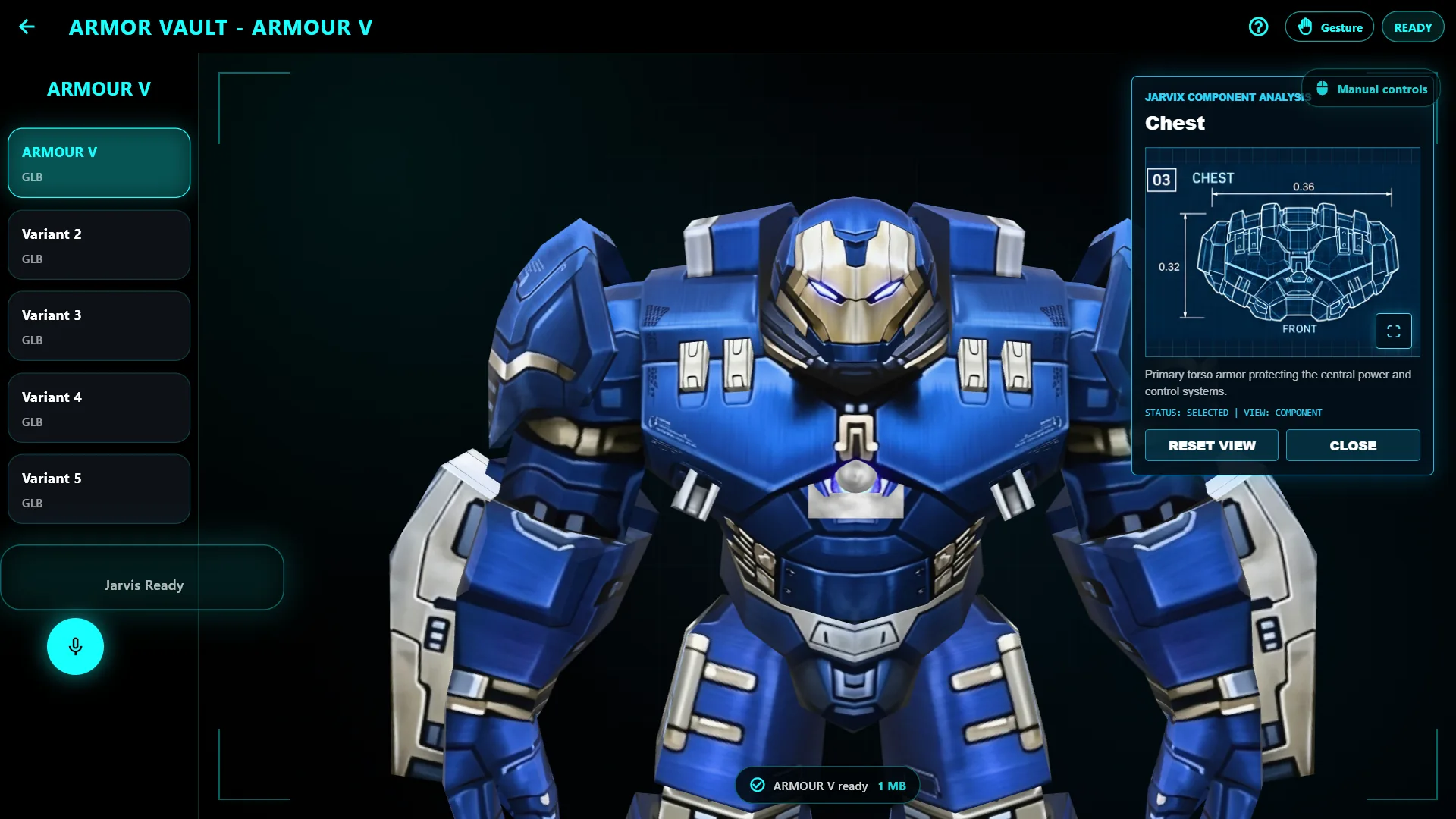
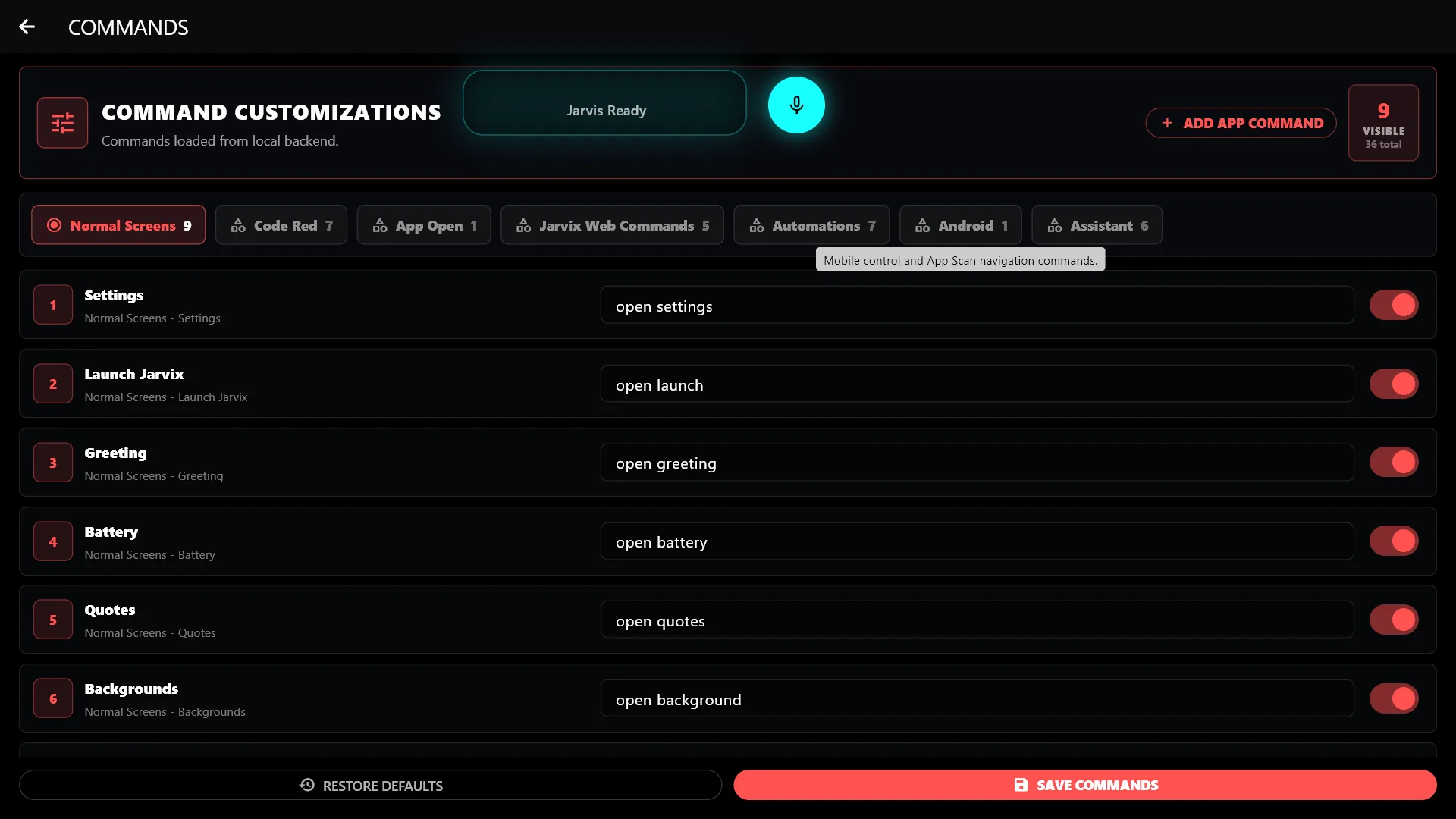
Explore the Jarvix Personal AI interface before you install. Preview its screens alongside the features and setup steps below.
Jarvix Personal AI is a multilingual personal AI assistant for Windows. Jarvix Brain powers conversational assistance and guided workflows, while App Connect offers read-only Gmail access. With your permission, Jarvix can show unread email subjects and short previews of the latest inbox message or draft, but it cannot reply, edit or delete messages. Jarvix Orb adds an assistant-focused search experience, and the Android companion supports selected phone actions from your PC.
Windows users who want multilingual AI assistance, connected app access, faster search and a single place for supported automation workflows.
While working on a PC, a user asks Jarvix Brain a question in a supported language, checks new Gmail messages through App Connect, and uses Jarvix Orb search without leaving the assistant workspace.
These are practical compatibility guidelines. The Microsoft Store listing is the final source for the exact supported Windows version, architecture and device availability.
Answers covering compatibility, pricing, downloads and support.
Jarvix Personal AI is a multilingual personal AI assistant for Windows. Jarvix Brain powers conversational assistance and guided workflows, while App Connect offers read-only Gmail access. With your permission, Jarvix can show unread email subjects and short previews of the latest inbox message or draft, but it cannot reply, edit or delete messages. Jarvix Orb adds an assistant-focused search experience, and the Android companion supports selected phone actions from your PC.
Windows users who want multilingual AI assistance, connected app access, faster search and a single place for supported automation workflows.
Yes. Jarvix Personal AI is offered as a Windows app. Check the current Microsoft Store listing before installing because device, region and Windows-version availability can change.
Jarvix Personal AI is listed here at $20 USD. Microsoft Store pricing, taxes and regional availability may differ, so confirm the final amount in the Store.
Use the official Microsoft Store button on this page. Avoid unofficial copies, and confirm that the listing name and publisher match the details shown here.
Open the product guide or submit the VCR Technology support form with the app name, Windows version, device details and a clear description of what happened.
The website expanded from a homepage into a product-focused brand site with support, legal pages, SEO metadata and structured content.
View all release notesCheck the features and screenshots to see whether Jarvix Personal AI fits your workflow. For installation help or compatibility questions, visit our app support page.
The price shown here is provided by VCR Technology. Check the Microsoft Store listing before purchasing because regional pricing, taxes, trial eligibility or Store availability may differ.
Follow the product guide for workflow steps, common questions and the information to include when requesting support.
Open product guide