How to Compare ChatGPT, Claude, Gemini and Ollama Responses
A useful model comparison keeps the prompt, context and evaluation criteria consistent. It does not assume that the longest or most confident answer is the best one.
Define what you are comparing
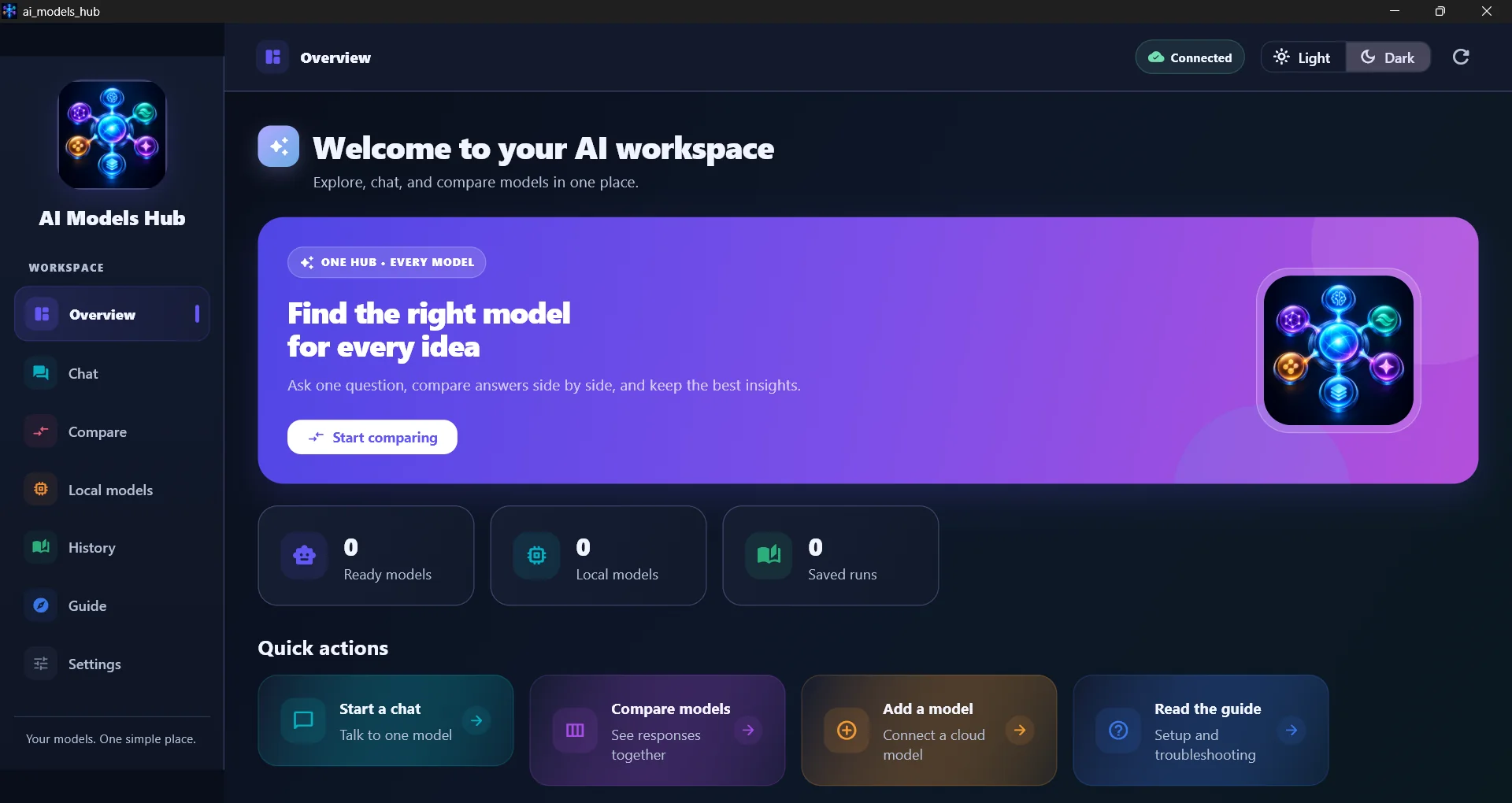
AI Models Hub brings supported provider and local-model workflows into one Windows interface. Use it to compare answers, model setup and saved history without mixing different prompts or requirements.
Before you begin
- Connect only providers and local runtimes you are authorized to use
- Do not submit confidential information without understanding each provider
- Write a prompt with a clear output format
- Choose review criteria before reading the answers
Prepare a fair comparison
- Add or configure the supported providers and Ollama models you use.
- Select the models for the comparison.
- Enter one identical prompt and context.
- Run the comparison.
- Save the useful response with the prompt and selected model.
Understand the key features
| Feature | How to use it |
|---|---|
| Provider setup | Configure supported cloud services used by your accounts. |
| Ollama support | Use compatible local models available through the local runtime. |
| Side-by-side review | Compare responses under the same request. |
| History | Return to earlier prompts and results. |
Evaluate the responses consistently
- Check whether each answer followed the requested format.
- Verify factual claims through primary sources.
- Compare omissions, uncertainty and assumptions.
- Test code or calculations separately.
- Record why one response was selected.
Practical tips
- Use a scoring checklist instead of intuition alone
- Repeat important comparisons because model output can vary
- Separate writing quality from factual accuracy
- Keep provider and model names with saved results
Important limitations
Cloud and local models can change, produce inaccurate information or respond differently across runs. Provider availability, keys, subscriptions and local hardware are separate dependencies.
Final recommendations
Use the same prompt and criteria, verify important outputs, and choose a model based on the actual task rather than brand familiarity alone.
Explore the supported product workflow
Review verified features, real interface screenshots and official Store links.

AI Models Hub
Chat with, compare and manage cloud and local AI models from one Windows workspace.
Best AI Apps for Windows 11: A Practical Guide
The best Windows AI app depends on the job, the data it can access and whether processing happens locally or through an online provider. This guide compares useful categories instead of claiming one tool is best for everyone.
Read article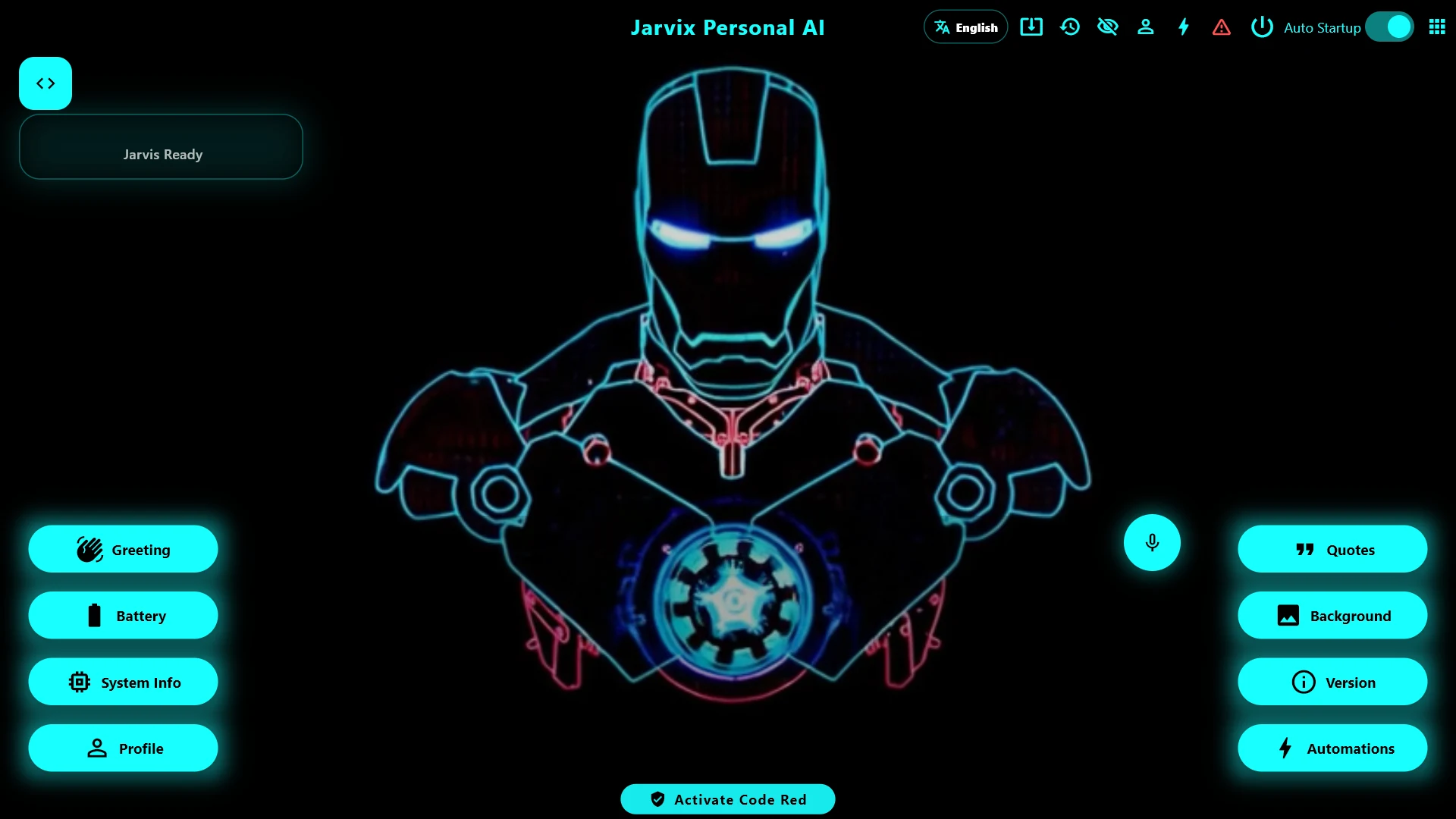
How to Control Your PC Using an AI Assistant
A Windows AI assistant can make supported PC tasks easier to request, but reliable control depends on clear commands, limited permissions and review steps for actions that affect files, accounts or other people.
Read article