How to Create a Trading Journal for Beginners
A trading journal is useful when it records the plan, execution and review consistently. It cannot guarantee profitable decisions, but it can reveal repeated behavior over a meaningful sample.
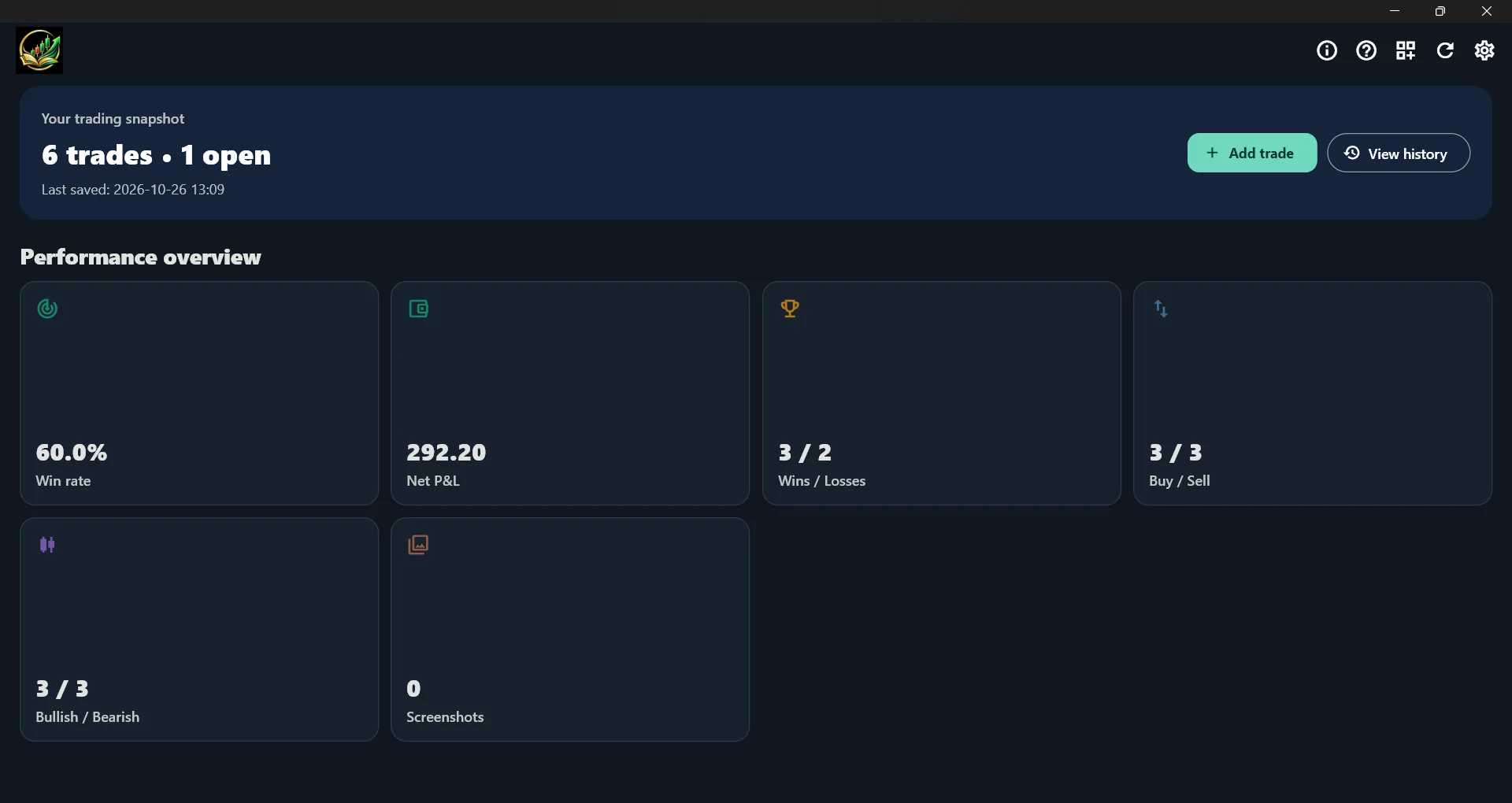
Choose fields you can record consistently
Trading Journal Desk v1.0.1 organizes trade records across dedicated Journal, Analytics, Calendar, Strategies and Reports screens. Use a ready-made template or the visual builder to keep the questions, ratings, screenshots and rule scores consistent for each strategy.
Before you begin
- Decide the market and account units used in the journal
- Write the trade plan before judging the outcome
- Use the same required fields for every trade
- Keep private account credentials out of journal notes
Create the first journal template
- Choose the SMC, Day Trading, Scalping, Swing Trading or Position Trading template, or create one in the visual builder.
- Add the fields and weighted rules you want to review consistently.
- Use Quick Trade Entry beside your chart to record entry, stop, target and planned risk and reward.
- Attach a chart screenshot and decision notes.
- Update the result after the trade closes and review it in the Journal.
Understand the key features
| Feature | How to use it |
|---|---|
| Custom templates | Add, edit, duplicate, reorder and remove fields, questions, ratings and weighted rules. |
| Quick Trade Entry | Record a trade in an always-on-top window with planned risk and reward previews. |
| Journal and calendar | Review individual records or monthly daily profit-and-loss details. |
| Performance analytics | Compare net profit and loss, win rate, profit factor, drawdown, sessions, strategies and discipline. |
| Reports and backups | Create CSV reports and JSON backups, then restore a saved backup when needed. |
Review a group of trades
- Filter trades by strategy, session or date range.
- Compare the calendar, strategy results and drawdown with the original journal records.
- Check whether planned stops, targets and weighted rules were followed.
- Compare notes and screenshots from wins and losses.
- Back up the journal before changing a template or importing data.
- Change one journal or process rule at a time.
Practical tips
- Record screenshots before and after important changes
- Separate process quality from financial outcome
- Use a large enough sample before drawing conclusions
- Write specific notes instead of emotional labels
Important limitations
Journal statistics describe recorded trades and depend on complete, accurate entries. They do not predict future results and are not financial advice.
Final recommendations
Record every trade with the same template, review the process over a meaningful sample and use the journal to identify behavior that can be changed.
Explore the supported product workflow
Review verified features, real interface screenshots and official Store links.

Trading Journal Desk
Build a custom trade journal, capture chart evidence and review performance without connecting a broker.
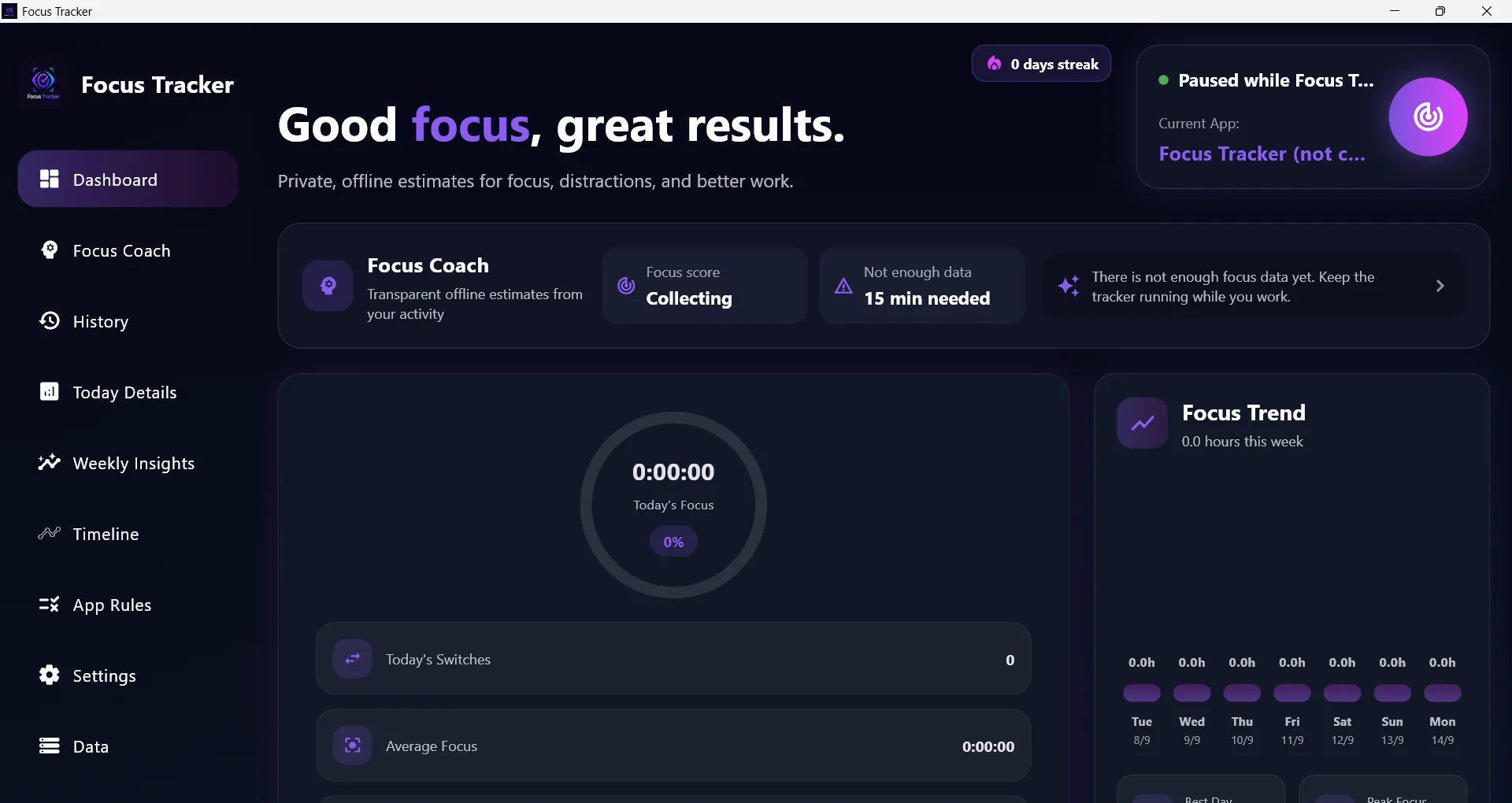
How to Track Focus Time and App Usage on Windows
Focus data is most useful when it helps you change the next session. This guide explains how to run a focused work block, review app usage and avoid treating a single score as a complete measure of productivity.
Read article