How to Create Cinematic Camera Effects on Windows
A convincing camera effect starts with stable framing and clear lighting. Preview the visual style before capturing and check what appears in the background.
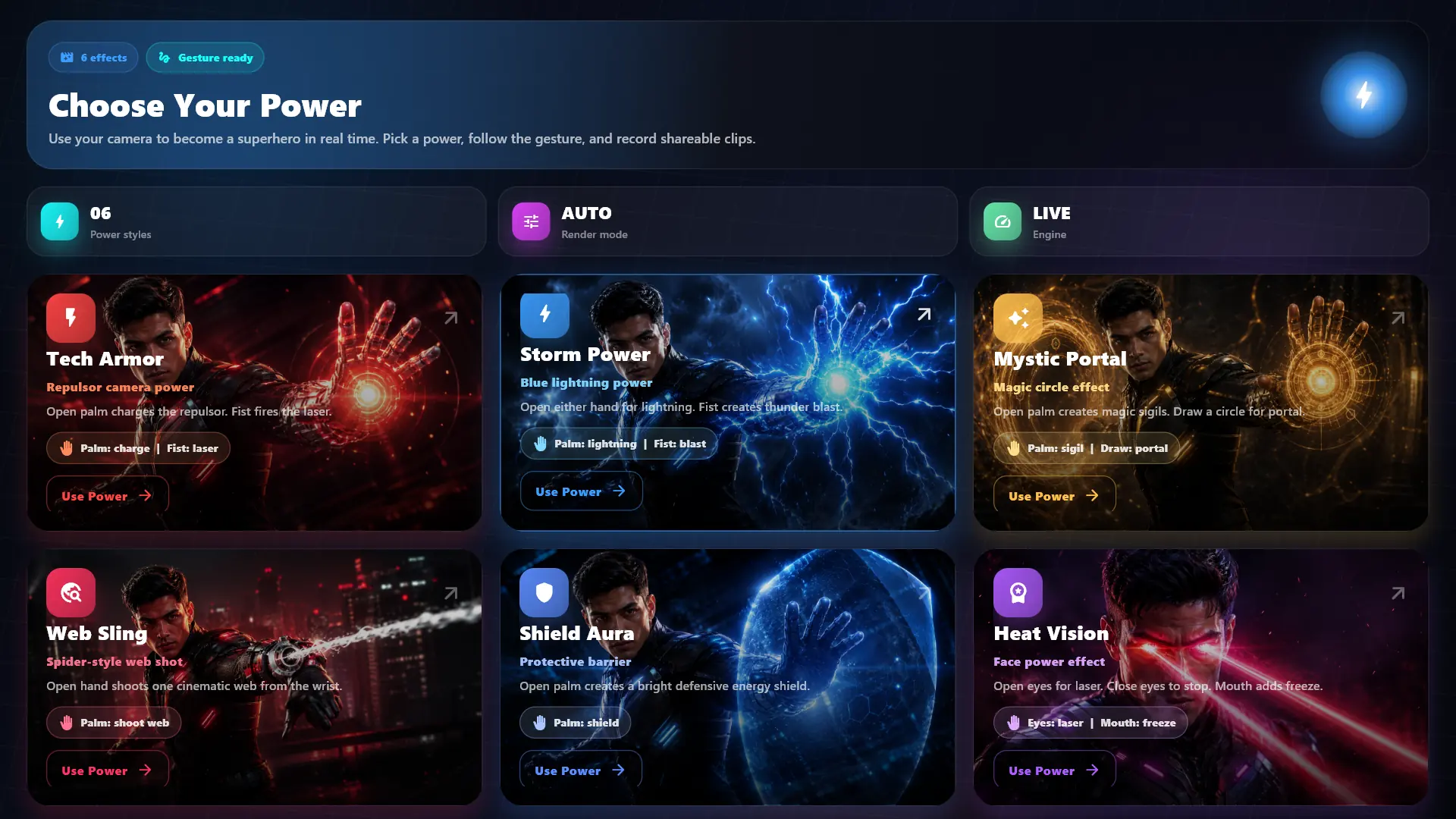
Prepare a safe camera scene
Super Power Camera provides themed visual effects, live preview layouts and cinematic overlays for playful creative experimentation on Windows.
Before you begin
- Grant camera access only on a device you control
- Remove private information from the background
- Use even front lighting
- Confirm how a capture will be saved or shared
Preview a power effect
- Open the app and select the intended camera.
- Choose a themed power style.
- Position the subject inside the preview.
- Adjust lighting and background movement.
- Preview the effect before capturing or recording.
Understand the key features
| Feature | How to use it |
|---|---|
| Power selection | Choose a visual theme for the scene. |
| Live preview | Check framing before creating content. |
| Cinematic overlays | Add fire, rune-style or other supported effects. |
| Transformation modes | Experiment with different stylized looks. |
Improve the visual result
- Stabilize the camera.
- Keep the subject separated from the background.
- Use lighting that clearly defines the subject.
- Choose an effect that fits the movement.
- Review the result before sharing it.
Practical tips
- Use a plain background for busy effects
- Avoid backlighting
- Record a short test first
- Ask permission before including another person
Important limitations
The app creates entertainment effects rather than production-grade compositing. Results depend on camera quality, lighting, movement and the selected mode.
Final recommendations
Start with a stable, well-lit test scene, preview the effect carefully and share only media that has been reviewed for privacy.
Explore the supported product workflow
Review verified features, real interface screenshots and official Store links.
Super Power Camera
A creative camera experience with cinematic power effects.
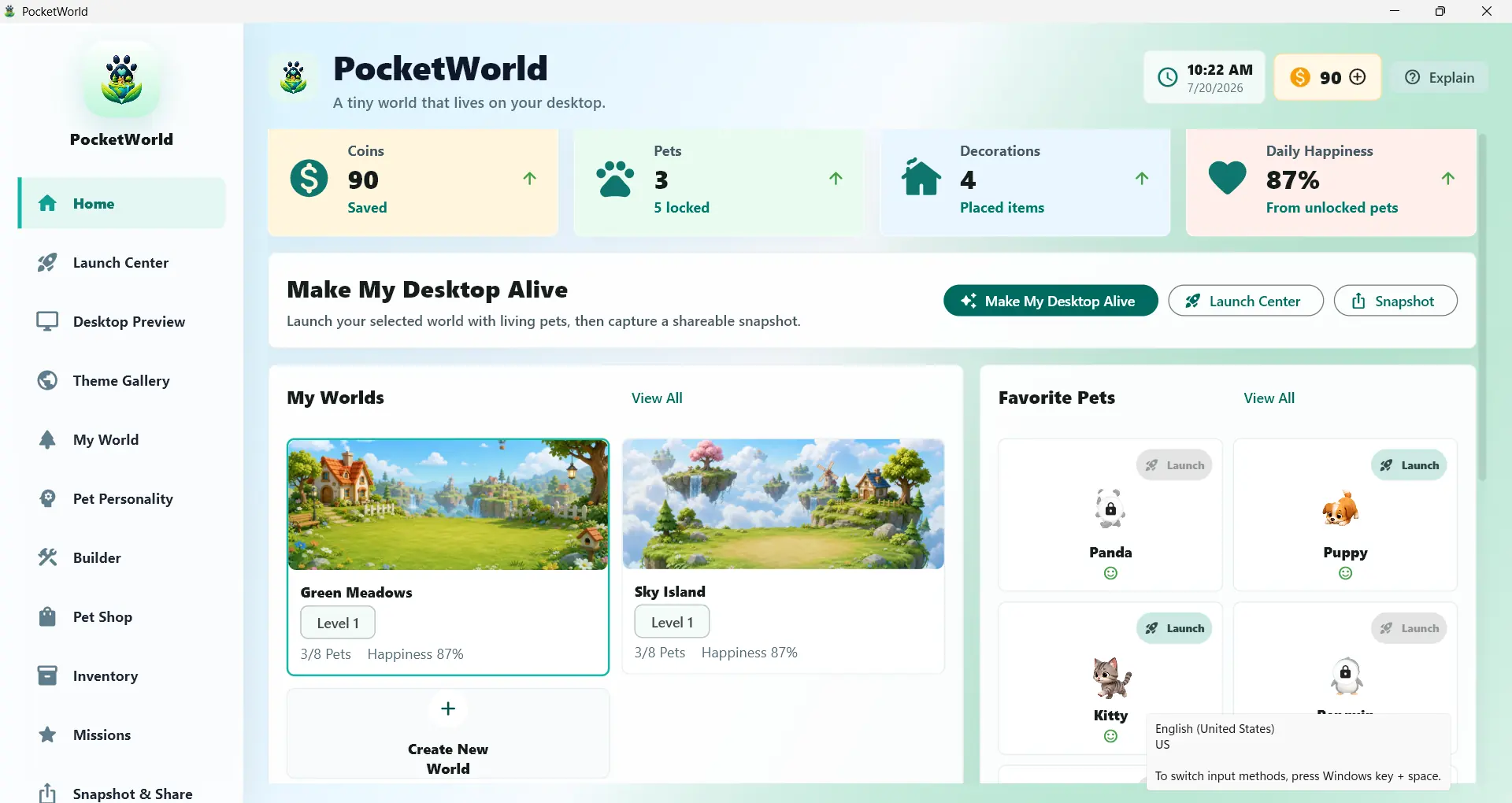
A Beginner’s Guide to Exploring Pocket World on Windows
Pocket World is designed as a lightweight interactive desktop experience. Begin with the dashboard, explore one area at a time and avoid turning a relaxed activity into another completion task.
Read article