A Beginner’s Guide to Exploring Pocket World on Windows
Pocket World is designed as a lightweight interactive desktop experience. Begin with the dashboard, explore one area at a time and avoid turning a relaxed activity into another completion task.
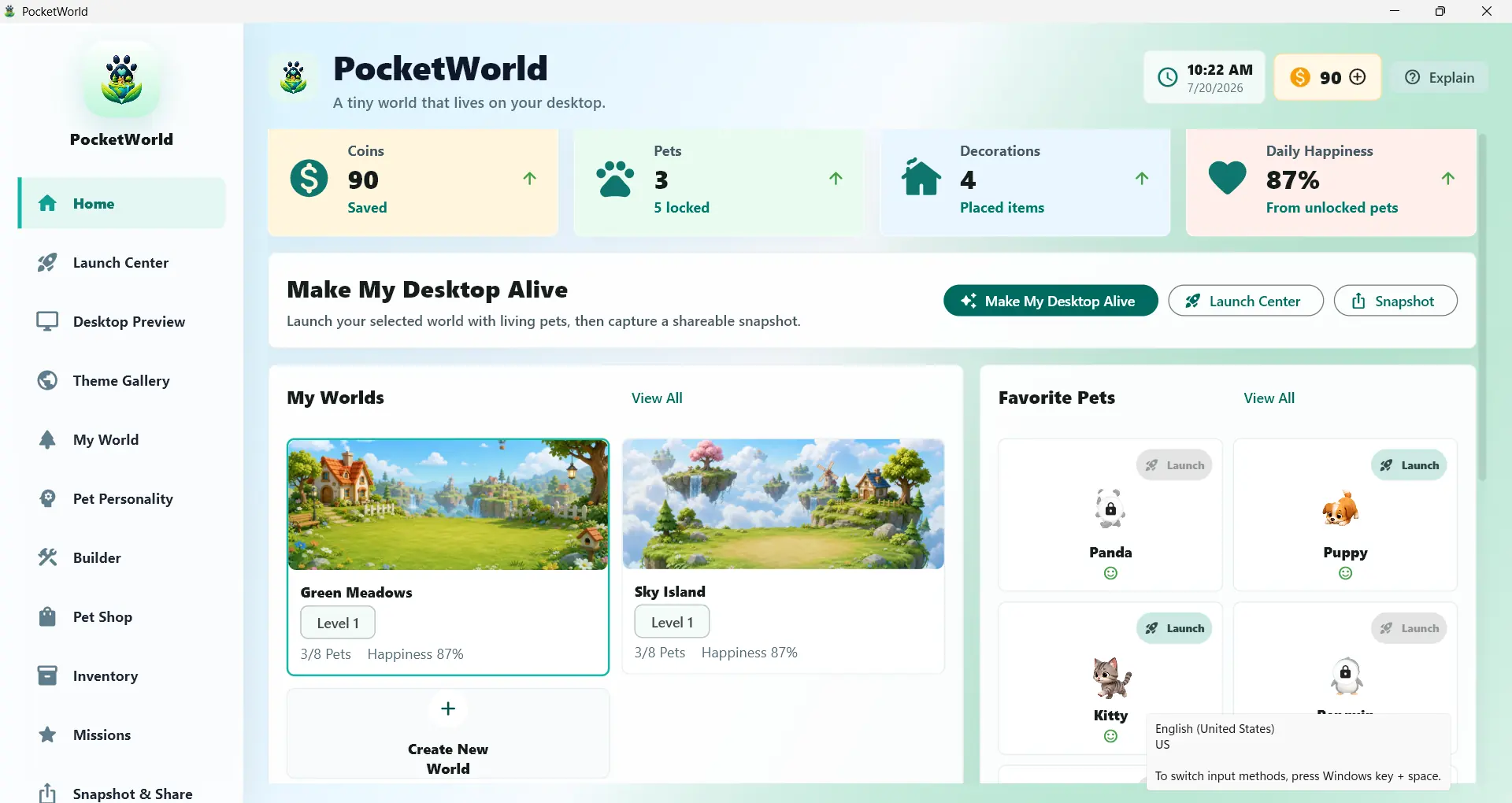
Understand the experience
Pocket World offers a compact dashboard and modules for casual exploration, collecting and low-pressure interaction. It is intended for short breaks and playful discovery.
Before you begin
- Review the dashboard before opening a module
- Use a short break window
- Save or close other work first
- Treat progress as optional
Begin exploring
- Open Pocket World and review the main dashboard.
- Choose one available area or activity.
- Follow the visible interaction prompts.
- Return to the dashboard when finished.
- Close the app before resuming focused work.
Understand the key features
| Feature | How to use it |
|---|---|
| World dashboard | Access available areas and status information. |
| Interactive modules | Explore small activities at your own pace. |
| Collection elements | Review items or progress supported by the experience. |
| Low-pressure design | Use the app for casual discovery rather than competition. |
Use Pocket World as a short break
- Finish or pause the current work task.
- Set a short break boundary.
- Explore one Pocket World activity.
- Stop when the break ends.
- Return to work without leaving the app running in front.
Practical tips
- Explore one module at a time
- Use the app during planned breaks
- Avoid comparing casual progress
- Check updates when new modules appear
Important limitations
Available areas and interactions depend on the installed version. Pocket World is a casual experience and is not a productivity, education or financial tool.
Final recommendations
Use the dashboard to explore gradually and keep the experience relaxed, optional and separate from tasks that require concentration.
Explore the supported product workflow
Review verified features, real interface screenshots and official Store links.

Pocket World
A compact digital world for discovery and light interaction.
How to Play and Enjoy Treasure Hunt Riddles on Windows
A good riddle session rewards careful reading more than fast guessing. This guide explains how to use themes, clues and short breaks to keep the puzzle experience enjoyable.
Read article