How to Organize Important Digital Files and Memories
Important files are easier to preserve when they have a clear purpose, useful description and separate backup. A visual collection can improve organization, but it should not be the only copy.
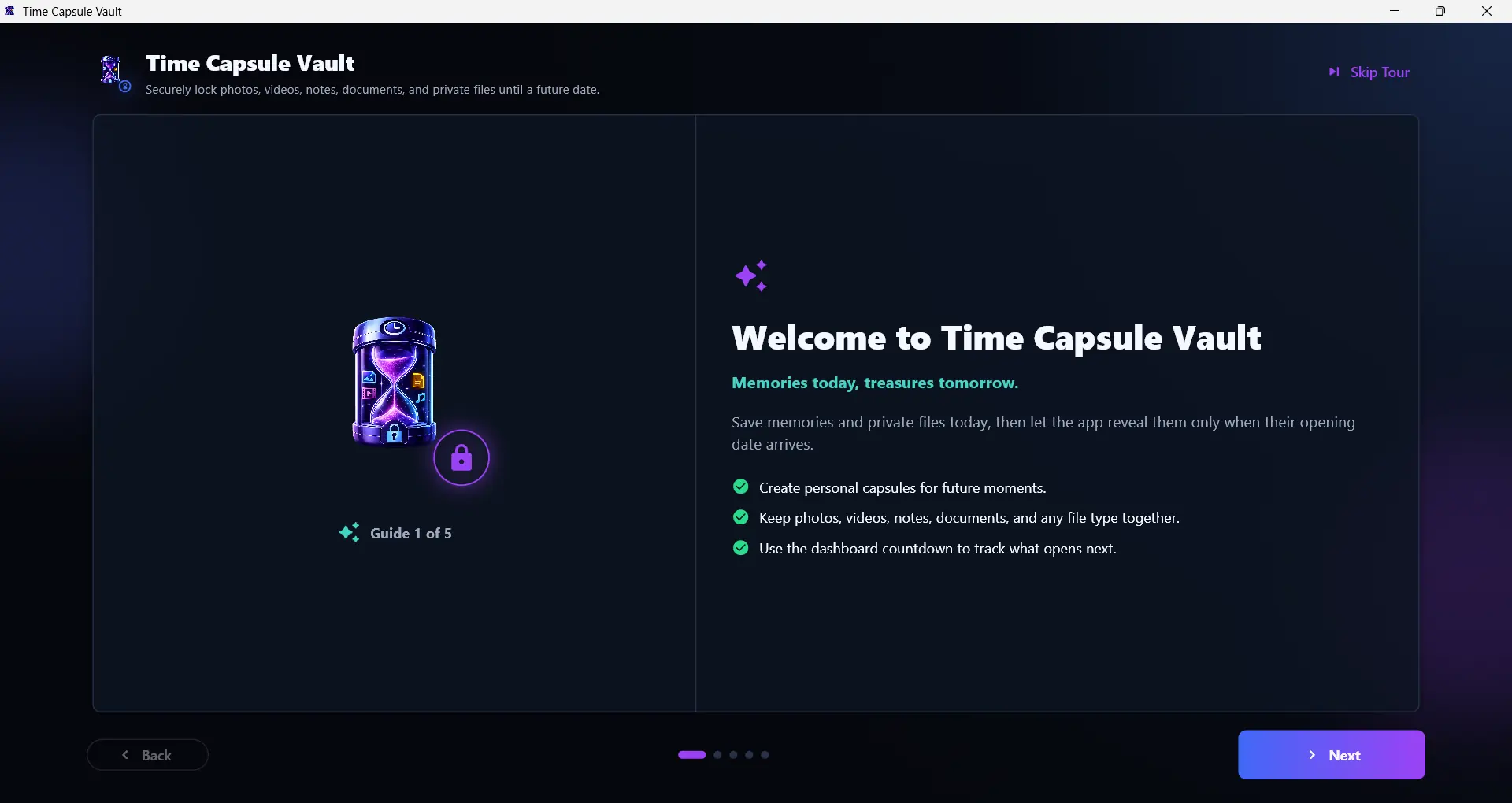
Decide what belongs in a collection
Time Capsule Vault provides a guided workspace for creating digital capsules, adding details and grouping selected files. It is suited to memories, keepsakes and personal records that benefit from context.
Before you begin
- Keep the original file outside the capsule until the copy is verified
- Remove duplicates and temporary exports
- Use a meaningful capsule name and description
- Maintain a separate backup on another device or trusted service
Create a digital capsule
- Create a capsule for one event, person or purpose.
- Add a title, date and useful context.
- Select the files that belong together.
- Review the uploaded or attached content.
- Return later to confirm the collection still opens correctly.
Understand the key features
| Feature | How to use it |
|---|---|
| Guided setup | Create a capsule with a clear purpose. |
| Capsule dashboard | Review saved collections in one place. |
| File upload flow | Add selected memories or records. |
| Profile and saved views | Return to organized capsule information. |
Maintain the collection over time
- Review the capsule after major file changes.
- Add context that a future reader will need.
- Remove accidental duplicates.
- Verify the external backup.
- Export or migrate records before changing computers.
Practical tips
- Use open, common file formats for long-term access
- Add descriptions rather than relying on filenames
- Keep sensitive records in an appropriately protected location
- Test backups instead of assuming they work
Important limitations
An organizer is not automatically a backup, encryption service or permanent archival guarantee. Storage failure, account changes and unsupported formats can affect access.
Final recommendations
Use capsules to add structure and meaning, while maintaining independent backups and checking that important files remain readable.
Explore the supported product workflow
Review verified features, real interface screenshots and official Store links.
Time Capsule Vault
A simple vault for memories, files and important records.
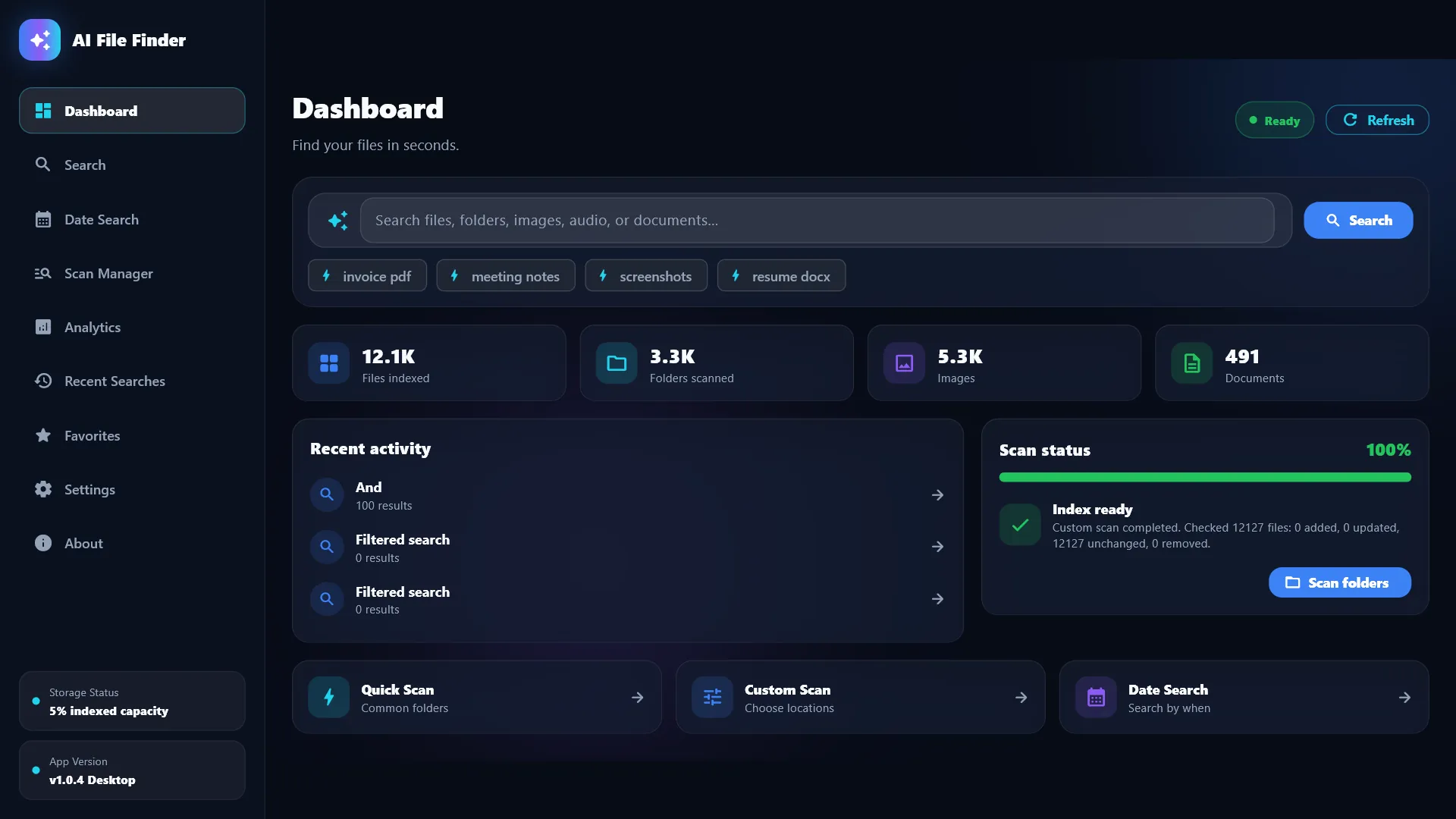
How to Find Files Faster on Windows 11
When a file name is forgotten, the fastest solution is usually to narrow the location, use the detail you still remember and check whether Windows has indexed the folder. These methods work without installing another app.
Read article